Buyer's guide + workflows
If you're searching for the best AI note taking app, focus on outcomes: faster studying, clearer meeting notes, and reliable tools you can trust across phone, tablet, and web. This guide shows what matters in 2025 and how to evaluate your options with confidence.
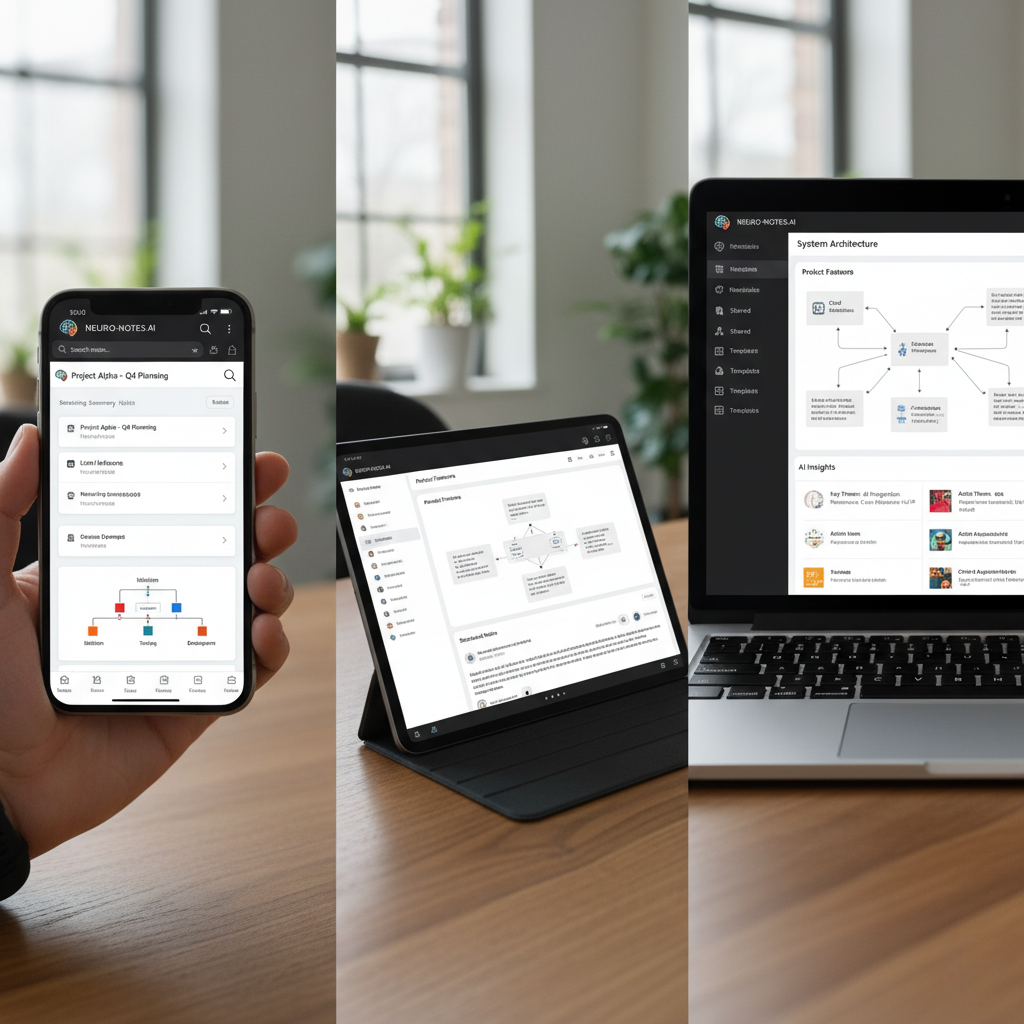
Capture once, review anywhere-web, iOS, and Android.
What Is an AI Note Taking App?
An AI note taking app captures spoken content-lectures, meetings, interviews, personal voice notes-and turns it into organized, searchable notes. Instead of leaving you with a raw transcript, a great app adds structure: headings, key takeaways, action items, definitions, and even visual diagrams for complex topics.
In short: record once, then review and reuse your notes without re-typing everything.
Who Benefits and When?
- Students: Capture lectures, tutorials, and study groups. Turn class sessions and public videos into study guides, summaries, and diagrams.
- Professionals: Document meetings, workshops, and training sessions with decisions, action items, and shareable PDFs.
- Researchers and creators: Transcribe interviews or episodes, surface themes, and map ideas visually for clarity.
- Cross-platform users: Seamless handoff between mobile and web, so notes are always where you are.
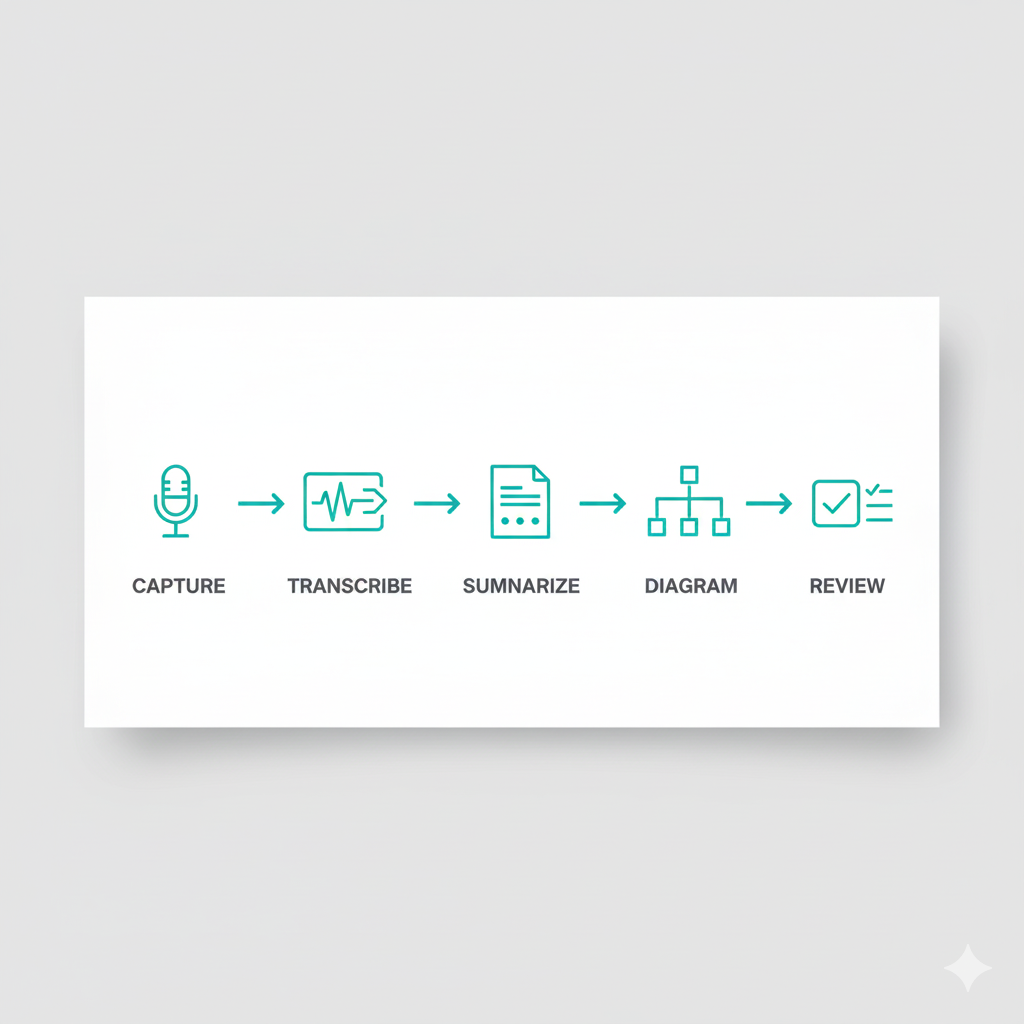
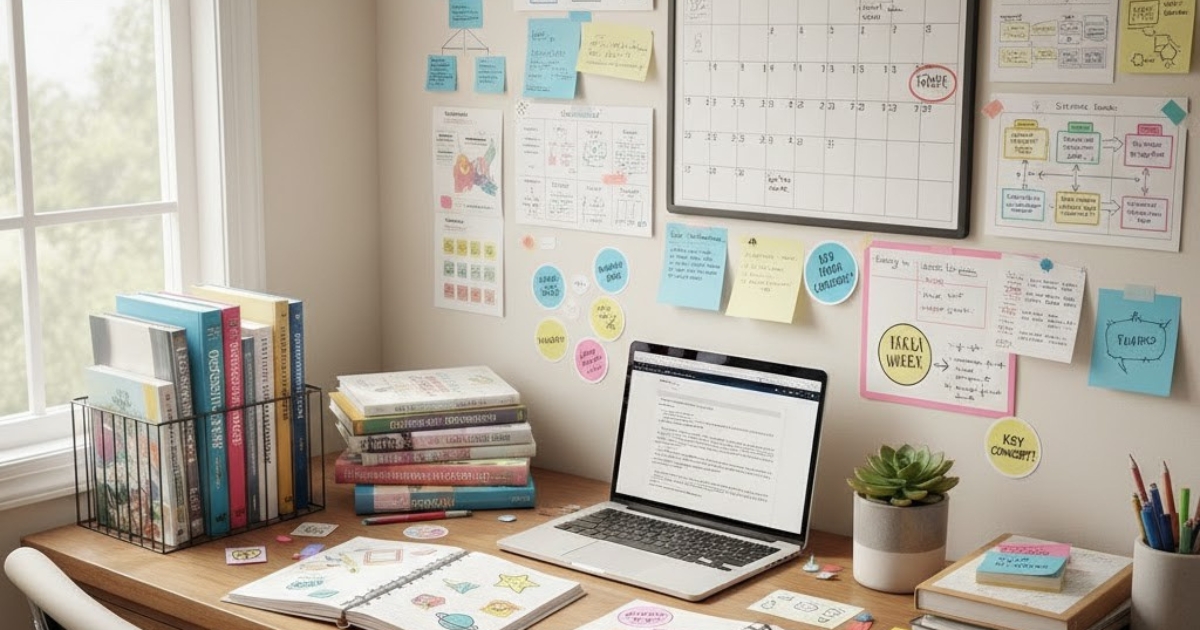
From recording to study-ready notes in minutes.
What to Look For in 2025 (Checklist)
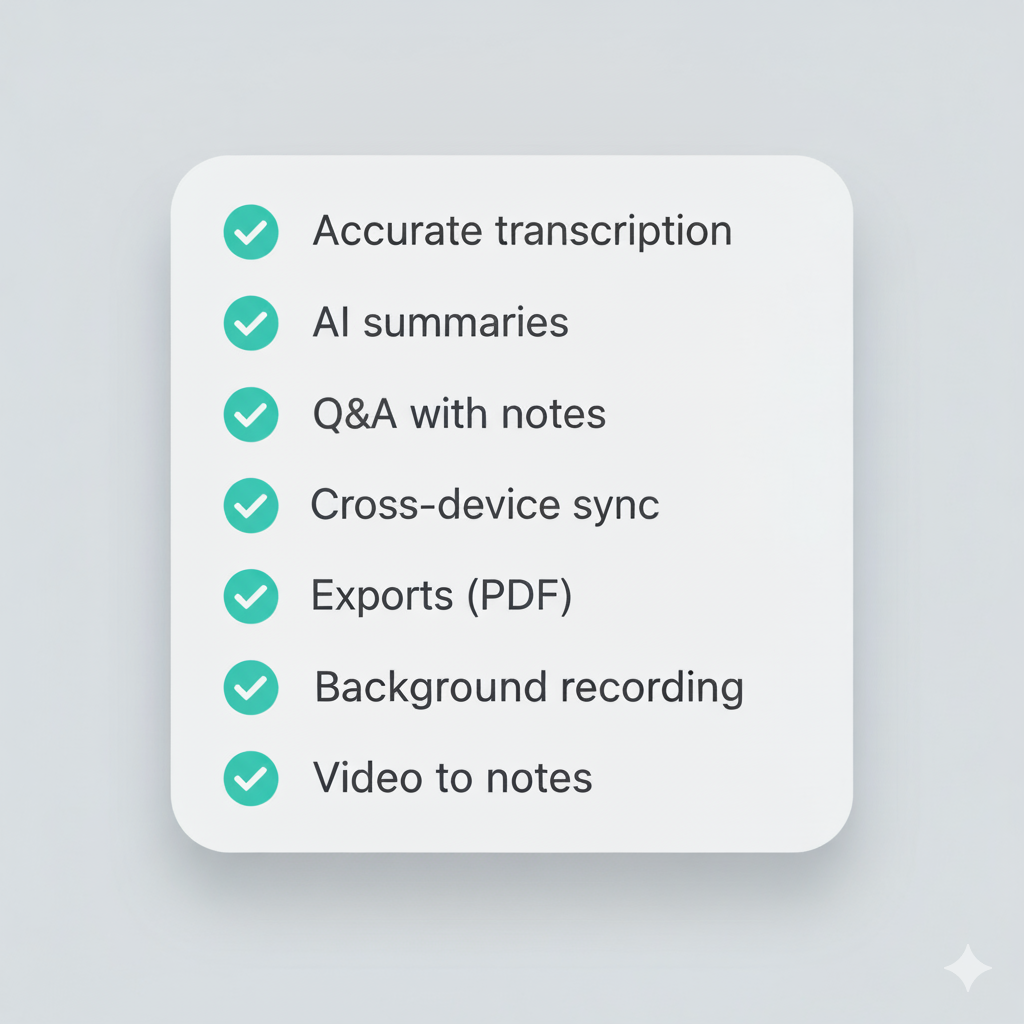
Use this checklist to evaluate any AI note taking app.
1) Accurate Speech-to-Text
- What good looks like: clear punctuation, paragraphing, and recognition of different speakers when relevant.
- Pitfalls: heavy errors in noisy rooms, missing punctuation, or long delays after you stop recording.
2) AI-Powered Structure (Beyond Transcripts)
- What good looks like: summaries, headings, bullet points, definitions, and key takeaways generated automatically.
- Pitfalls: dumping raw text without organization; makes studying or sharing harder.
3) Visual Diagrams for Complex Topics
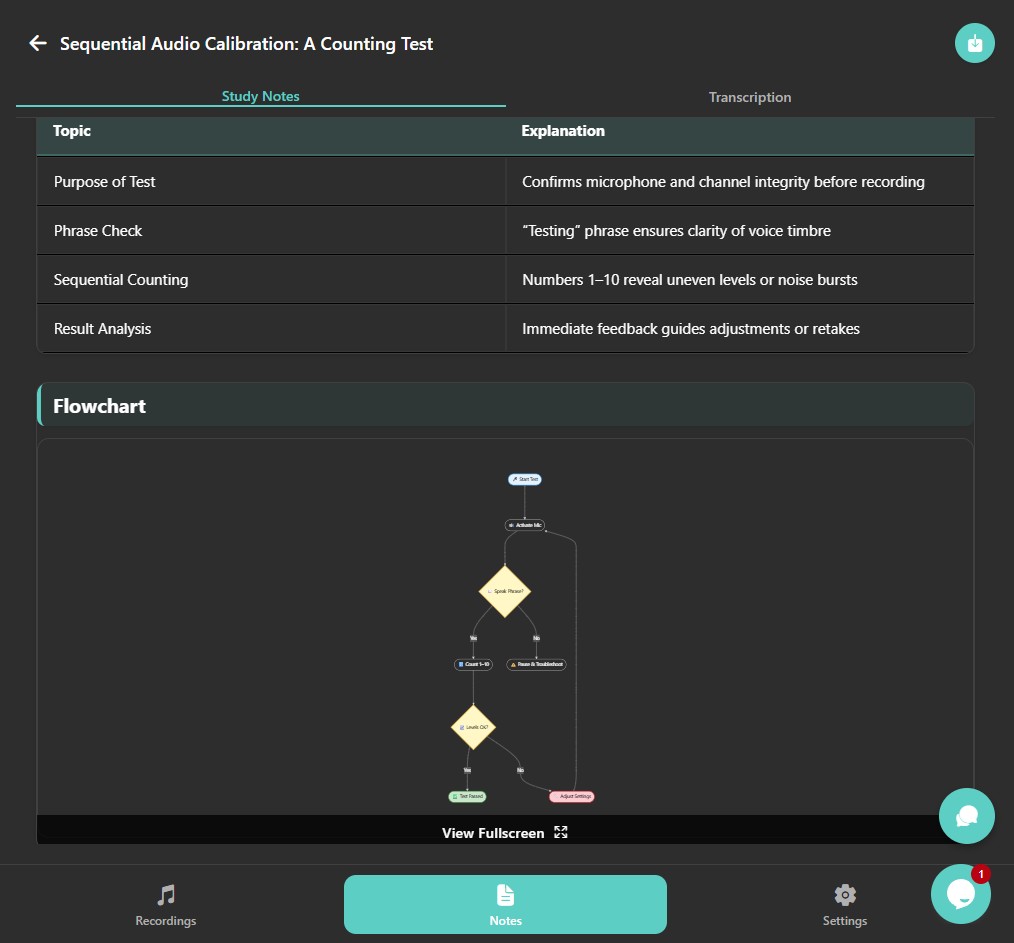
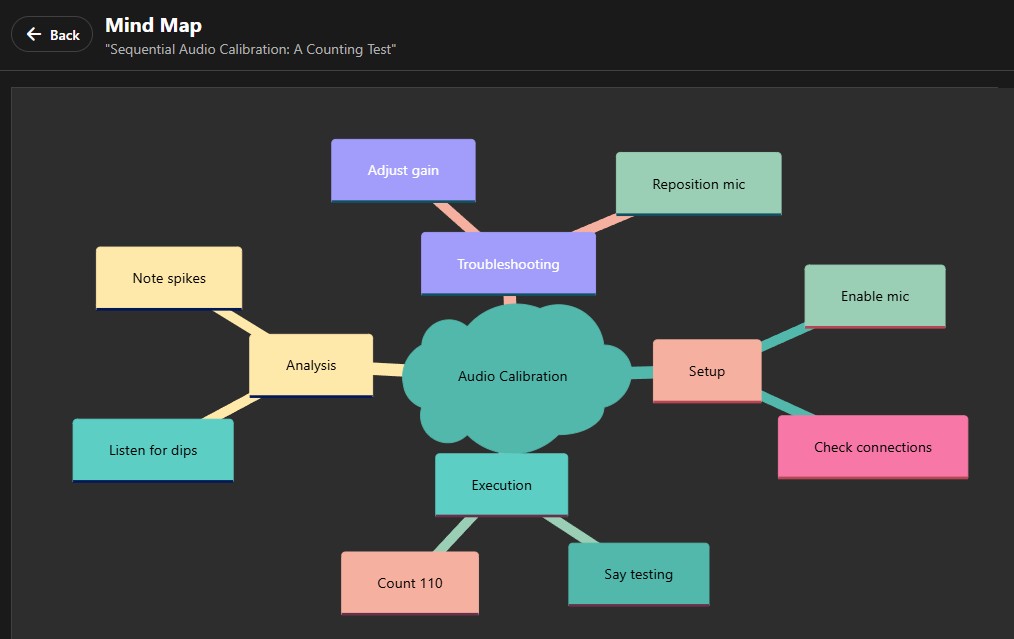
- What good looks like: flowcharts, mind maps, or timelines created from your notes when it helps understanding.
- Pitfalls: no visual support or complicated manual tools that break your flow.
4) Ask Questions About Your Notes (Voice or Text)
- What good looks like: conversational Q&A that references your own notes to explain, simplify, or quiz you.
- Pitfalls: generic chatbot answers that ignore your content.
5) Cross-Device Sync and Organization
- What good looks like: reliable syncing across iOS, Android, and web; folders/tags; fast search.
- Pitfalls: scattered files, inconsistent formatting, or lost edits between devices.
6) Export Options
- What good looks like: clean PDF export today and thoughtful support for common formats as the product evolves.
- Pitfalls: complex copy-paste workflows or missing images/diagrams when exporting.
7) Privacy-First Design
- What good looks like: clear controls to delete content and a privacy-aware approach to storage and syncing.
- Pitfalls: vague policies or unclear data handling.
8) Reliable Mobile Recording
- What good looks like: stable, long-form recording on mobile-even when the screen locks.
- Pitfalls: interrupted recordings, dropped segments, or battery drain without guidance.
9) Optional Video Ingestion
- What good looks like: paste a public video link (e.g., a lecture or tutorial) and get structured notes.
- Pitfalls: unreliable parsing or inconsistent results that require heavy manual cleanup.
Quick Evaluation Tip
- Try a 10-15 minute sample in a typical environment (lecture hall, meeting room, or home office).
- Check the summary and "key takeaways" - are they exam-ready or share-ready without edits?
- Ask 2-3 questions about the note to test Q&A quality.
How WhispriNote Approaches This
- Accurate capture: Designed to handle everyday recording scenarios with clear punctuation and formatting.
- Structured notes: Generates headings, bullet summaries, key takeaways, and helpful review prompts.
- Visual learning: Automatically creates flowcharts, mind maps, and timelines where helpful.
- Ask your notes: Conversational Q&A so you can get explanations, examples, or quick refreshers.
- Organized and synced: Search, tag, pin, and keep everything available on web and mobile.
- Export-ready: Create clean PDFs you can download or share.
- Mobile stability: Tuned for longer sessions so you can focus on the talk, not the timer.
- Video to notes: Turn public lectures and tutorials into structured, study-ready material.