After spending considerable time testing both WhispriNote and MyMap.ai, I've learned that choosing between these AI-powered visual learning tools isn't about picking the "best" one, it's about finding which one matches your specific workflow. Both promise to transform how you capture and organize information, but they take fundamentally different approaches.
Let me walk you through what I've discovered, so you can make an informed decision.
The Core Difference: Audio-First vs Chat-First
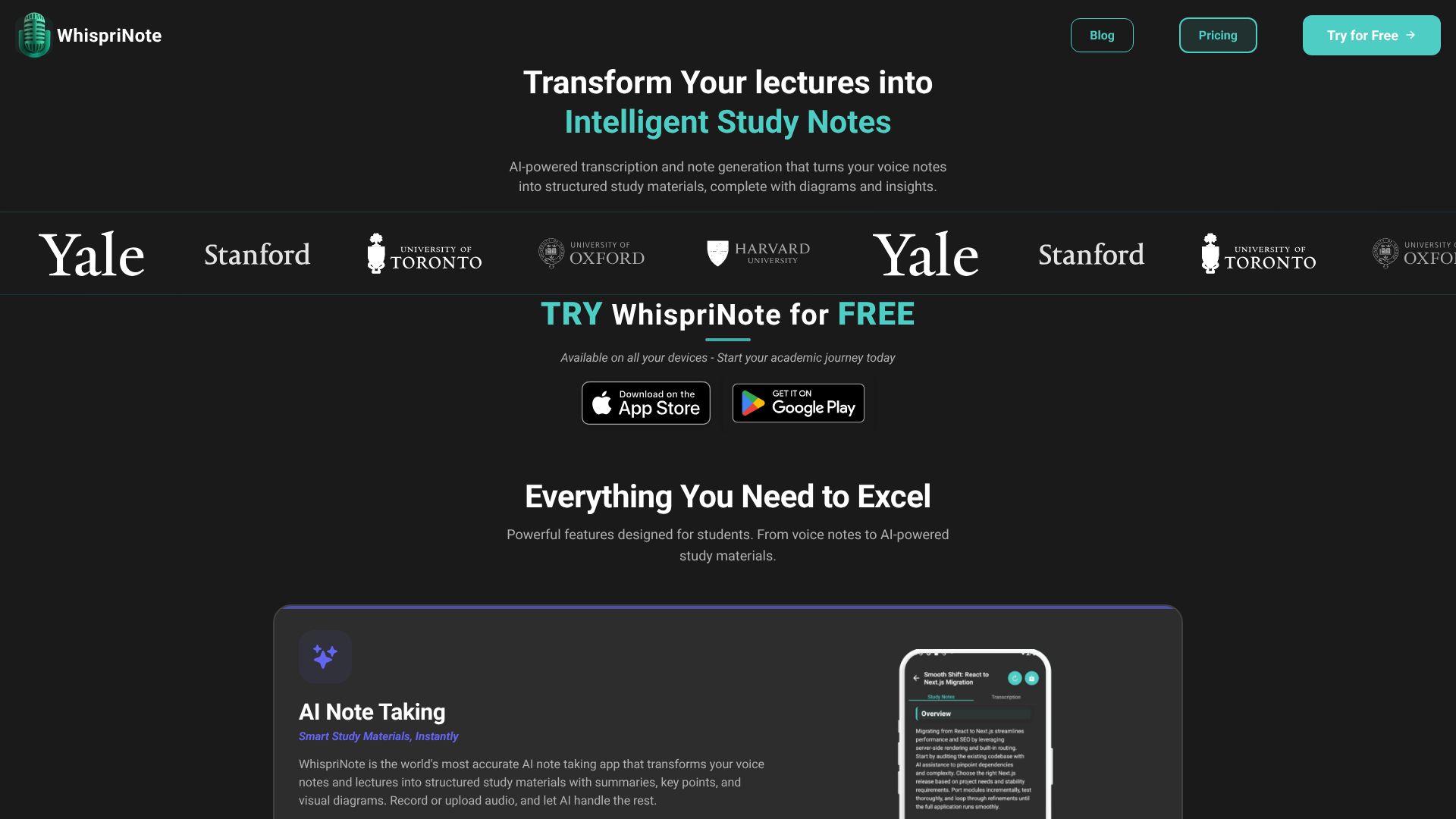
WhispriNote is built around voice. You record lectures, meetings, or your own thoughts, and the AI transforms that audio into structured notes complete with diagrams, summaries, and quiz questions. It even works with YouTube videos-paste a link, and you get comprehensive study notes.
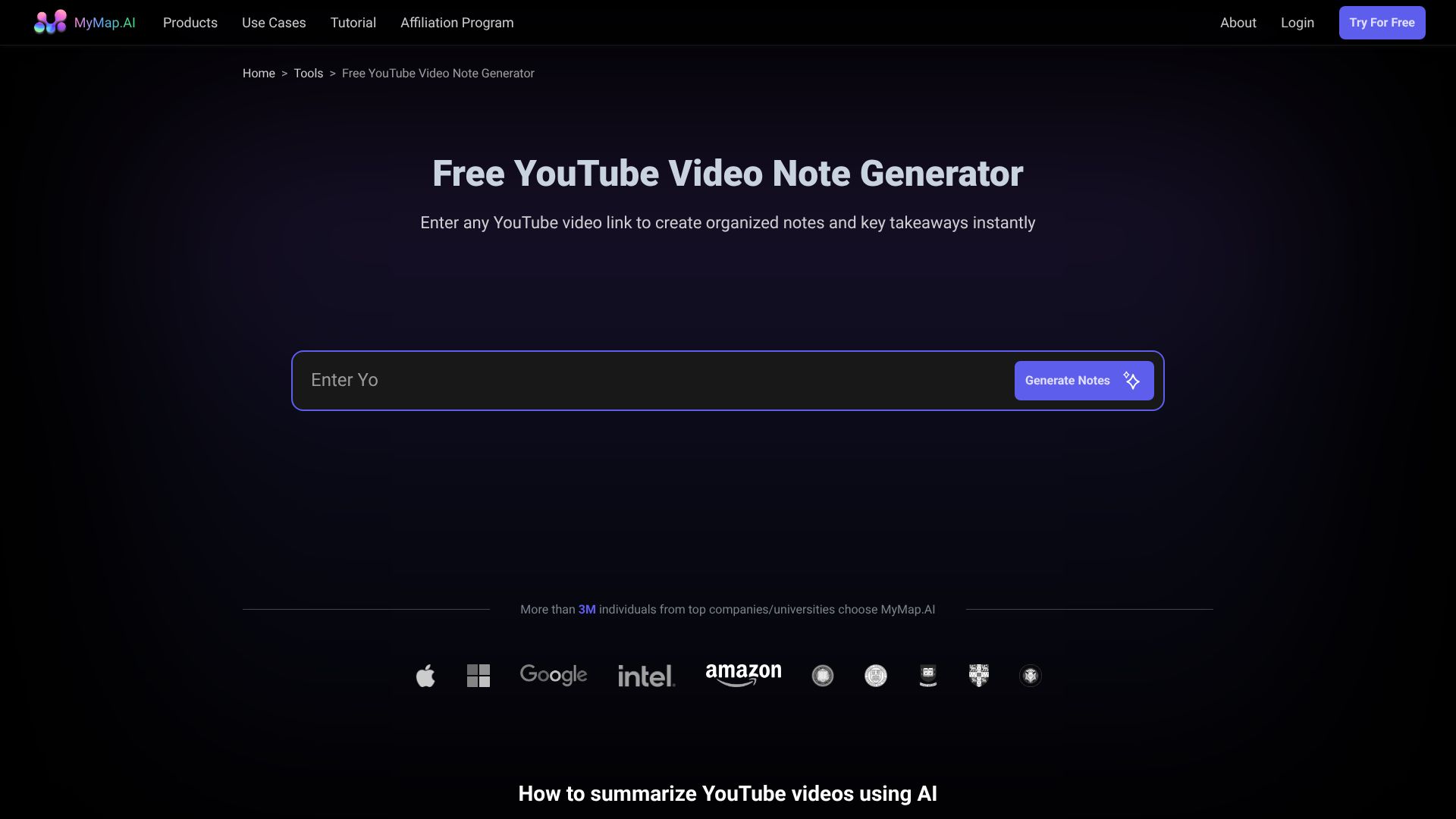
MyMap.ai takes a different route. You chat with AI to create visual diagrams. Type your ideas, upload documents, or paste URLs, and it generates flowcharts, mind maps, and presentations through conversational interaction.
WhispriNote: The Student's Audio Companion
What Makes WhispriNote Stand Out
The Voice-to-Visual Pipeline
This is where WhispriNote truly shines. Record a 60-minute lecture, and within moments you have:
- Clean, searchable transcripts
- AI-generated summaries highlighting key concepts
- Flowcharts and mind maps showing relationships between ideas
- Review questions to test your understanding
- Action items automatically extracted
I've tested this with complex medical lectures and technical programming tutorials. The accuracy impressed me, especially with specialized terminology.
YouTube Integration That Actually Works
Here's a feature that sets WhispriNote apart: paste any YouTube URL and get structured notes. As a real user noted, "YouTube integration helps me turn any programming tutorial into clear notes. It picks up technical content with no trouble."
This is massive for self-learners who rely on Khan Academy, Crash Course, or technical tutorials. No more pausing videos to take notes-just let WhispriNote do the heavy lifting.
Interactive Voice Chat
This feature surprised me. You can literally talk to your notes. Ask for clarification, request examples, or generate practice questions by voice. One psychology student mentioned, "The voice chat AI makes studying easier. I don't have to tediously go through every detail."
It's like having a personal tutor who's already familiar with your material.
Cross-Platform Experience
WhispriNote works seamlessly across iOS, Android, and web. Your notes sync automatically, so you can record on your phone during class and review on your laptop at home.
Privacy-First Approach
In an age where data privacy matters, WhispriNote uses encrypted storage and keeps audio recordings on your device. User-controlled deletion means your data stays yours.
Real User Experiences
⭐⭐⭐⭐⭐ "The visual diagrams help me understand tough psychology topics. Mind maps and timelines make studying easier." - Lisa T, Psychology Major
⭐⭐⭐⭐⭐ "YouTube integration helps me turn any programming tutorial into clear notes. It picks up technical content with no trouble." - Alex K, Computer Science
WhispriNote Pricing
| Plan | Price | What You Get | Free Trial |
|---|---|---|---|
| Weekly | $7.99/week | Voice notes, audio upload, YouTube import, AI notes/diagrams, PDF export, Voice chat AI | 3 Days |
| Monthly | $17.99/month | Full feature access | 3 Days |
| Yearly | $199.99/year | Full feature access (best value) | 3 Days |
My Take: The pricing is straightforward with no hidden surprises. The 3-day trial lets you test the YouTube feature and voice chat before committing.
MyMap.ai: The Visual Brainstorming Canvas
What MyMap.ai Brings to the Table
AI-Native Diagram Creation
MyMap.ai's biggest strength is speed. Chat with the AI, and it instantly creates visual representations. No dragging shapes, no fiddling with connectors-just describe what you want in plain English.
Multiple Input Formats
You can feed MyMap.ai:
- Typed topics or questions
- PDF documents
- URLs (it fetches content automatically)
- Web search results (real-time Google/Bing integration)
The AI extracts context from all these sources to build structured diagrams.
Real-Time Collaboration
Multiple users can edit the same map simultaneously. This makes MyMap.ai useful for team projects, workshops, and strategy sessions.
Presentation Mode
Unlike traditional slideshows, MyMap.ai offers an interactive 2D presentation format where you navigate through connected ideas visually. It's more engaging than linear PowerPoint slides.
The Reality Check
After reviewing feedback from actual users, I need to be honest about MyMap.ai's limitations.
User Experience Issues
Several users reported frustrating experiences:
- Small chat windows that require constant zooming
- Persistent pop-up windows that clutter your workspace
- Limited customization options for maps and backgrounds
- Maps that look similar regardless of topic

