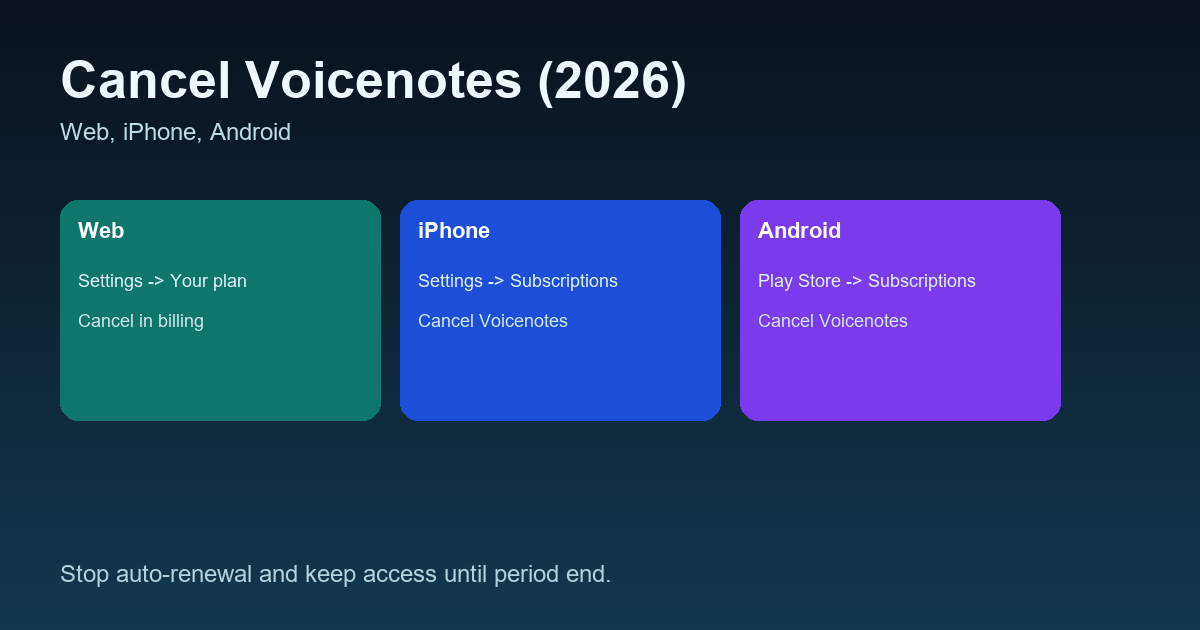
If you are trying to cancel Voicenotes so you do not get charged again, this guide makes it painless.
We will cover:
- Canceling on Web (Stripe)
- Canceling on iPhone (App Store)
- Canceling on Android (Google Play)
- What happens after you cancel
- Refund rules and the easiest way to avoid trial charges
If you want a study-first workflow with structured notes, WhispriNote is built for lectures and videos.
One official reference: Voicenotes cancellation guide
Quick answer (TL;DR)
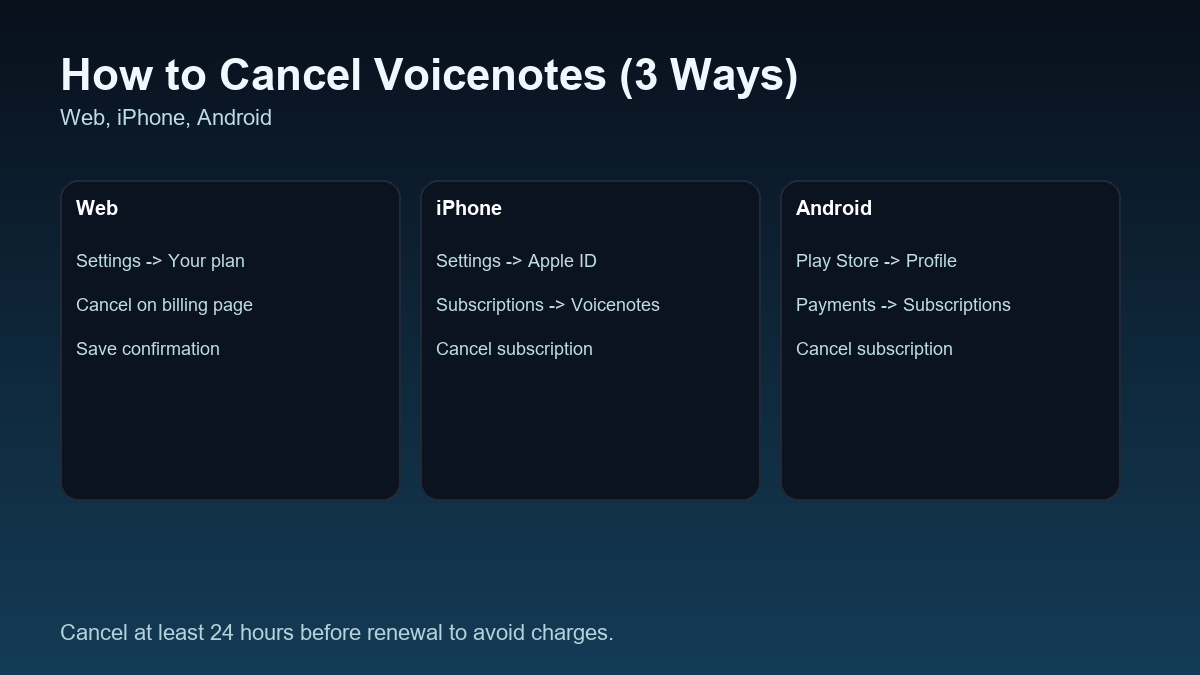
If you subscribed on Web: Settings -> Your plan -> cancel on the billing page
If you subscribed on iPhone: iOS Settings -> Apple ID -> Subscriptions -> Voicenotes -> Cancel
If you subscribed on Android: Play Store -> Profile -> Payments and subscriptions -> Subscriptions -> Voicenotes -> Cancel
Step 0: First, figure out where you subscribed
This matters because you must cancel in the same place you paid:
- Paid on Web -> cancel inside Voicenotes (it redirects to Stripe billing)
- Paid on iOS -> cancel in Apple Subscriptions
- Paid on Android -> cancel in Google Play subscriptions
If you are not sure:
- Check your email for a receipt (Apple, Google, or Stripe)
- Or open your iPhone or Android subscription list and look for Voicenotes
How to cancel Voicenotes subscription on Web (Stripe)
- Log in to the Voicenotes web app
- Go to Settings
- Click Your plan
- You will be redirected to the billing page
- Click Cancel subscription
Pro tip: take a screenshot of the canceled state for peace of mind.
How to cancel Voicenotes subscription on iPhone (App Store)
- Open Settings on your iPhone or iPad
- Tap your Apple ID name at the top
- Tap Subscriptions
- Find Voicenotes
- Tap Cancel subscription
Important trial tip (avoid getting charged)
To reliably avoid a trial charge, cancel more than 24 hours before the trial ends.
How to cancel Voicenotes subscription on Android (Google Play)
- Open the Google Play Store
- Tap your profile icon (top-right)
- Go to Payments and subscriptions -> Subscriptions
- Select Voicenotes
- Tap Cancel subscription
What happens after you cancel?
After cancellation:
- Your subscription stays active until the end of the current billing period
- Then your account switches back to the Free plan
In other words: canceling stops future charges, not immediate access.
Voicenotes refund policy (simple version)
Refund rules depend on how you paid:
If you paid on the web (Stripe)
Voicenotes offers a full refund within 14 days for Monthly and Yearly web purchases, with a fair usage limit (up to 6 hours of transcription).

