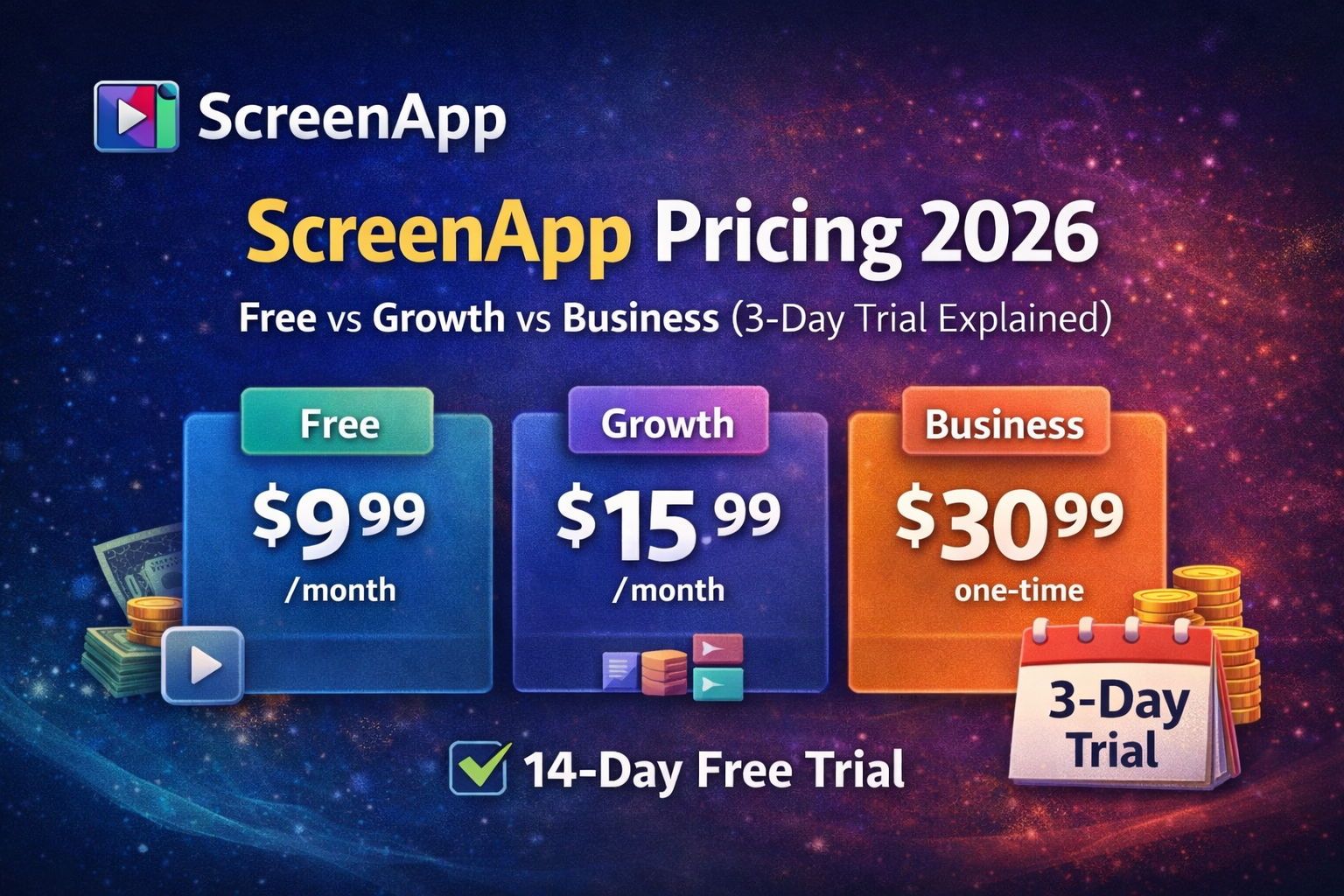
If you are searching ScreenApp pricing 2026, you are probably deciding whether the free plan is enough or whether you should upgrade to Growth or Business.
This guide breaks down:
- ScreenApp plan prices (Free, Growth, Business, Enterprise)
- What you get on each plan (limits and AI usage)
- How the 3-day free trial works
- How to cancel ScreenApp subscription
- A student-friendly alternative if you want lecture-to-study-notes (not just recordings)
Pricing below is based on ScreenApp's official pricing page (checked Dec 2025).
If you want study-ready notes and visual diagrams (flowcharts, mind maps, timelines), WhispriNote is built for lecture and video workflows (requires a WhispriNote account).
Official pricing page (single external link): https://screenapp.io/pricing
ScreenApp pricing 2026 (quick overview)
| Plan |
Price |
Best for |
Key limits and highlights |
| Free |
$0 |
Testing the workflow |
3 recordings (45 min each), transcripts, basic AI tryouts |
| Growth |
$14/mo (billed annually) |
Most individuals |
3-day free trial, unlimited recordings, 2-hour cap, 600 AI credits/year |
| Business |
$34/mo (billed annually) |
Power users |
Unlimited AI credits, longer recordings, video analysis, API access |
| Enterprise |
From $199/mo |
Teams and security needs |
Custom pricing, compliance, SSO, support |
ScreenApp Free plan (what you get)
The ScreenApp Free plan is meant for testing before you commit.
Free plan highlights
- $0
- 3 recordings total (45 minutes each)
- Transcripts included
- Limited AI usage
Who the Free plan is good for
- You only need a few recordings for a short project
- You want to test transcription quality before paying
- You are comparing multiple tools quickly
If you are turning long lectures into study notes every week, you will outgrow the Free plan fast.
ScreenApp Growth plan ($14/mo billed annually)
The Growth plan is ScreenApp's most popular tier and typically the best value if ScreenApp fits your workflow.
Growth plan highlights
- $14/mo billed annually
- 3-day free trial
- Unlimited recordings
- 2-hour recording limit
- 600 AI credits/year
- Meeting bot plus downloads and exports
Growth is best for
- Students recording longer study sessions or meetings (up to 2 hours)
- Individuals who want frequent transcription and summaries
- Anyone who needs exporting for workflows
ScreenApp Business plan ($34/mo billed annually)
The Business plan is designed for heavier, more advanced usage.
Business plan highlights
- $34/mo billed annually
- Unlimited AI credits
- Unlimited transcriptions
- 3-hour recordings
- Video analysis
- API access
- White label
Business is best for
- Creators and analysts processing lots of video
- Users who consistently hit AI limits on Growth
- Anyone who needs API workflows
ScreenApp Enterprise pricing (from $199/mo)
Enterprise is custom priced and starts from $199/month, based on team size and usage.
Typical reasons to go Enterprise:
- SSO and org controls
- Compliance requirements
- Dedicated support and custom integrations
How does the ScreenApp 3-day free trial work?
ScreenApp's pricing page explains the trial like this:
- Trial applies to Growth (annual)
- You get full access for 3 days
- You provide a card, but you are not charged until the trial ends
- After 3 days, you are billed $168/year
- Cancel during the trial to avoid being charged
Tip: if you are only trialing, set a reminder for day 2.
How to cancel ScreenApp subscription (step-by-step)
If you searched how to cancel ScreenApp subscription, here is the cleanest way to do it.
Step 1: Open ScreenApp settings
Log in to ScreenApp and open your account settings.
Step 2: Go to Billing
Find the Billing section (this is where subscription controls live).
Step 3: Cancel your plan
Choose the cancellation option and confirm.
Step 4: Screenshot confirmation
Save the cancellation confirmation page or email for your records.
Step 5: Verify before renewal
Make sure the subscription shows as canceled before the next billing cycle to avoid renewal charges.
ScreenApp refund policy (what to expect)
In general, many SaaS tools treat subscription payments as non-refundable, especially after renewal. ScreenApp also offers a free plan, so it is best to treat paid plans as use-it-for-the-period subscriptions.
If avoiding charges is the priority:
- Cancel before renewal
- Do not wait until after you are billed
- If you are in a free trial, cancel within the trial window
Is ScreenApp worth it for students?
It depends on what you mean by notes.
ScreenApp is strong if your core need is:
- Recording and transcription
- Summaries and exporting
But if your goal is exam-ready study notes, you will want outputs like:
- Key points in clean structure
- Detailed explanations
- Flowcharts and mind maps (to understand relationships)
- Clear next steps to study from
That is where WhispriNote tends to be a better fit for students.
If you are comparing them directly, read: WhispriNote vs ScreenApp
FAQ (ScreenApp pricing and cancellation)
Does ScreenApp have a free plan?
Yes. The Free plan is $0 and includes limited recording capacity so you can test it.
Does ScreenApp require a credit card?
The Free plan is designed to be low friction. The paid trial for Growth typically requires a card so billing can begin after the trial ends.
What happens after the 3-day trial?
After 3 days, Growth annual billing kicks in (the pricing page lists $168/year).
Can I cancel ScreenApp anytime?
Yes. Canceling before renewal is the safest way to avoid unwanted charges.
What if I want lecture notes instead of just recordings?
If you want structured study notes (summary + key points + diagrams), try WhispriNote and compare workflows here: WhispriNote vs ScreenApp
Start free with WhispriNote
Get WhispriNote - Start free with up to 5 notes.
Turn lectures and videos into structured notes with diagrams in minutes.
Or continue on the web app.