You have endless hours of video to get through. You need a tool to handle the heavy lifting. You might be looking at ScreenApp and Whisprinote.
They look similar on the surface. Both use AI. Both handle video. But they are built for completely different people.
Here is the quick answer: If you need to record your meetings and summarize them, use ScreenApp. If you need to study for an exam and understand complex topics, use Whisprinote.
Here is the full breakdown.
At a Glance: The Comparison Table
| Feature | ScreenApp | Whisprinote |
|---|---|---|
| Best For | Business meetings, Bug reports, Tutorials | Students, Lectures, Research |
| Primary Input | Screen Recording, Webcam, System Audio | Voice Recording, YouTube Links, File Upload |
| Output Format | Video file + Text Transcript + Summaries | Structured Notes, Mind Maps, Timelines |
| Visual Aids | Mind Maps (Basic) | AI-Generated Flowcharts, Mind Maps, Timelines |
| YouTube Support | Yes (Import via URL) | Yes (Direct Import & Process) |
| Price | $30/month | $17.99/month |
Whisprinote
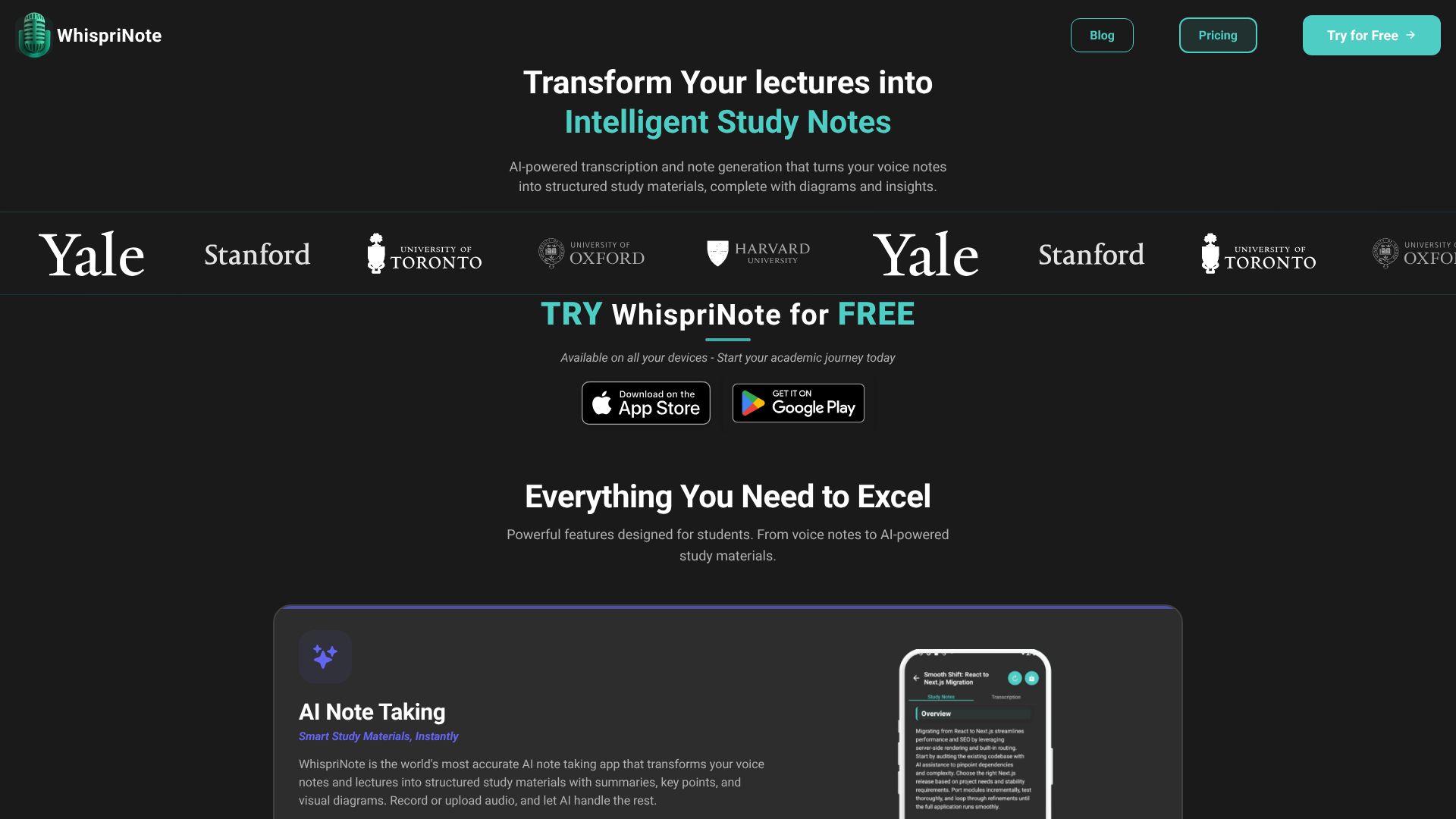
Whisprinote is an AI note-taker built strictly for learners. We do not care about recording your desktop screen. We care about capturing the knowledge.
We built Whisprinote for the MBA students drowning in case studies and the medical student who needs to memorize complex systems. It listens to lectures (or processes YouTube links) and turns them into organized, visual study materials.
Real User Experiences
⭐⭐⭐⭐⭐ "The visual diagrams help me understand tough psychology topics. Mind maps and timelines make studying easier." - Lisa T, Psychology Major
⭐⭐⭐⭐⭐ "YouTube integration helps me turn any programming tutorial into clear notes. It picks up technical content with no trouble." - Alex K, Computer Science
ScreenApp
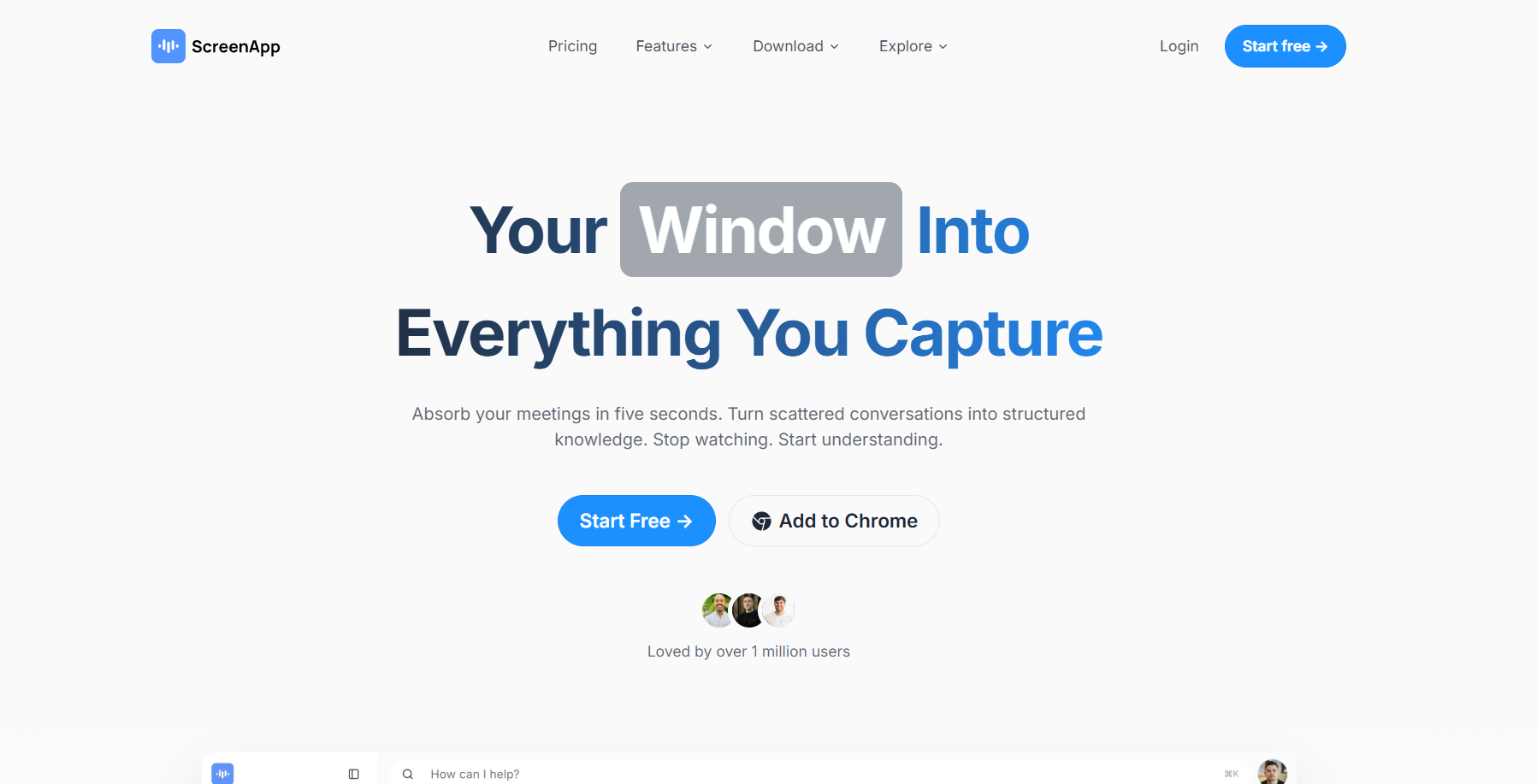
ScreenApp is a powerful screen recorder that lives in your browser. Its main job is to capture pixels. It records your screen, your webcam, and your system audio.
It recently added AI to transcribe those recordings. This is great for business teams. If a product manager needs to record a demo and share it with a remote team, ScreenApp is excellent. It creates a video link you can share instantly.
The Downside for Students: ScreenApp focuses on the video file. It treats the notes as a bonus feature. It does not organize your content into study guides, and it does not create visual learning aids. You get a wall of text next to a video player.
Real User Experiences
⭐⭐⭐⭐⭐*"Our overall experience with ScreenApp has been nothing but pleasant! Their support is terrific, and ScreenApp is a great recording system."* - Aaron, Project Manager
⭐⭐⭐⭐⭐*"Finally, a screen recorder that doesn't slap watermarks on everything. The free plan gives me 45 minutes of AI processing monthly - that's enough for most of my training videos."* - JP, Operations Manager
The Deep Dive: Why Students Choose Whisprinote
Let's look at why students are switching from generic recorders to a dedicated study tool.
1. Visual Learning vs. Just Text
Most people do not learn by reading 10 pages of raw transcript.
ScreenApp gives you the transcript. You have to read through it to find the connections.
Whisprinote visualizes the data for you. When you process a lecture, our AI automatically generates mind maps, flowcharts, and timelines. You can see how "Topic A" connects to "Topic B" in a single glance.
This is critical for complex subjects like Law or Engineering.
2. The "Study" Workflow
ScreenApp is designed for sharing. It wants you to send a video link to a colleague.

