The first year of law school is famous for one thing: fear. You sit in a large lecture hall. You wait for the professor to call your name. You pray you read the right case.
Most students react to this fear by typing. You type every word the professor says. You type until your fingers hurt. You are so busy acting like a court reporter that you stop thinking like a lawyer.
This is a dangerous trap. When the professor asks you a complex hypothetical about subject matter jurisdiction, you stare at your screen. You have the transcript, but you do not have the answer.
You can study better. You can use an AI lecture note taker to handle the typing. This frees you to listen, analyze, and actually participate in the class.
Here is how to stop transcribing and start thinking.
The "Stenographer" Problem
Law school exams do not test your ability to type fast. They test your ability to apply rules to new facts.
When you type everything verbatim, your brain enters a passive mode. You miss the subtle cues. You miss the connection between the dissent in one case and the majority opinion in another.

Here is why manual note-taking fails :
- You Miss the "Why": You catch the facts of Palsgraf, but you miss the professor's explanation of proximate cause.
- Legal Jargon is Fast: Professors speak in a mix of English and Latin. Trying to type res ipsa loquitur correctly in real-time breaks your flow.
- Review is Painful: You end up with 50 pages of messy text. Studying for finals becomes a nightmare of re-reading.
You need a tool that captures the words and organizes the concepts.
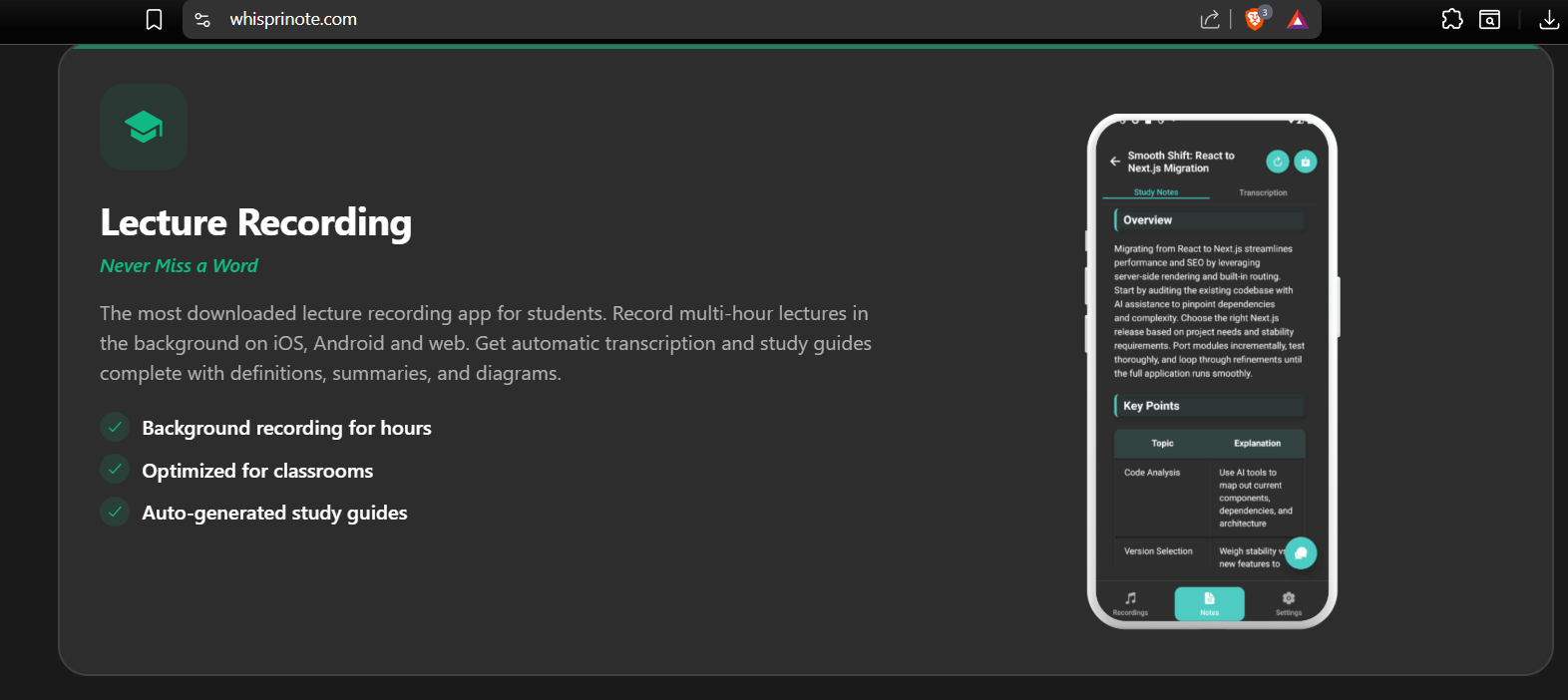
Why WhispriNote Fits the Law School Workflow
General recording apps struggle in law school. They cannot handle the vocabulary. They cannot handle the structure. WhispriNote is built differently.
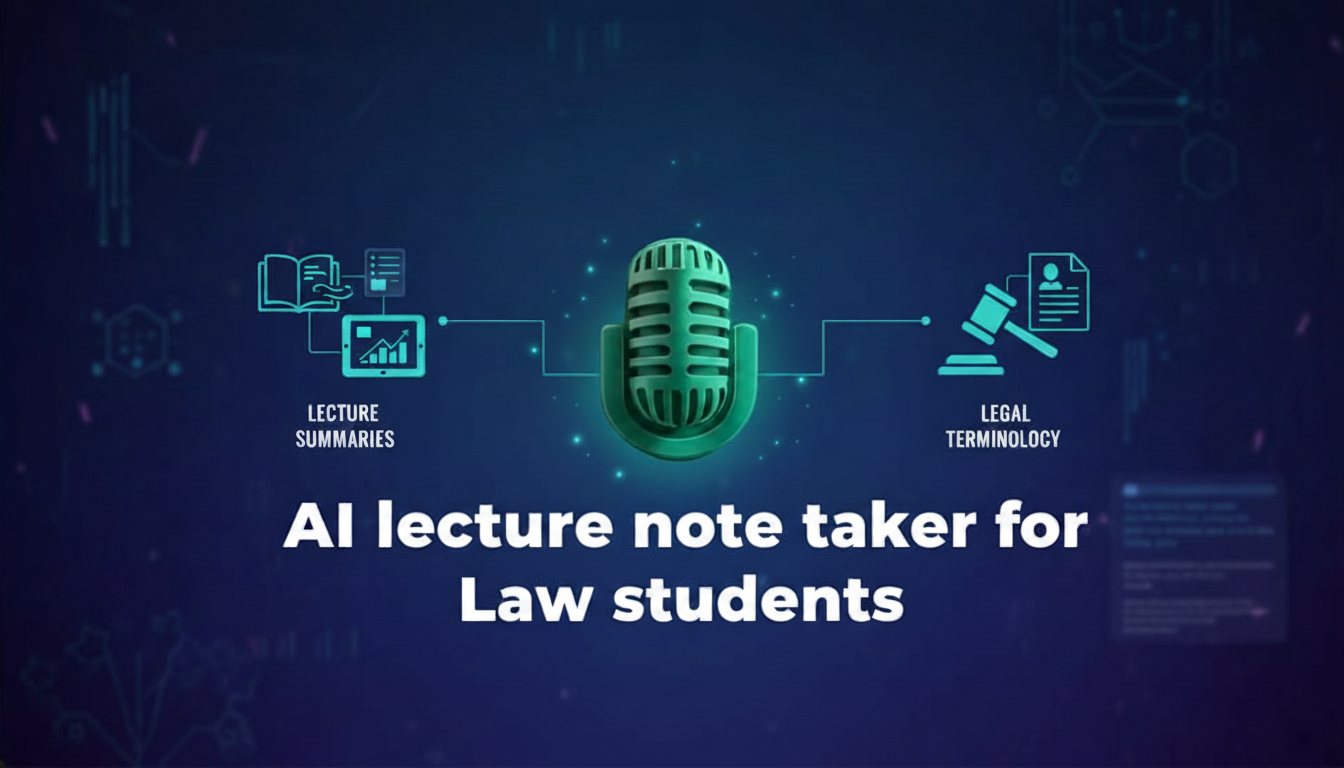
It Handles Legal Terminology : Legal lectures are dense. They are full of specific terms that confuse standard speech-to-text tools. A generic tool might hear "hereditary" when the professor said "heritage." In Property Law, that distinction destroys your notes. WhispriNote uses advanced audio processing to capture these details. This is similar to the needs of other technical fields, like Medicine or Engineering, where precision is the only thing that matters.
It Visualizes the Law : Law is not a list. It is a web. You cannot understand Civil Procedure without seeing the timeline. You cannot understand Contracts without mapping the offer and acceptance.
WhispriNote generates Flowcharts and Mind Maps automatically from your audio. You can see the relationship between parties. You can visualize the chain of causation in Torts. This turns abstract rules into concrete images.
It Works with Your Supplemental Study : You probably watch videos to understand tough concepts. Maybe you use Quimbee or watch legal explainers on YouTube. You can use the free YouTube to Notes page to turn those videos into the same structured format as your lecture notes. This keeps all your study materials in one searchable library.
How to Use AI Responsibly in Law School
Lawyers must follow rules. Using AI in the classroom requires ethical care.
Step 1: Check the Rules : Never record a class secretly. Some states require "two-party consent," meaning everyone being recorded must agree. Even if it is legal, it might violate school policy. Always ask your professor for permission. Frame it as a study aid to help you focus on the discussion.
Step 2: Record and Participate : Once you have permission, start WhispriNote. Put your phone or laptop down. Listen to the professor. Raise your hand. Engage in the Socratic dialogue. You know the AI is catching the black letter law for you.