← Back to Blog

Is Recording Lectures Legal? A Student Guide to Privacy Laws

By WhispriNote Team
December 18, 2025
6 min read
Is Recording Lectures Legal? A Student Guide to Privacy Laws
WhispriNote
Try WhispriNote free
Paste a YouTube link to turn any lecture or tutorial into clean, structured study notes.

You sit in a lecture hall. The professor speaks fast. You try to write everything down, but you fall behind. You pull out your phone to hit "record."

Then you pause. Is this allowed? Could you get in trouble?

It is a common fear. You want to study better, not break the law.

The short answer is: It depends.

This guide breaks down the legal side of whether you can record lectures, explains university policies, and shows you how to do it the right way.

If you’re recording for study, start with the free YouTube-to-notes workflow. For longer videos, visual notes, PDF exports and voice chat with your notes, check pricing.


When you want to record a class, two main laws come into play. You need to understand both to stay safe.

1. Intellectual Property (The Professor's Work)

In most colleges, the lecture belongs to the professor. Their words, their slides, and their explanations are their "intellectual property."

Here is why this matters: If you record a lecture and post it online or try to sell it, you violate copyright laws. You are stealing their work.

But, most laws allow for "Fair Use." This means if you record lectures strictly for your own personal study, it is often legally acceptable. You cannot share it. You cannot upload it to YouTube. It must stay on your device for your eyes only.

2. Privacy Laws (Wiretapping)

This is where it gets tricky. Privacy laws vary by state and country.

  • Two-Party Consent States: In places like California or Florida, you need permission from everyone involved to record audio. This includes the professor and potentially other students speaking in class.
  • One-Party Consent States: In places like Texas or New York, only one person needs to know the recording is happening. That person can be you.

Even in one-party states, a classroom is often considered a "semi-private" space.

The safe bet? Always assume you need permission.

You can read more about recording laws by state here.
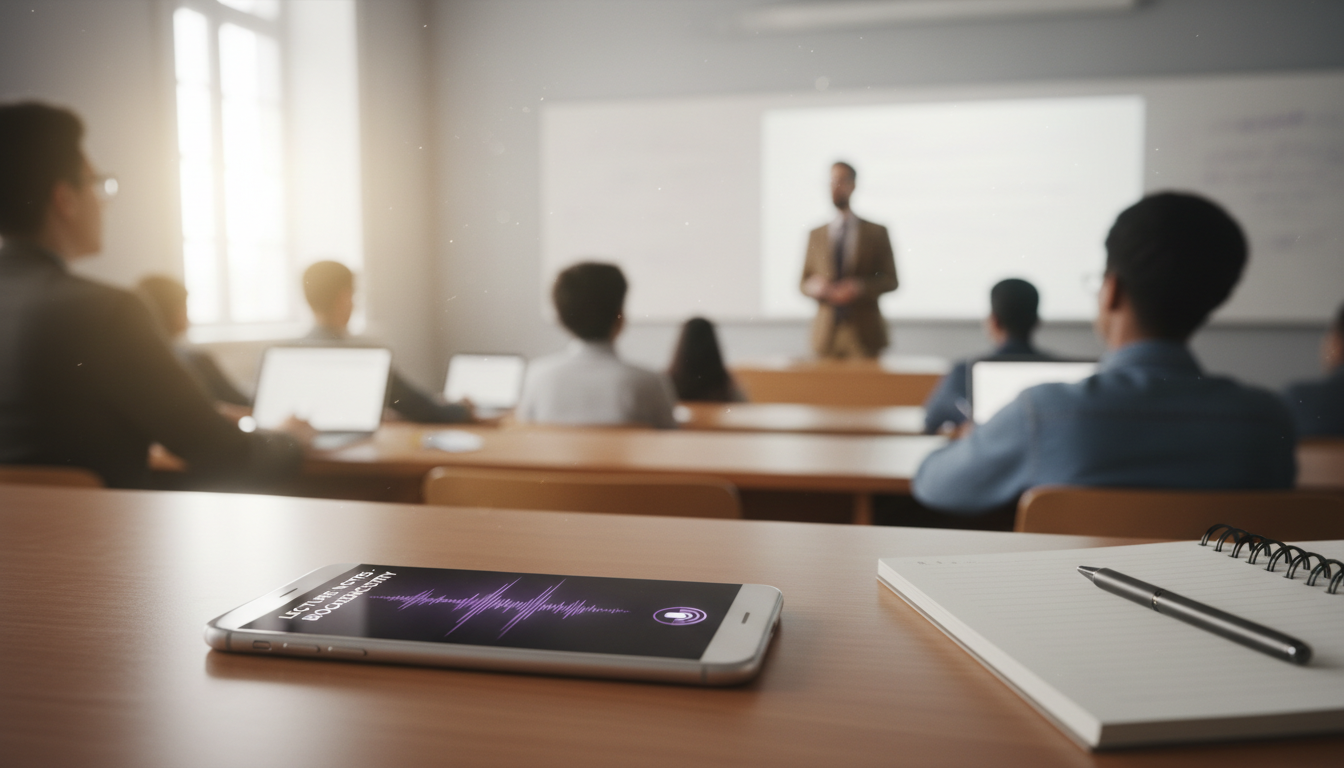

recording in a lecture

University Policies vs. The Law

State laws are one thing. Your school's rules are another.

Even if the law says you can record, your university might say you cannot. Private institutions set their own codes of conduct.

Where to look:

  • The Student Handbook: This lists the general rules for the campus.
  • The Syllabus: This is the most important document. Professors usually state their recording policy clearly here.

If the syllabus says "No recording," do not do it. Breaking this rule is academic misconduct. It can lead to failing the class or even suspension.

Students in sensitive fields, like law, must be very careful. You can read more about tools specifically for these students in our guide on the AI lecture note taker for law students.


The Major Exception: Accommodations

There is one group of students who practically always have the legal right to record lectures.

If you have a documented disability (like dyslexia, ADHD, or auditory processing issues), laws like the Americans with Disabilities Act (ADA) (or Section 504) protect you.

How it works:

  1. You register with your school's disability services office.
  2. They approve "audio recording" as a reasonable accommodation.
  3. The professor must allow you to record, even if they have a "no phones" policy.

This levels the playing field. If this applies to you, check out our article on AI note-taking for special needs students.


How to Ask for Permission (Scripts included)

You do not need to hide your phone under a notebook. Being honest builds trust.

Here are the next steps to get approval:

Approach the professor early. Go to office hours during the first week. Do not ask right before class starts.

Explain "Why." Don't just ask to record. Explain that you want to engage more in the discussion rather than just writing.

The Script:
WhispriNote
Turn this workflow into notes in minutes
Get timestamps, summaries, and study-ready outputs without pausing the video.

"Professor, I really want to focus on the discussion during class. I find that if I try to write every word, I miss the big concepts. Would you mind if I record the audio for my own personal study? I will delete it after the semester ends."

Most professors will say yes. They want you to learn.

Once they agree, you need a tool that respects privacy. This is where Whisprinote helps. We keep your data private and local on your device, unlike cloud-heavy tools that might expose lecture data.

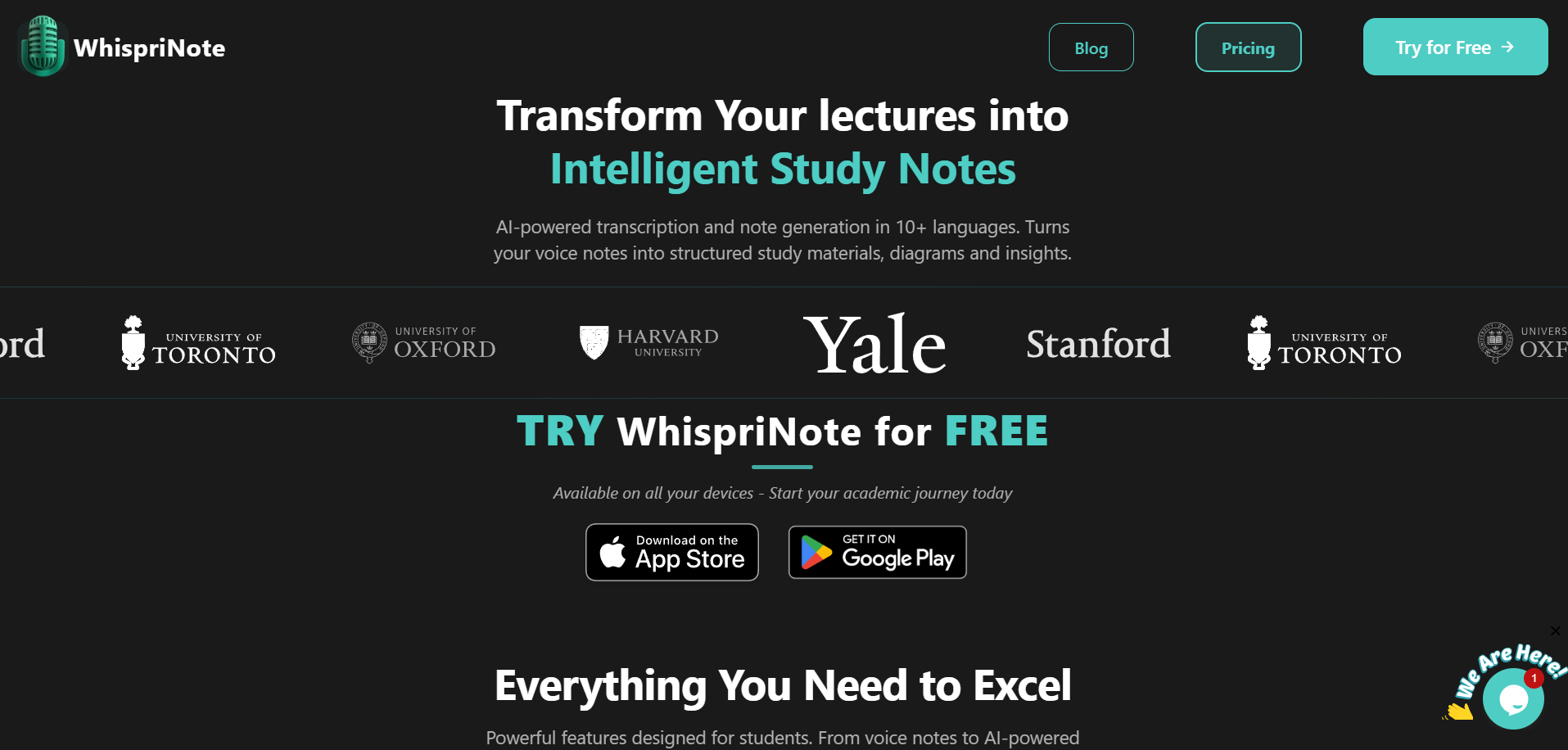
whisprinote landing page

Why WhispriNote is a safer lecture-recording workflow

If you decide to record with permission, choose a tool that respects privacy and helps you study faster:

  • Privacy-first workflow: keep recordings private and avoid public sharing.
  • Structured notes + visuals: turn audio into summaries, flowcharts, and mind maps for faster review.
  • Review and export: save PDFs and revisit your notes with voice chat when you need clarification.

For longer videos, visual notes, PDF exports and voice chat with your notes, check pricing.


FAQs

What is the best way to record a lecture?

The best way is to use a dedicated AI note-taking app on your phone. Avoid using the standard "Voice Memos" app because you still have to listen to the whole thing again. Use a tool like Whisprinote. It records the audio and instantly turns it into text, summaries, and mind maps.

What is the meaning of recorded lectures?

Recorded lectures are audio or video captures of a class session. Students use them to review complex topics, fill in gaps in their written notes, or study for exams. It acts as a backup for your memory.

Can ChatGPT record lectures?

No, not directly. ChatGPT is a text-based AI. It cannot sit in the background and record a 90-minute audio file for you. You would need to record the audio separately, get a transcript, and then paste that text into ChatGPT. That is a lot of work. It is better to use an all-in-one tool designed for this.

Which AI records lectures and takes notes?

Whisprinote is built exactly for this. It listens to the lecture, transcribes the voice to text, and creates organized notes automatically. It even separates speakers and creates visual diagrams to help you understand the topic.

What's a good app for recording lectures?

You want an app that offers high accuracy and privacy. Whisprinote is a top choice because it handles technical jargon well (great for medical or engineering classes) and respects user privacy. You can also check our list of the best voice AI note takers for study to compare options.


Summary: How to Stay Safe

Studying smarter shouldn't be scary. Follow this simple checklist:

  1. Check the Syllabus: Look for the recording policy.
  2. Ask Permission: A polite conversation goes a long way.
  3. Keep it Private: Never post lecture audio on social media.
  4. Use the Right Tool: Use an app that helps you learn, not just record.

Ready to record legally and study effectively?

Get started with Whisprinote today on Web, iOS, or Android.


Start free with WhispriNote

Get WhispriNote - Start free with up to 5 notes.

Turn lecture audio into structured notes and diagrams in minutes.

Or continue on the WhispriNote web app.

Tags:
recording lectures
student privacy
lecture recording laws
ai note taking
WhispriNote
← Back to All Posts

