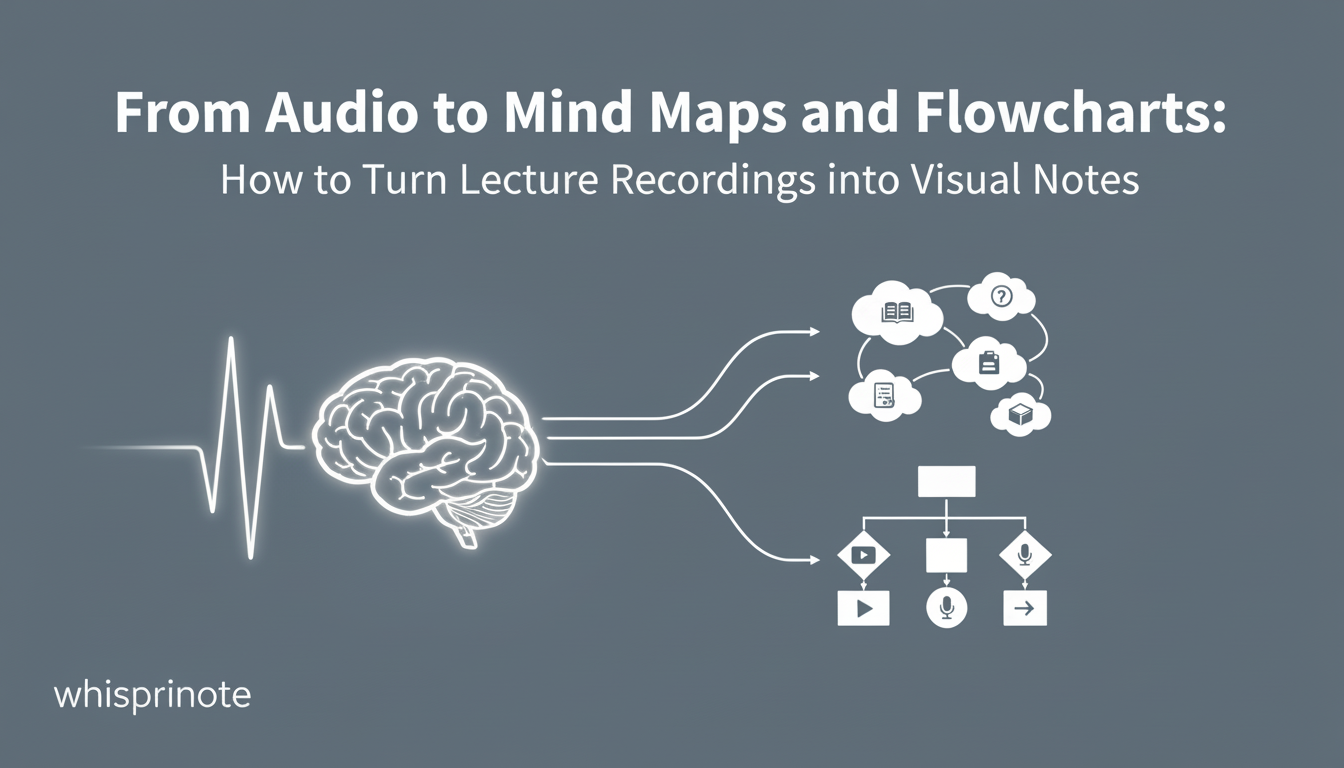
Most students take notes the same way. They write line after line of text. They fill pages with bullet points.
But your brain does not think in bullet points. It thinks in connections, images, and flows.
Text notes are often hard to review. You stare at a page of words, and your eyes glaze over. Visual notes, like mind maps and flowcharts, work differently. They show you how ideas connect.
The problem? Drawing them takes time. You have to stop listening, draw shapes, and organize space on the page. You miss what the professor says next.
Now, you don't have to choose between listening and drawing. You can turn your audio recordings directly into visual diagrams automatically.
You can try this visual note-taking feature for free right now on Web, iOS, or Android.
Why Visual Notes Beat Text Notes
There is a reason diagrams help you study.
It is called Dual Coding. When you combine words with visuals, you give your brain two ways to remember the information. Studies show that this method helps learners retrieve information much faster than text alone.
Here is why visuals work better:
- Instant Context: You see the "big picture" immediately.
- Better Recall: The brain processes images 60,000 times faster than text.
- Less Clutter: A single flowchart can explain a process that takes three pages to write out.
If you are in a content-heavy field, this helps a lot. For instance, medical students use flowcharts to track diseases. Law students use timelines for case histories.
The Old Way vs. The AI Way
The Manual Method
You sit in class. The professor starts talking about the French Revolution. You try to draw a timeline. You mess up the spacing. You erase it. By the time you fix the line, the professor is already talking about Napoleon. You feel stressed and fall behind.
The AI Method
You hit "Record" on your phone. You sit back and listen. You focus on understanding the story. When class ends, an AI tool processes the audio. It spits out a perfect, structured timeline and a mind map of the key political factions.
This creates a smooth study workflow. You capture the audio, and the software handles the drawing.
Meet Whisprinote: Your AI Visual Study Partner
Whisprinote is not just a transcription tool. It is an AI workspace built for students who need to see the big picture.
While other apps just give you walls of text, Whisprinote builds structured visual notes.
Here is what makes it different:
- Visual First: It automatically detects processes and concepts. It then converts them into clear flowcharts and mind maps instantly.
- Works with Everything: Record a live lecture, upload an audio file, or import a YouTube link. It handles all formats in one place.
- Chat with Your Notes: Got a question about the diagram? Use the AI Voice Chat to ask specific questions about your recording.
- Global Support: It speaks over 10 languages. You can get your notes and diagrams in English, Spanish, Japanese, and more.
Your data stays safe with a privacy-first design. Audio recordings remain on your device. It is the tool that adapts to how you learn.
Which Visual Should You Use?
Different subjects need different diagrams. A good AI note-taker will pick the right format for the content.
For a broader look at automatic diagrams, pen-first notebooks, and collaborative canvases, see our visual note-taking app comparison.



