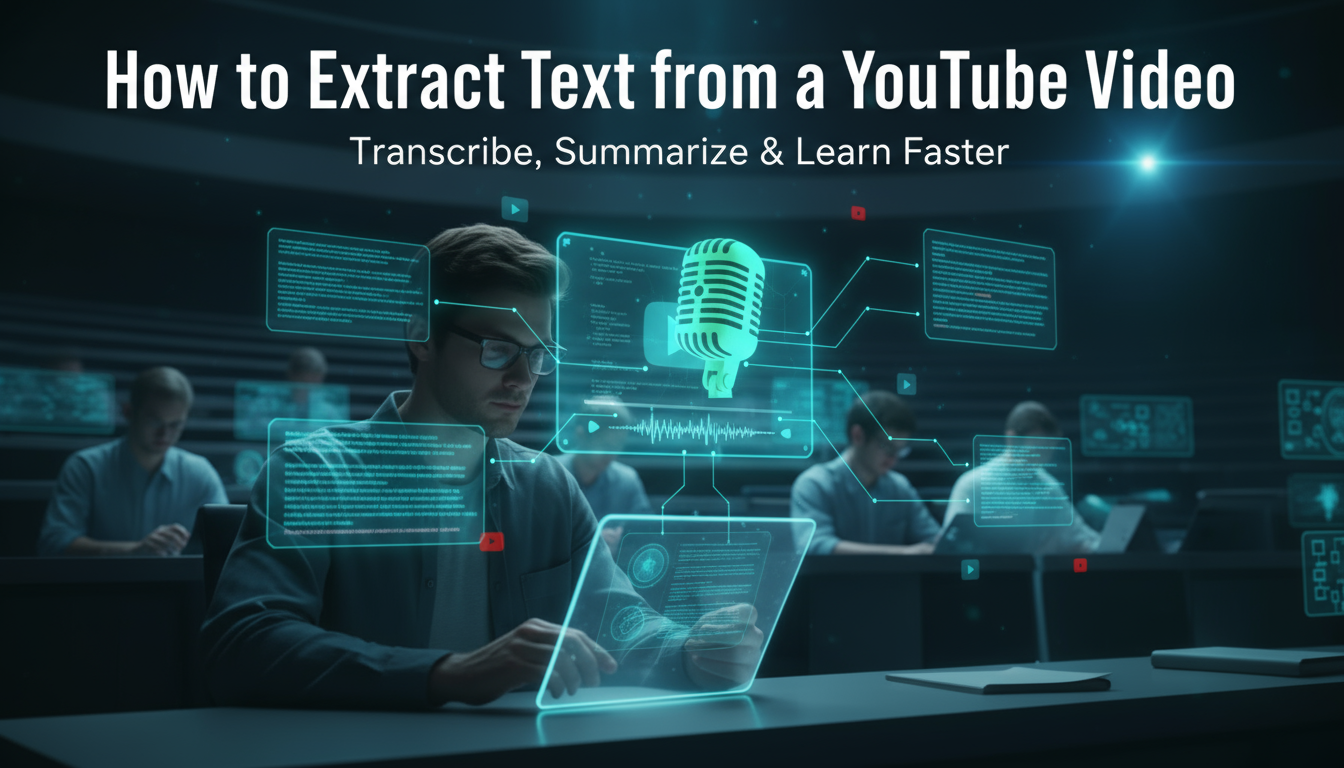
Online courses are great. You can learn from top professors in your pajamas. But they have one big problem: the large volume of video. It's easy to "zone out" during a two-hour lecture. Manually pausing, typing, and rewinding is slow, frustrating, and breaks your focus.
You try to capture every detail but end up missing the big picture. Sound familiar?
What if you could watch the lecture, focus on understanding the concepts, and get a perfect set of searchable notes, summaries, and main topics automatically?
You can get started by turning your course videos into study notes for free on the web, iOS, or Android.
This guide explains how to stop being a "video transcriber" and start being an active learner in your online courses.
The Problem with "Pause and Type" Note-Taking
For decades, the "pause and type" method was the only way. You would play the video, hit pause, type what the professor said, hit play, and repeat.
This is a terrible way to learn. Here is why:
- It's Very Slow: A 60-minute lecture can take 90 minutes or more to get through.
- It Kills Your Focus: You switch tasks every 10 seconds. Your brain is not focused on learning the material. It is focused on the task of typing.
- You Miss the Big Picture: While you are busy typing a specific definition, you might miss the broader context or the connection to a previous topic.
- You Get Messy Notes: You end up with a giant wall of text that's hard to review and impossible to search quickly.
There's a better way. Instead of you taking notes from the video, an AI can do it for you.
What is an AI Video Note Taker?
An AI video note taker is a tool, like Whisprinote, that processes video content. It turns videos into structured, useful study materials.
You do not just get a transcript. You give the AI a link (like a YouTube or course video link) or upload a video file. It then uses smart software to do the hard work.
Let's break it down:
- Speech-to-Text (STT): First, it "listens" to the entire video. It transcribes every word with high accuracy. This creates a complete, searchable text transcript.
- Natural Language Processing (NLP): This is the magic. The AI then reads the transcript, understands the content, and automatically:
- Creates a short summary of the whole lecture.
- Pulls out the main topics and ideas.
- Identifies who is speaking (if multiple speakers).
This process turns a passive video into an active study asset. Want to learn more about the software? See our guide on how AI turns lectures into organized notes.
How AI Helps with Online Courses
Using AI for your online course videos is not about being lazy. It is about studying smarter.
Learn Actively, Not Passively Instead of frantically typing, you can watch the video. You can focus on the professor's explanations and the visual aids. You can engage your brain in understanding the material. You know the AI is capturing every word for you to review later.
Get Instant, Searchable Study Guides Turn a 2-hour video into a 5-minute summary. Before an exam, do you want to re-watch 12 hours of video? Or would you rather search a dozen transcripts for the term "supply and demand" and find every mention in 15 seconds?
Save Lots of Time The time you save is enormous. No more pausing. No more rewinding. No more re-watching. You get to the main concepts faster. This gives you more time to work on practice problems, write essays, or review for exams.
This is a big shift in studying. Learn more about why students are using AI for smarter note-taking.
How to Take Notes from Online Videos (Step-by-Step)
Getting started is very simple. Here are the next steps:
Step 1: Get Your Video Link Copy the URL of your lecture video. This works for YouTube, Vimeo, and many online course platforms. If you have the video file (like an .mp4), you can often upload that directly.
Step 2: Paste the Link into an AI Note Taker In a tool like Whisprinote, you just find the "YouTube" or "Video" import option. Then you paste your link. The AI will begin processing the video in the background.
Step 3: Receive Your Transcript and AI Summary In just a few minutes, you will get a complete, time-stamped transcript and a neatly structured summary. You will see the main ideas, main points, and all the important details.
Step 4: Review and Study This is the most important step. Read the AI-generated summary to lock in the main concepts. Then, use the searchable transcript to find specific details or definitions. You are not just getting notes; you are using them.
This process helps a lot with online content. For a fast conversion, use the free YouTube to Notes page.
Who Benefits Most?
While this helps every student, it is a very helpful tool for:
- Content-Heavy Courses: Students in Medicine or Engineering face a lot of dense, technical information. An AI ensures you capture every single detail.
- ESL Students: If the lecture is in your second language, a searchable transcript is a great study tool. You can review complex terms and sentence structures at your own pace.
- Students with Accessibility Needs: For students with hearing impairments or learning disabilities like dyslexia, a clean text-based version of a video lecture is not just helpful. It is a necessity. Learn more about AI note-taking for special needs students.

