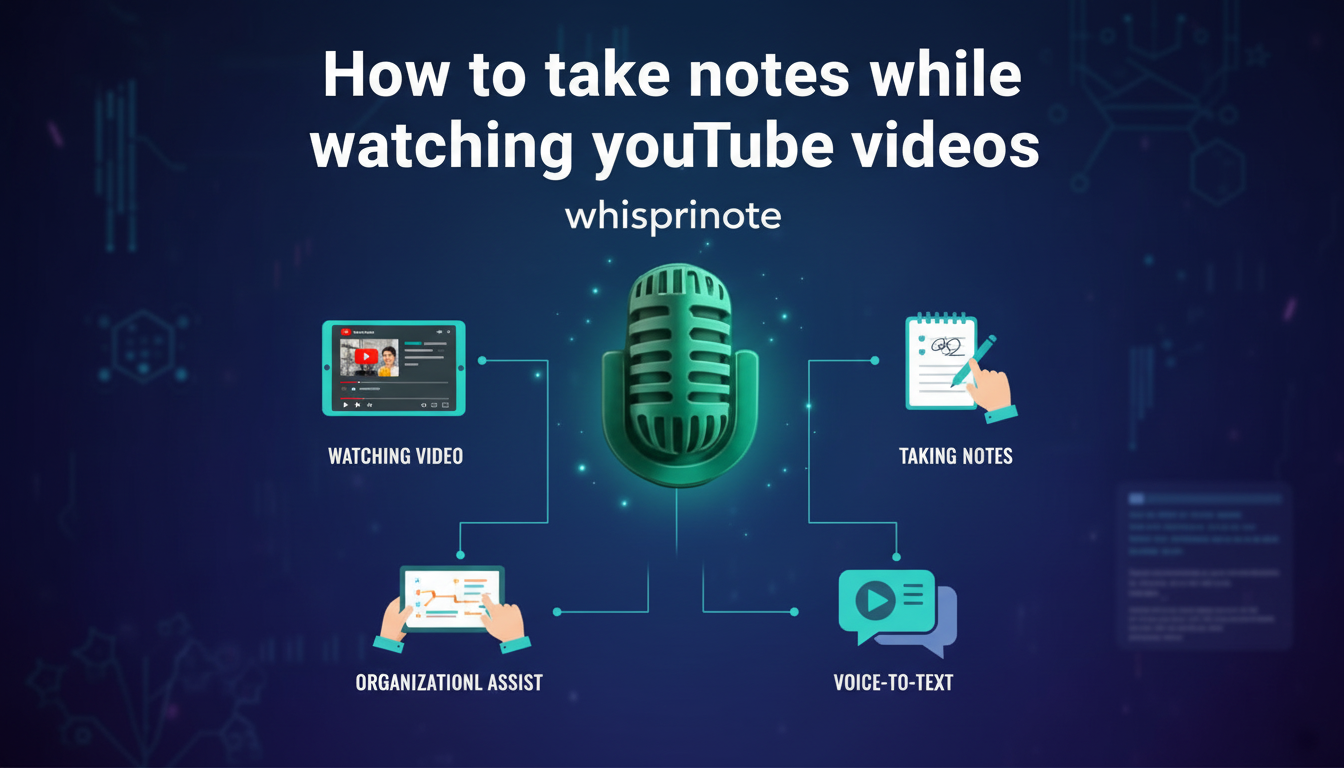
YouTube is the world's biggest classroom. You can learn anything from coding to calculus in minutes. But watching a video is passive. Learning requires action. If you just watch, you forget.
The challenge is capturing the information without losing the flow of the video. Pausing every ten seconds to type is slow and boring. It breaks your focus.
Here are five proven methods to take better notes from YouTube videos, ranging from smart AI automation to classic pen-and-paper techniques.
Method 1: The AI Auto-Pilot (Fastest Way)
The smartest way to take notes in 2025 is to let AI do the heavy lifting. Instead of acting as a transcriber, you become an editor.
Tools like Whisprinote handle the capture process for you. You paste the YouTube link, and the AI listens to the video. It generates a full transcript, identifies speakers, and creates a structured summary of the main points.
Why this works:
- Zero Distractions: You can watch the video and look at the visuals without looking down at your keyboard.
- Searchable Notes: You get a text version of the video. You can search for specific terms later instead of re-watching the whole clip.
- Time Saved: It turns a one-hour lecture into a five-minute read.
This method is perfect for dense topics. If you are studying complex subjects, check out our guide on how AI lecture note takers turn your lectures into organized notes. It allows you to focus on understanding rather than typing.
Method 2: The Browser Extension Overlay
If you prefer to type your own notes but hate switching tabs, use a browser extension. Tools like YiNote or Draw on Page add a notepad directly on top of the YouTube video player.
How it works:
- Install the extension on Chrome or Edge.
- Open your YouTube video.
- A sidebar or floating box appears over the video.
- Type your notes as you watch.
Most of these tools automatically pause the video when you start typing. They also timestamp your notes. If you click a note later, the video jumps to that exact moment. This creates a direct link between your thoughts and the source material.
Method 3: The Split-Screen Technician
You might already have a favorite note app like Notion, Obsidian, or Apple Notes. The trick here is window management.
Do not let the video window float behind your notes. "Tile" your windows so they sit side-by-side with zero overlap.
- On Mac: Hover over the green maximize button and choose "Tile Window to Left of Screen."
- On Windows: Drag the window to the far left edge until it snaps into place.
This setup works well for engineering students who need to copy down formulas or code snippets exactly as they appear on screen. You can keep your hands on the keyboard and eyes on the code.
Method 4: The Modified Cornell Method
The Cornell method is a classic paper-based system. It works great for video if you make one small change: add timestamps.
Divide your page into two columns. Use the right side for your main notes. Use the left side (the "Cue" column) for timestamps and keywords.
If the speaker defines a key term at the 4:15 mark, write "4:15" in the left column.
This turns your paper notebook into a searchable index. When you review your notes later and do not understand a point, the timestamp tells you exactly where to look in the video. This simple addition makes manual note-taking much more effective for online courses.
Method 5: The "30-Second Rule" (For Memory)
This method focuses on retention. It forces your brain to work harder.
The Rule:
- Watch a segment of the video (3 to 5 minutes) with full focus. Do not write anything.
- Pause the video.
- Take 30 seconds to write down the main points from memory.
If you cannot remember the key points, you were not paying attention. Rewind and try again.
This struggle to recall information strengthens your long-term memory. It stops you from mindless transcription and forces you to synthesize the information immediately.
Which Method is Best for You?
- For maximum speed: Use Method 1 (AI). It captures everything automatically. Learn more about why students use AI for smarter note-taking.
- For heavy visual learners: Use Method 3 (Split-Screen) to take screenshots and paste them into your notes.
- For deep memorization: Use Method 5 (30-Second Rule) to train your brain.

