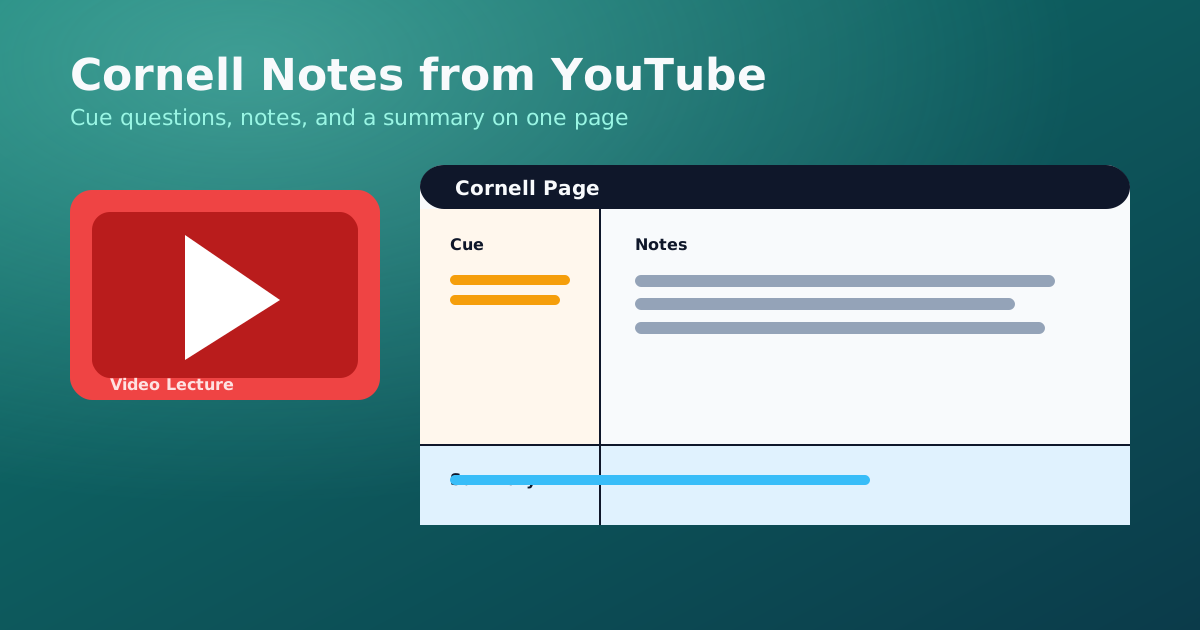
The Cornell method is one of the simplest ways to turn a long YouTube lecture into easy to read notes. It is a fast YouTube to notes workflow that separates questions from details, which makes review active.
If you are new to converting videos, start with the free YouTube to Notes page. You can also generate the transcript and summary on WhispriNote and focus on your cue questions. If you already have a transcript, this Cornell approach still works as a YouTube transcript to notes method.
The Cornell layout (30-second refresher)
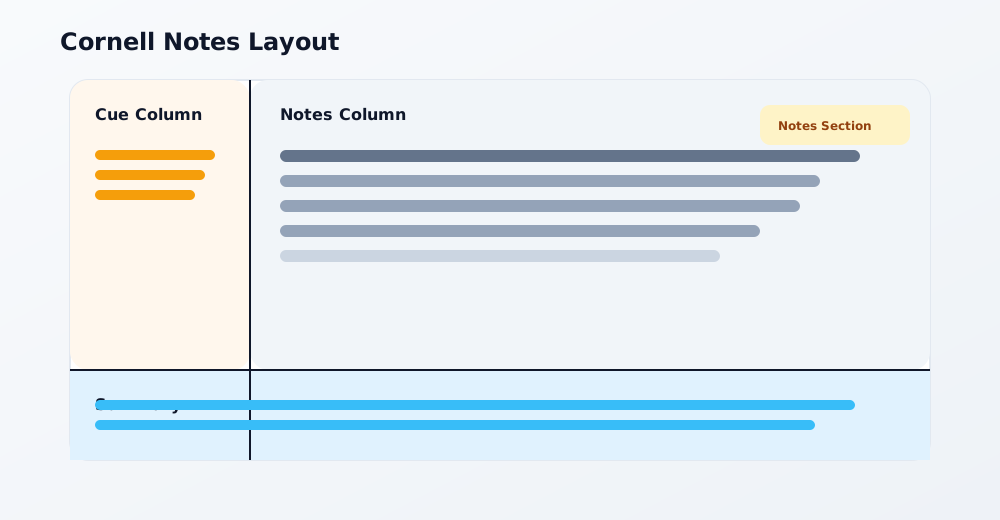
Cornell notes split the page into three areas: cue column, notes column, and a summary section at the bottom.
Why Cornell works so well for YouTube videos
- The cue column forces you to write questions, which improves recall.
- The notes column captures the exact details with timestamps.
- The summary section turns the entire video into a short study guide.
If you prefer another structure, read YouTube Lecture Notes: Study Guide 2025.
How WhispriNote structures the full note
Even when you use Cornell for review, the underlying WhispriNote note follows a consistent format:
- Title
- Slogan (one-line benefit)
- Overview
- Key Points (table)
- Flowchart
- Summary (table)
- Timelines (only when the content is chronological)
- Detailed Explanation
- Mind Map
- Conclusion
- Next Steps
For diagram samples, see YouTube Video Summary to Notes.
A fast Cornell workflow with AI
- Copy the YouTube link.
- Generate a transcript, summary, and topics.
- Turn each topic into a question for the cue column.
- Paste the key points and timestamps in the notes column.
- Write a 3-4 sentence summary at the bottom.
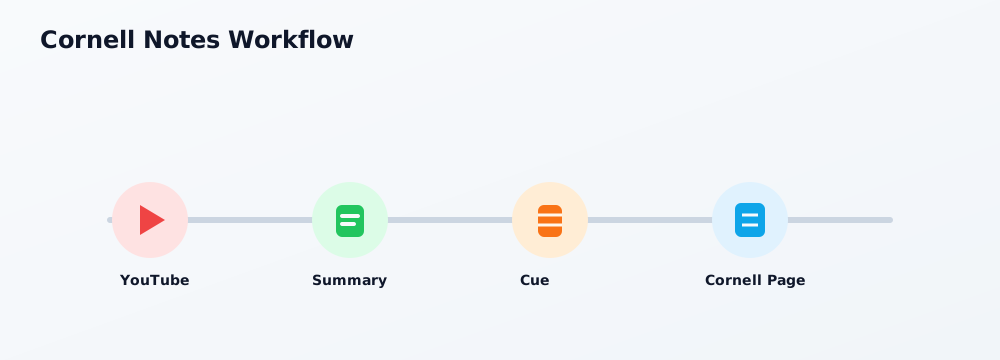
WhispriNote handles steps 2-3 automatically by extracting topics and summaries, so you can focus on the cues and review. Try it on WhispriNote if you want Cornell notes without manual prep.
Cornell notes template you can copy
| Cue (questions or keywords) | Notes (key points + timestamps) |
|---|---|
| What is the main concept? | Definition, example, and the timestamp where it appears. |
| How does the process work? | Step-by-step breakdown from the lecture. |
| Key formula or rule | Include the formula and a quick example. |
Summary (2-4 sentences): Write the main idea and why it matters.
Review routine that actually sticks
- Cover the notes column and answer the cue questions out loud.
- Use the summary as a 1-minute refresher before quizzes.
- Turn cue questions into flash questions with WhispriNote's note chat.

