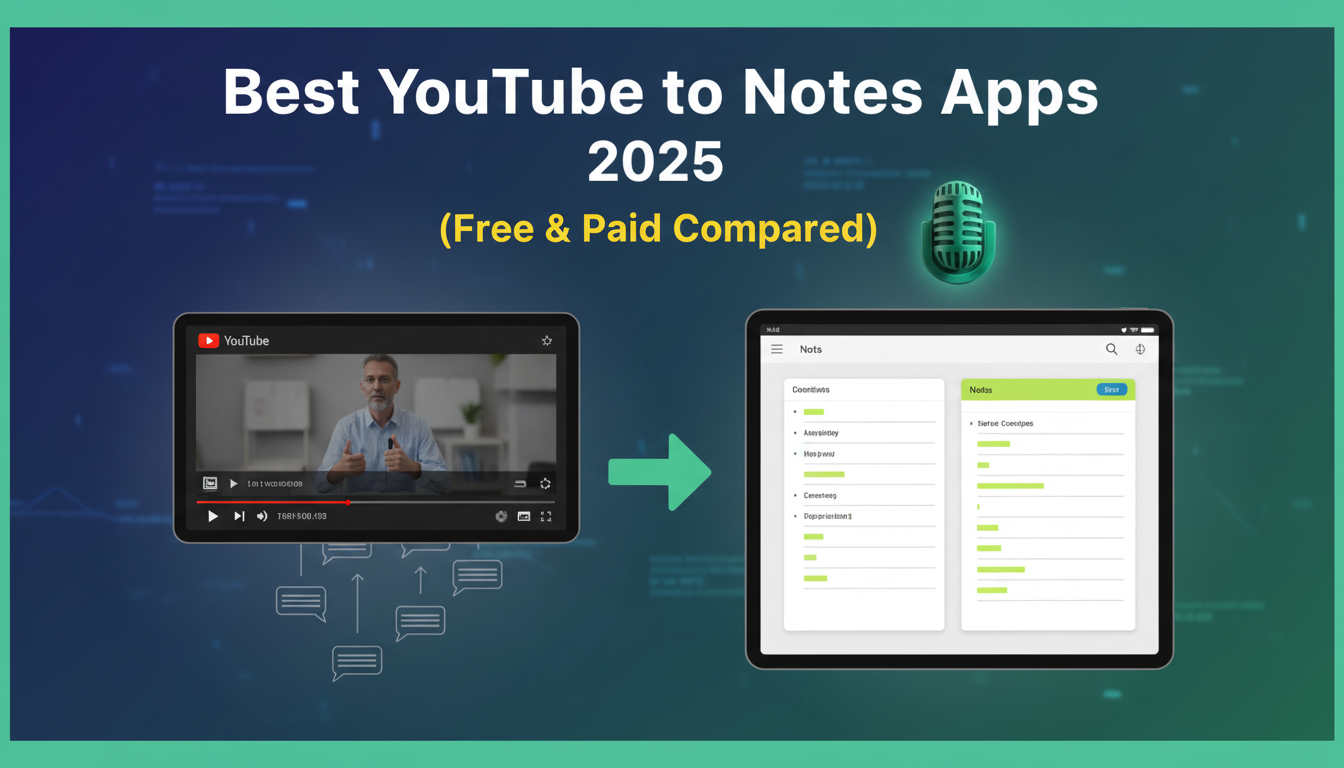
I spent the past two weeks testing different YouTube note-taking apps. I watched lectures, imported tutorial videos, and tried every feature these tools offer. Here is what I found.
Taking notes from YouTube videos used to mean pausing every 30 seconds and typing furiously. Now, AI does the heavy lifting. These apps transcribe videos, generate summaries, and create visual diagrams. Some even let you chat with your recordings. Let's break down which ones actually deliver.
WhispriNote
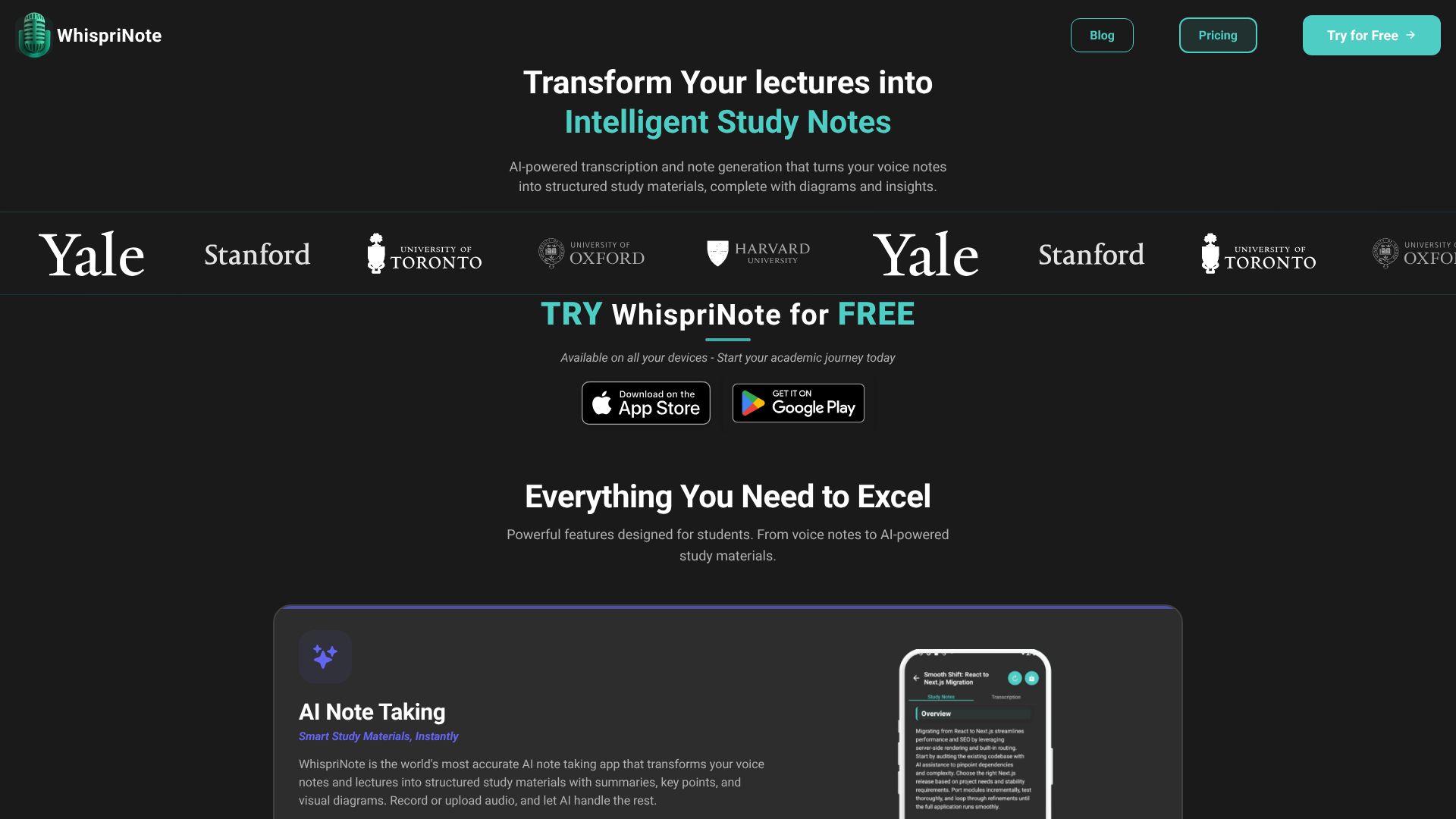
WhispriNote turns spoken content into structured notes. It works with voice recordings, uploaded audio files, and YouTube videos. The tool creates flowcharts, mind maps, and timelines from your content.
Features
Here is why WhispriNote stands out.
- Visual Learning Aids: It produces flowcharts, mind maps, and timelines even for youtube videos. Visual learners will appreciate this greatly. Most tools just give you blocks of text, but this one helps you see the connections between ideas.
- Context-Aware Notes: It provides fast, reliable, and context-aware note generation. You can capture any spoken session once. Then, it instantly converts into searchable, structured notes. These notes come enriched with summaries and action items.
- Talk to Your Notes: A cool feature is the interactive voice chat. You can chat with past recordings. It surfaces answers, context, and follow-up prompts quickly. This turns your static recordings into a living knowledge base.
- Multi-Format Export: It allows exporting deliverables like PDFs with text and diagrams. This makes sharing or archiving easy.
- Cross-Platform Access: WhispriNote offers a cross-platform experience. It works on iOS, Android, and the web.
- Privacy Focused: WhispriNote also states a privacy-first approach. They use encrypted storage. User-controlled deletion ensures your data stays yours. Audio recordings stay on your device.
- Language Support: It supports multiple languages. This flexibility makes it a strong contender as an AI note-taking app for students around the world who often deal with complex terminology.
User Reviews
⭐⭐⭐⭐⭐ "The speed and quality of voice recognition is cool."
- Aaryan
⭐⭐⭐⭐⭐ "YouTube integration helps me turn any programming tutorial into clear notes. It picks up technical content with no trouble."
- Alex K, Computer Science
⭐⭐⭐⭐⭐ "The visual diagrams help me understand tough psychology topics. Mind maps and timelines make studying easier."
- Lisa T, Psychology Major
WhispriNote Pricing
| Plan | Price | Includes | Trial |
|---|---|---|---|
| Weekly Plan | $7.99/week | Voice notes, audio upload, YouTube import, AI notes/diagrams, PDF export, Voice chat AI | 3 Days Free |
| Monthly Plan | $17.99/month | Voice notes, audio upload, YouTube import, AI notes/diagrams, PDF export, Voice chat AI | 3 Days Free |
| Yearly Plan | $199.99/year | Voice notes, audio upload, YouTube import, AI notes/diagrams, PDF export, Voice chat AI | 3 Days Free |
Noteey
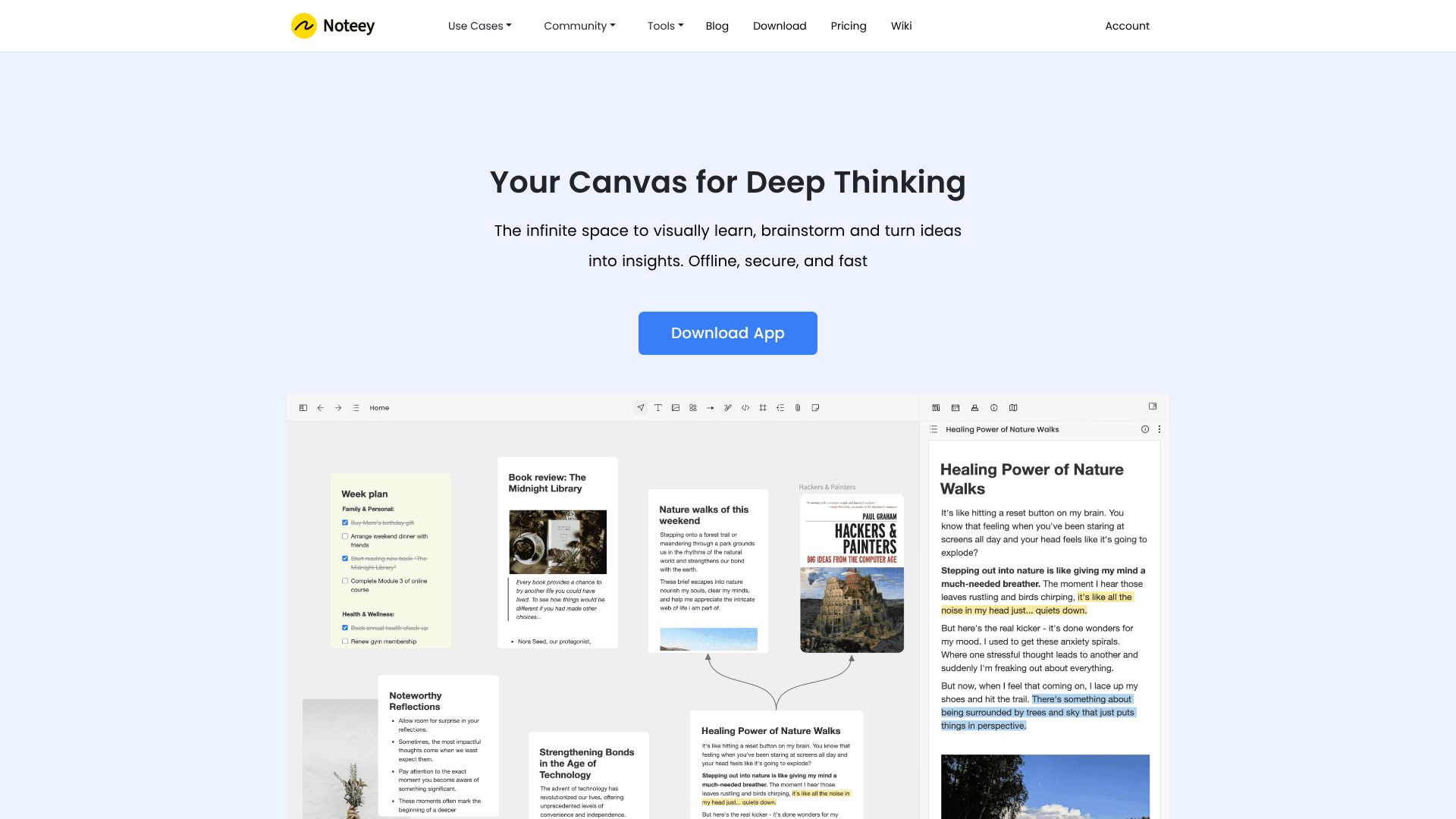
Noteey provides a visual knowledge system built around an infinite canvas. The app stores data on your device and works offline. You can combine different content types in one space.
Features
Let's break it down.
- Infinite Visual Canvas: You can combine text, sticky notes, images, videos, PDFs, and drawings in one space. Everything sits on a single board. This allows for free-form organization.
- Offline-First Design: This is a major plus. It works offline and stores data on your device. You own your data locally, so you don't have to worry about cloud downtime.
- Floating Windows: You can open and annotate multiple PDFs or videos at the same time. It mimics a messy but productive physical desk.
- Media to Notes: You can take timestamped notes while watching videos or listening to audio. It converts media content into visual knowledge maps.
- PDF Handling: It includes PDF search, highlighting, and annotation tools. You can break PDFs into visual cards on your boards.
- Presentation Mode: You can present your boards directly without switching to a slide deck app.
Noteey Pricing
Lifetime Desktop License
| Plan | Price | Includes | Devices | Key Features |
|---|---|---|---|---|
| Free | $0 | Up to 3 projects, 100 cards, all visual creation features, annotate 3 PDFs/videos | - | Basic usage |
| Desktop Pro | $99 | Free plan + export/import local files, OCR, laser pointer, publish 20MB, unlimited local projects | 4 devices | One-time payment |
| Desktop Pro Plus | $159 | Free plan + all Pro features, unlimited local projects | 8 devices | One-time payment |
Premium Cloud Plans
| Plan | Price | Includes |
|---|---|---|
| Monthly Plan | $10/mo | Desktop Pro license, unlimited web publishing, unlimited YouTube transcript, AI summarizer, priority support |
| Yearly Plan | $90/yr | Same as Monthly, but discounted |
| Lifetime Premium | $599 | Same benefits, lifetime access |
Swiftnotes.ai
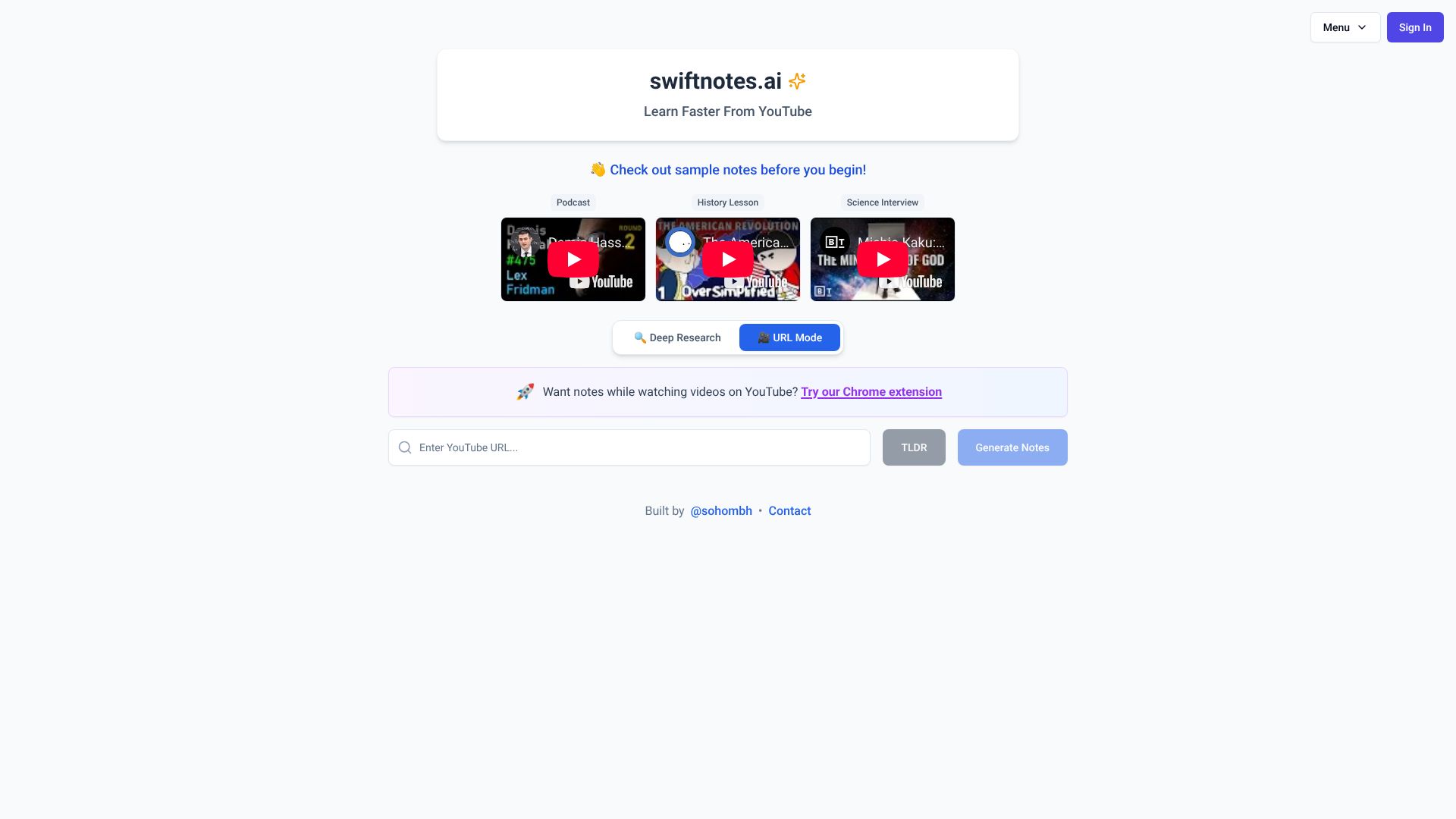
Swiftnotes.ai helps you learn faster from YouTube content. The tool generates notes, summaries, and TLDRs from videos. It includes deep research capabilities and URL mode.
Features
Here is what you get.
- Instant Note Generation: You paste a YouTube link, and it gives you notes. It works well for podcasts, lectures, and history videos.
- Deep Research Mode: This AI-driven tool extracts insights from complex topics. It helps when you need to understand the nuance in a long video or interview.
- URL Mode: It generates notes from general URLs, not just YouTube links. This adds flexibility if your source material varies.
- Browser Integration: The Chrome Extension lets you get notes while you watch. It integrates directly into the YouTube player, so you don't have to switch tabs.