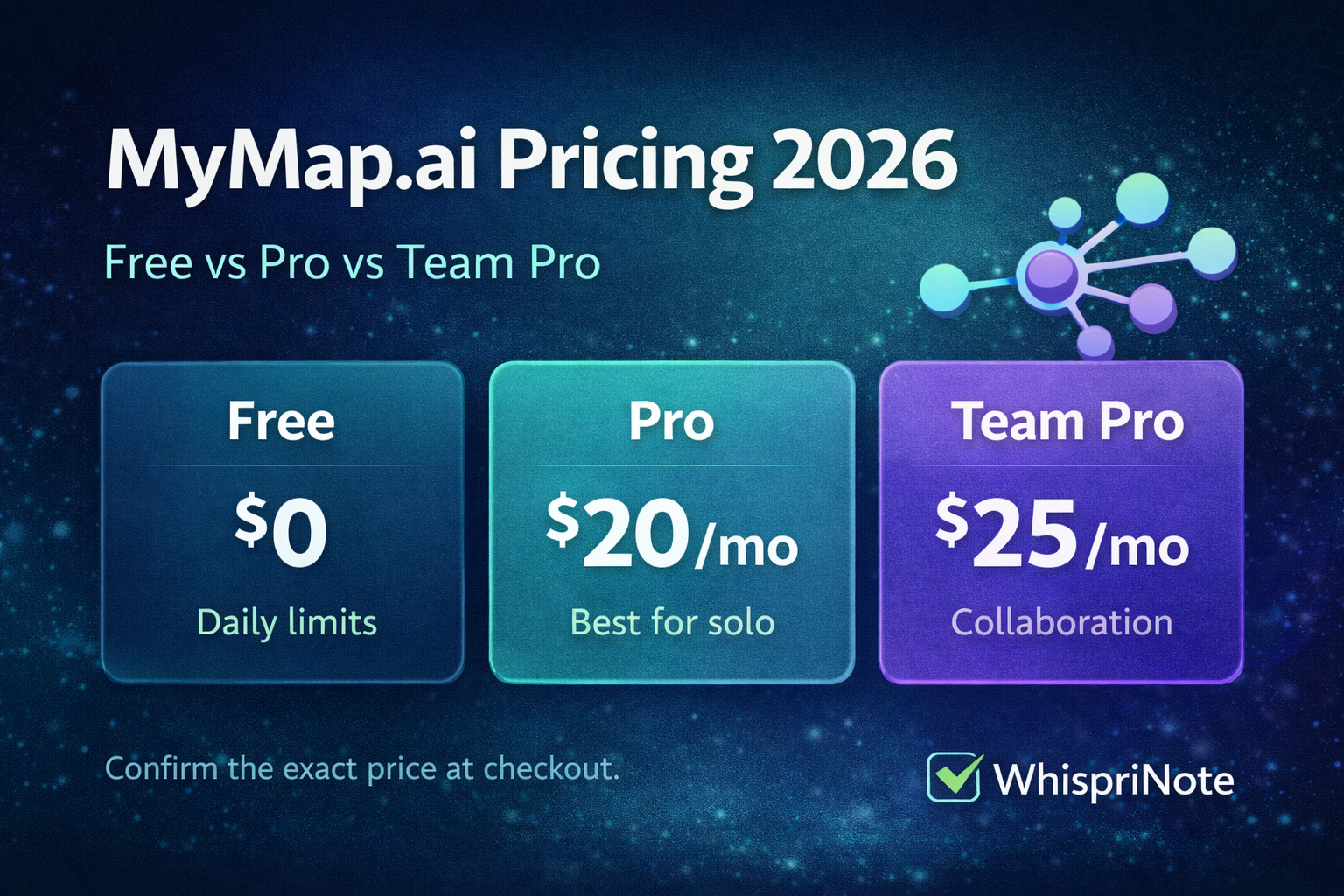
If you are searching MyMap.ai pricing (2026), you probably want a straight answer: What does it cost, what do you get, and how do refunds and cancellation work?
This guide breaks it down quickly and helps you pick the right plan for your workflow.
Official site: MyMap
Quick verdict
- Use Free if you are only occasionally generating diagrams and you are okay with daily limits.
- Pick Pro if you use MyMap.ai multiple times per week (classes, projects, content planning).
- Pick Team Pro if you need collaboration or shared usage across multiple people.
MyMap.ai pricing at a glance (2026)
Because MyMap.ai pricing can vary by promo and region, treat these as typical numbers and confirm at checkout.
| Plan | Typical cost | Best for | Watch out for |
|---|---|---|---|
| Free | $0 | Trying the workflow | Daily limits can feel tight fast |
| Pro | ~ $20/month | Solo heavy use | Intro promo -> auto-renews unless canceled |
| Team Pro | ~ $25/month | Collaboration and teams | Shared usage and managing seats |
What is included in each plan
Free plan (good for testing)
Free is usually enough if you:
- only need a few diagrams per day
- want to test the UI and export quality
- use it sometimes rather than daily
Most common reason people upgrade: daily limits feel tight when they use it weekly.
Pro (most popular paid plan)
Pro is typically worth it if you:
- create mind maps and flowcharts regularly
- need higher usage than Free allows
- want a smoother open -> prompt -> export workflow
You may see a small intro promo (a low-cost first few days), then standard monthly pricing.
Team Pro (best for groups)
Team Pro makes sense when:
- multiple people need access (work, study group, content team)
- you want collaboration workflows and shared projects
If you are solo, Pro is usually simpler.
Trial and promo periods: how to avoid surprise charges
A common pricing pattern is:
- a low-cost intro period (a few days)
- then it converts into a normal subscription
If you are just testing, cancel early so you do not forget.
Practical rule: cancel at least 24 hours before the renewal deadline shown on your billing screen.
Refund policy (what MyMap.ai says)
MyMap.ai publishes a cancellation and refund policy with these key points:
- 7-day refund window for web subscriptions (contact their support email within 7 days)
- Monthly plan: cancel to stop the next billing cycle
- Annual plan: refunds within 7 days may be handled proportionally to usage
- One refund chance per customer
- Subscriptions auto-renew until you cancel

