You have classes to attend, meetings to track, and big ideas to manage. The right tool makes the difference between drowning in data and surfing on top of it. Today we pit two heavyweights against each other: Whisprinote and Scrintal.
One listens. The other visualizes. Which one fits your workflow?
At a Glance: The Showdown
| Feature | Whisprinote | Scrintal |
|---|---|---|
| Best For | Students & Lecture Capture | Researchers & Visual Planners |
| Superpower | AI Voice-to-Text & Auto-Diagrams | Infinite Canvas & Networking |
| Main Input | Voice, Audio Files, YouTube URLs | Text, PDFs, Drag-and-Drop |
| Main Output | Structured Study Guides, summaries | Connected Boards, Mind Maps |
| Pricing Model | $17.99/month | $9/month |
Whisprinote: The Audio Autopilot
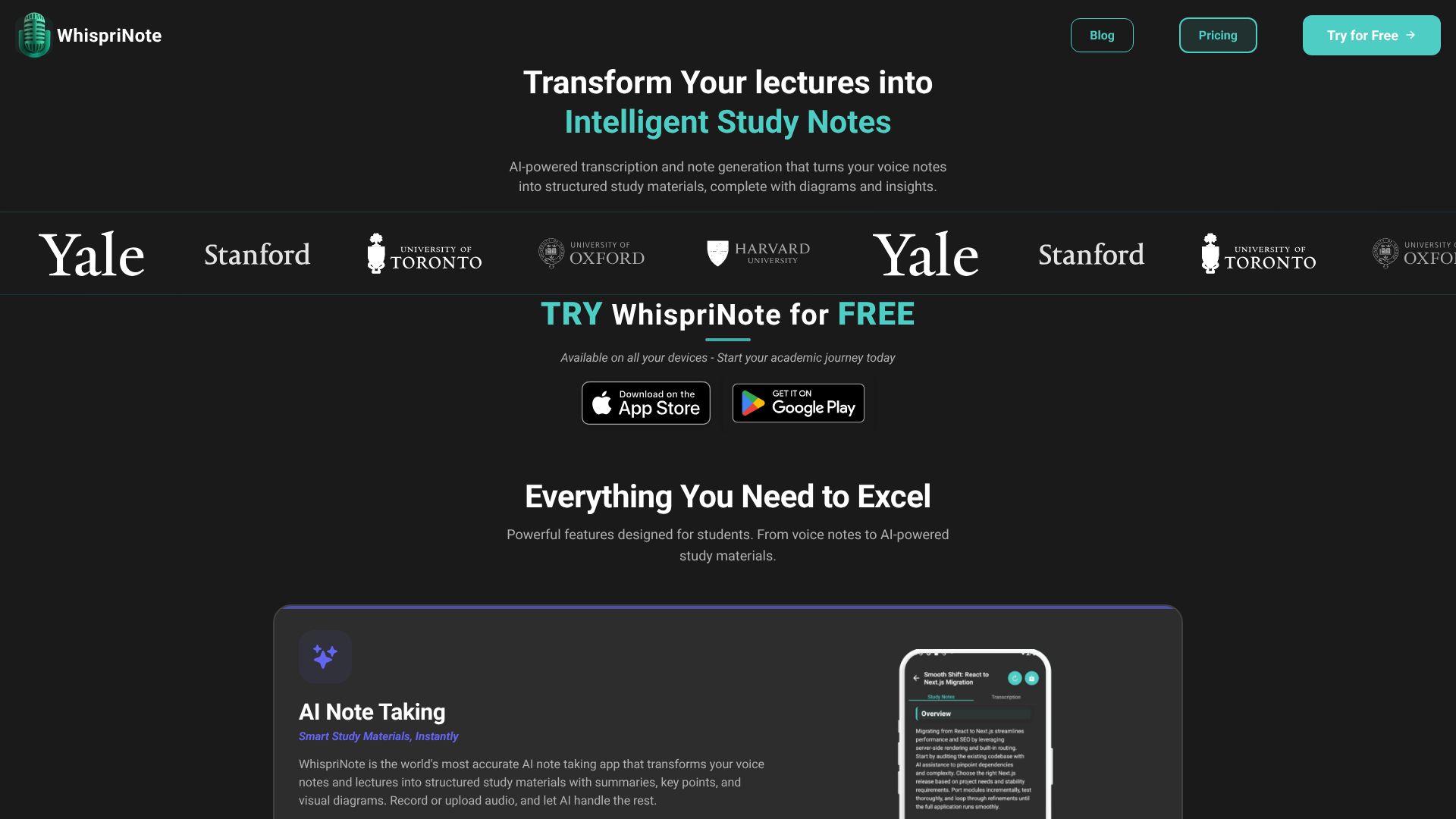
Whisprinote focuses on one thing: capturing spoken words and turning them into study gold. It does not just transcribe. It listens, understands, and structures your messiest audio into clean, exam-ready notes. If lectures are your main study source, you might want to check out our breakdown of the the Ultimate Guide to AI Lecture Note Takers .
Why it shines:
- It Hears Everything: You hit record in a lecture hall or a meeting. You sit back. The app handles the rest. It captures every word and sorts it into headings and bullet points.
- Visuals on Demand: Most tools stop at text. Whisprinote takes your audio and instantly generates flowcharts, mind maps, and timelines. You see the connections without drawing a single line.
- YouTube Integration: Paste a link from a tutorial or an online class. The app strips the audio and builds a study guide before the video even finishes buffering. Learn more about how easy it is to convert YouTube videos into notes.
- Chat with Your Notes: Got a question about last week's biology class? Ask the AI. It scans your specific recordings and gives you the answer.
User Experiences
⭐⭐⭐⭐⭐ "The visual diagrams help me understand tough psychology topics. Mind maps and timelines make studying easier." - Lisa T, Psychology Major
⭐⭐⭐⭐⭐ "YouTube integration helps me turn any programming tutorial into clear notes. It picks up technical content with no trouble." - Alex K, Computer Science
Who needs this?
Students facing hours of lectures. Professionals sitting through endless calls. If your information comes from listening, Whisprinote is your new best friend.
Scrintal: The Visual Workbench
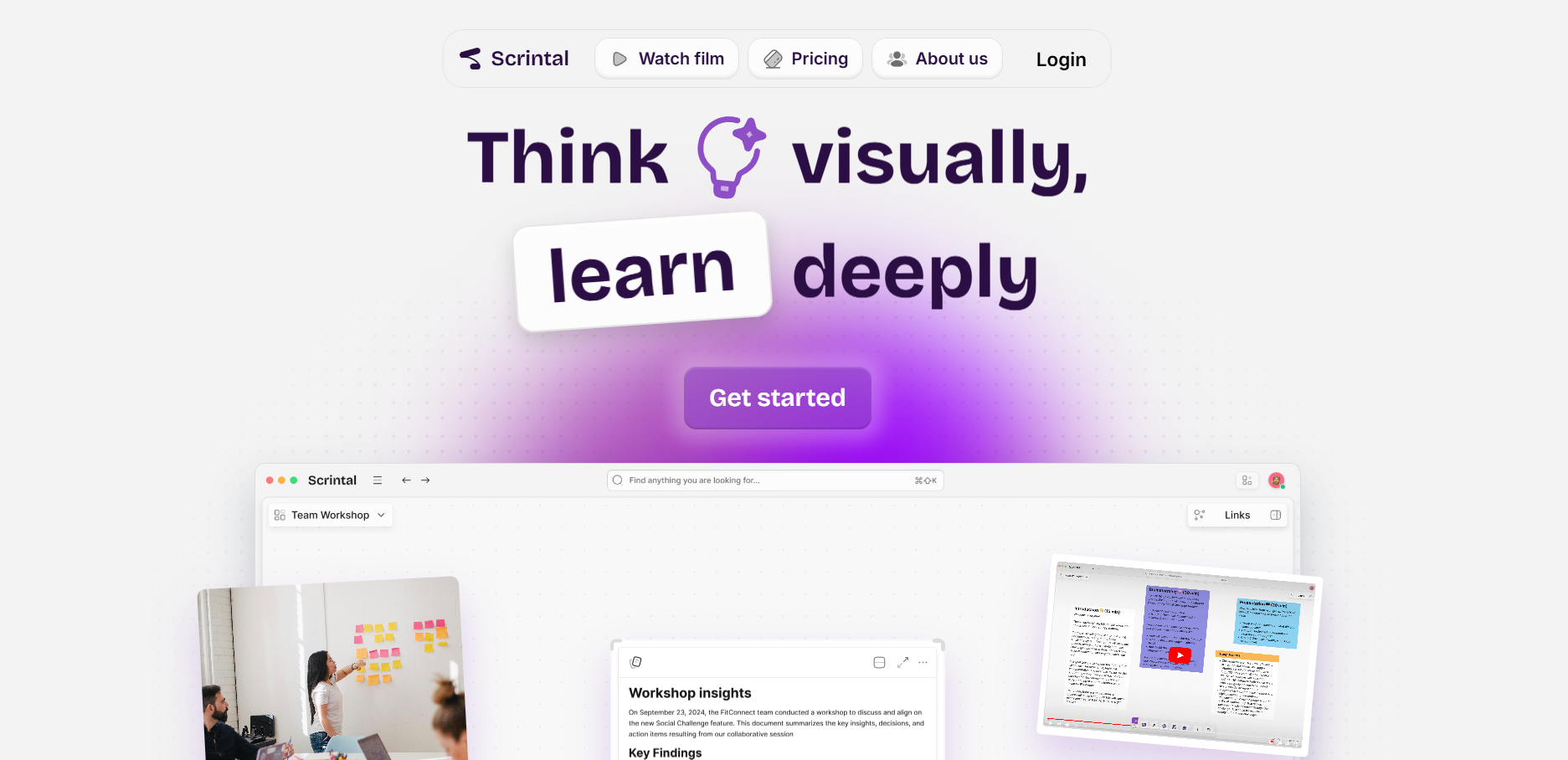
Scrintal takes a different approach. It kills the vertical document and gives you an infinite wall. It works like a virtual whiteboard where every sticky note can hold a whole essay, a PDF, or a video.
Why it shines:
- Spatial Thinking: You do not write top-to-bottom. You place ideas side-by-side. You draw arrows between them. You see how "Concept A" leads to "Result B."
- The Card System: Every note is a card. You can move them, stack them, and link them. It feels like moving physical index cards on a desk, but digital.
- Research Heavyweight: You can upload a PDF to the left side of your screen and write notes on the right. You link those notes directly to specific parts of the PDF.
- Lifetime Access: Unlike many subscription traps, Scrintal often offers a "pay once, own it forever" option. That appeals to people tired of monthly bills.
User Experiences
⭐⭐⭐⭐⭐ "Incredible product, incredible team. Really exciting to see this develop from inception all the way back in 2021." - Adam Grachek
⭐⭐⭐⭐⭐ "Scrintal is an incredible app! Our team has used it for a little over a year and it has revolutionized how we work together to brainstorm ideas and work through creative processes." - Brian Witte
Who needs this? Writers planning a novel. Researchers organizing a thesis. Strategists mapping out a complex launch. If your work involves connecting dots, Scrintal fits the bill.

