School used to be about textbooks and highlighters. Now, it is about managing information overload. The right tools determine if you sink or swim.
There are thousands of apps out there. Most are distractions. Only a few actually help you learn faster and grade better.
This guide cuts through the noise. We curated the best toolkit for ai students who want to work smarter, not harder.
1. The Knowledge Capture Tool: WhispriNote
Lectures move fast. If you try to write down every word, you stop listening. You stop thinking. You become a transcriber, not a student.
You need a tool that captures the information for you.
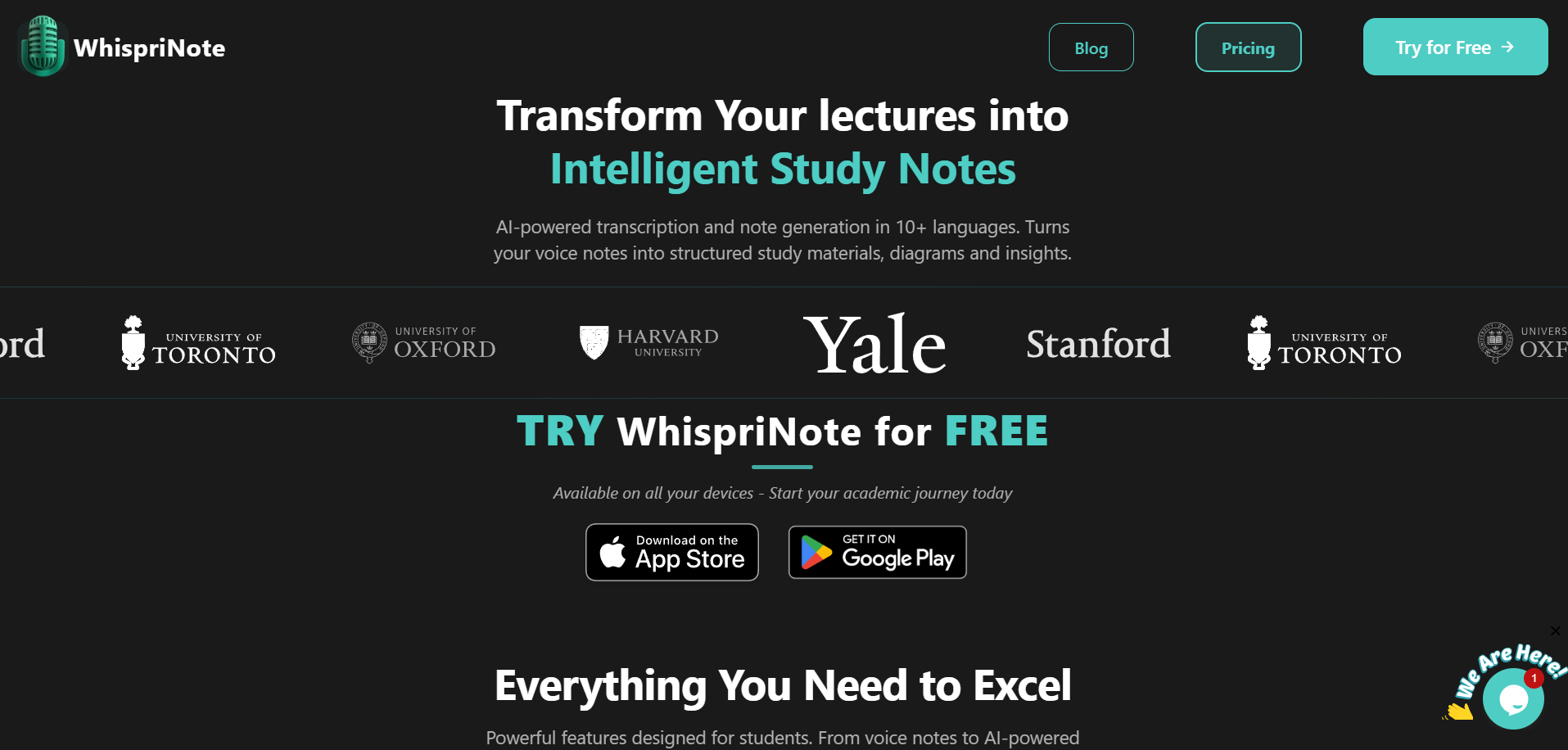
WhispriNote is the best AI lecture note taker for this. It does more than just record. It listens to your lecture, meeting, or brainstorming session. Then, it turns that audio into structured, study-ready notes.
Here is why it belongs in your toolkit:
- It Summarizes Instantly: You get the main points immediately. You don't have to wade through an hour of audio.
- It Visualizes Concepts: Text can be boring. WhispriNote generates mind maps and flowcharts automatically. This is helpful for visual learners.
- It Handles Video: You can easily convert YouTube videos to notes. This is perfect for when your professor assigns a TED Talk or a complex tutorial.
Whether you are in Law dealing with cases or Medicine memorizing anatomy, accurate notes are your foundation.
2. The Research Assistant: Perplexity AI
Google is great, but scrolling through ten pages of ads is not. When you have a paper due tomorrow, speed matters.
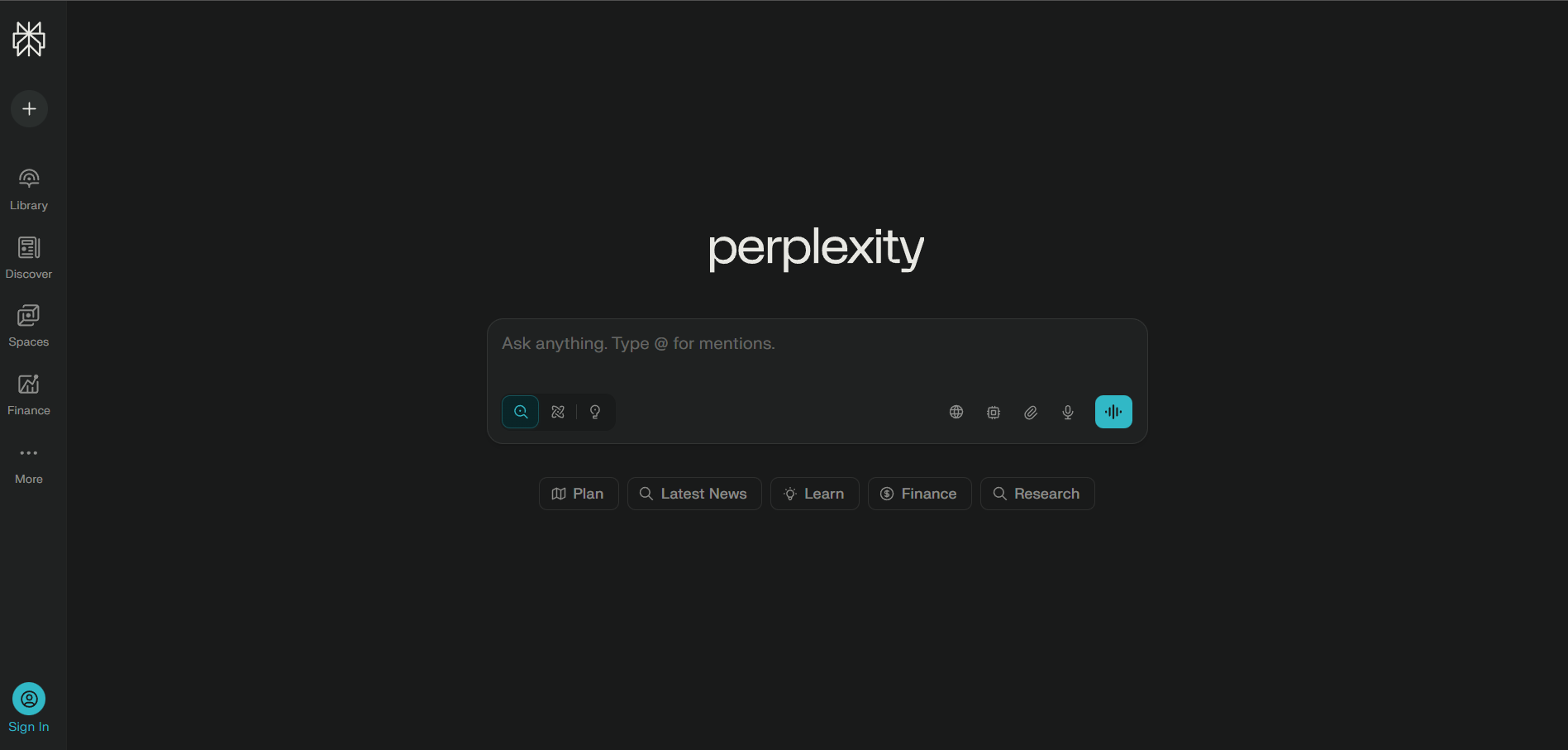
Perplexity AI is a search engine on steroids. You ask a question, and it gives you a direct answer.
Let's break it down:
- Real Sources: It cites every claim with a footnote. You can verify the information instantly.
- Academic Focus: You can toggle a "Focus" mode to search only academic papers.
- No Hallucinations: Unlike standard chatbots, it relies on live web data. It is less likely to make things up.
This tool cuts your research time in half. You get the facts you need to write that essay for your humanities classes without the fluff.
3. The Editor: Hemingway Editor
You have the notes. You have the research. Now you need to write.
Many students write sentences that are too long and confusing. Professors hate reading them.
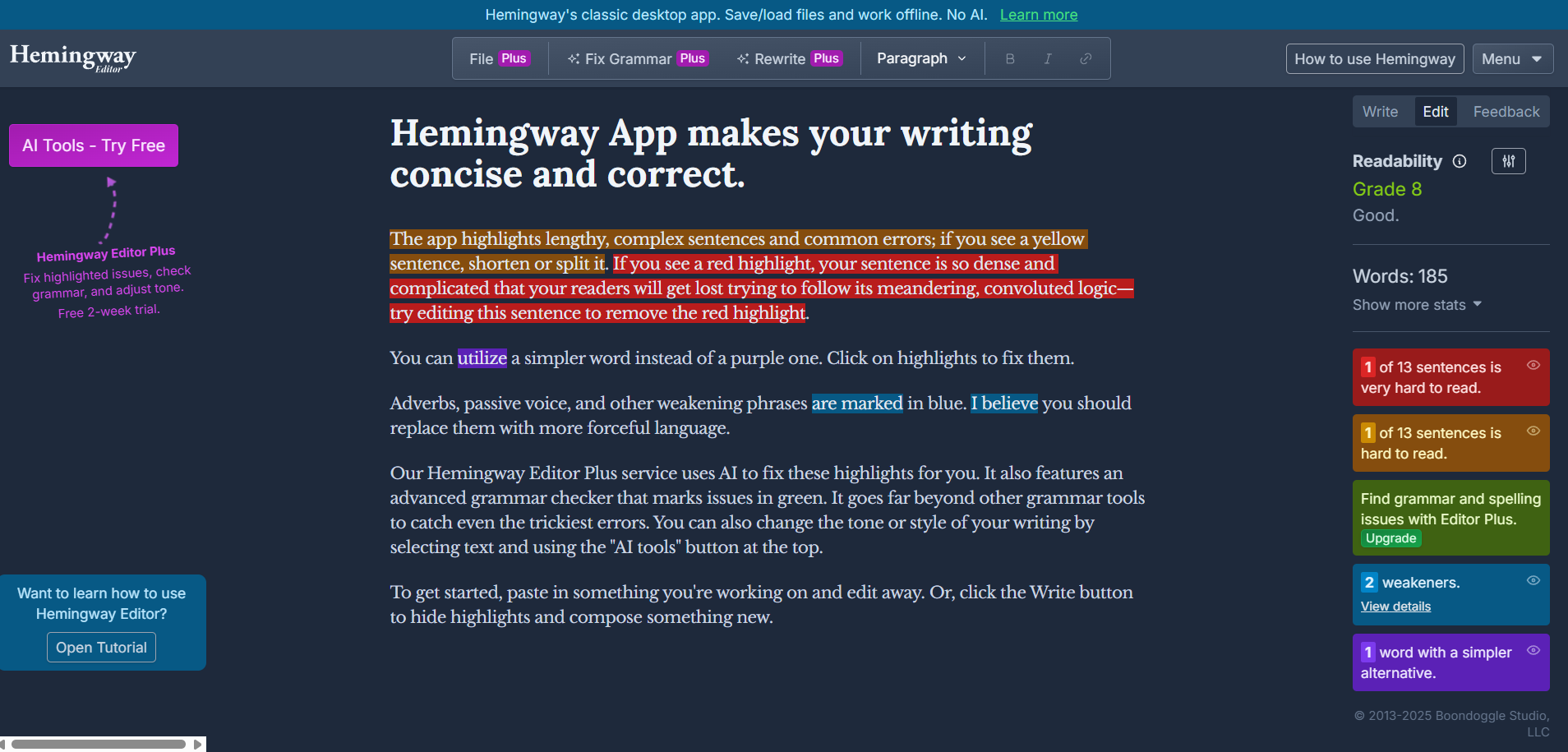
Hemingway Editor is a free web tool that makes your writing bold and clear. It highlights sentences that are hard to read. It tells you when to use a simpler word.
Why use it:
- Fix Passive Voice: It forces you into active voice. Your essays will sound stronger.
- Improve Readability: It gives your writing a grade level. Aim for Grade 8 or 9 for maximum clarity.
4. The Presentation Maker: Gamma
PowerPoint takes forever. Aligning text boxes is a waste of your evening.
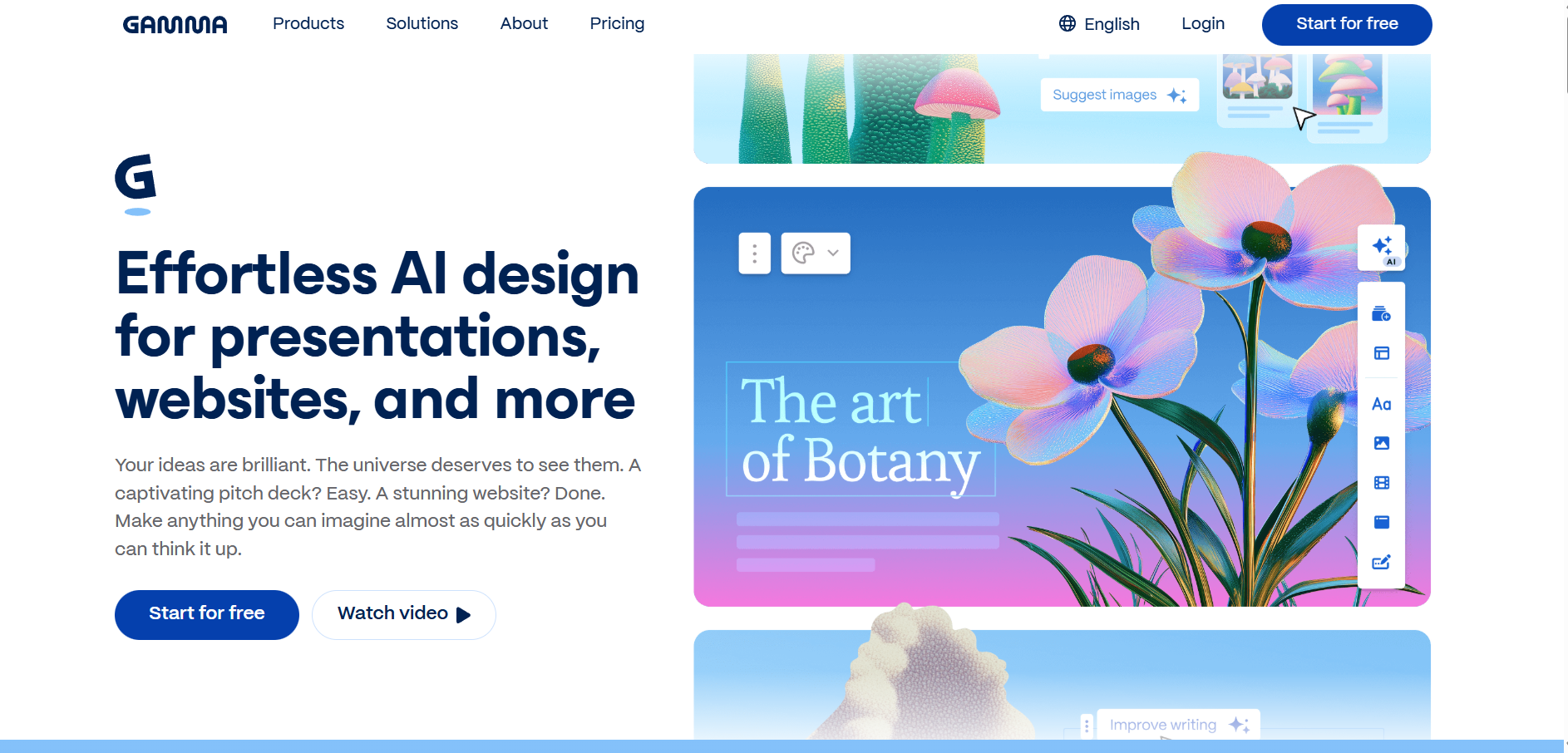
Gamma creates presentations, documents, and webpages from a simple prompt. You type "Create a 10-slide deck on the history of Roman architecture," and it builds it.
It picks the images. It formats the layout. It writes the first draft of the text. You just refine it.
5. The Study Buddy: Quizlet
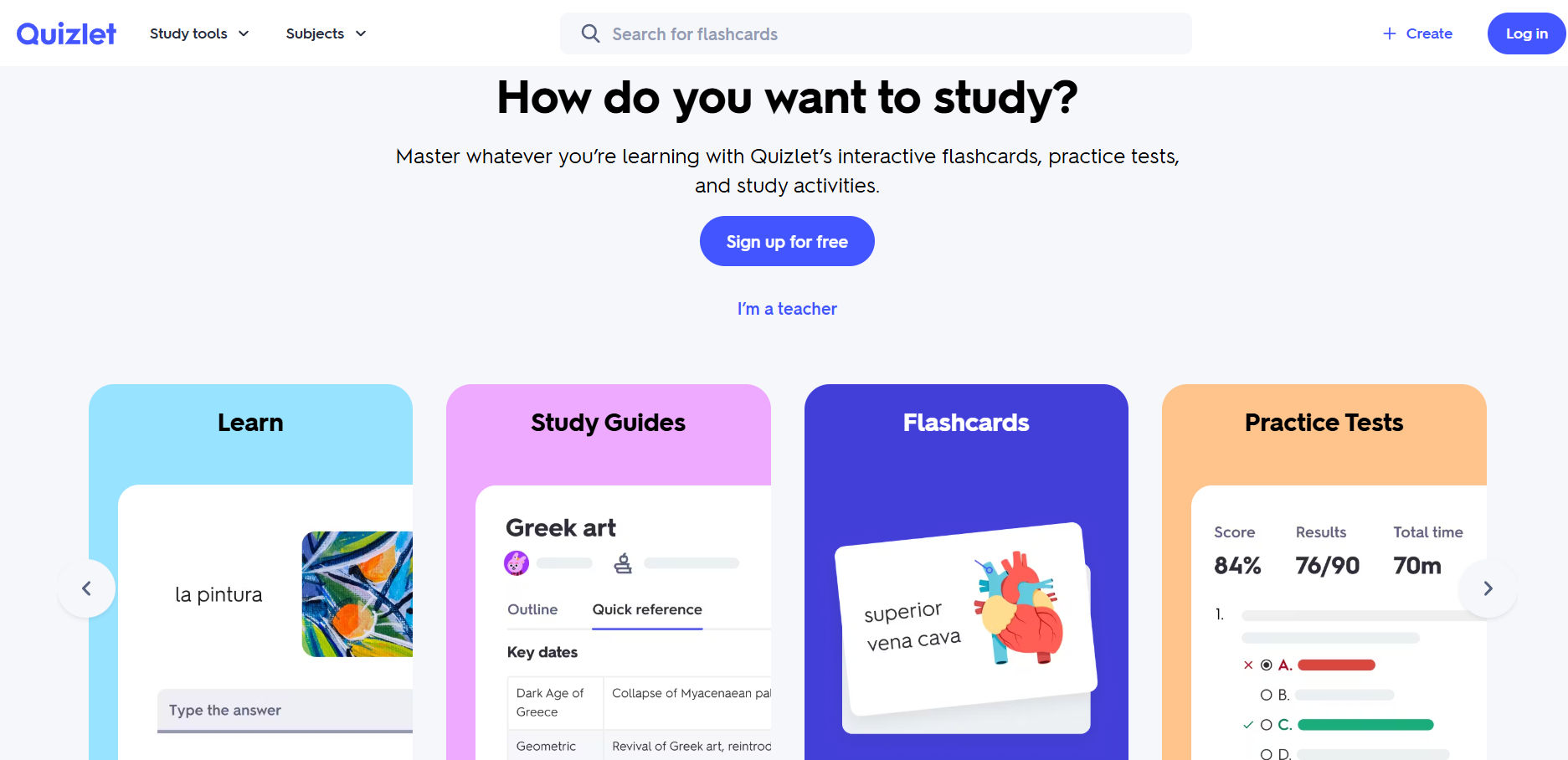
Reviewing notes is passive. Testing yourself is active.