← Back to Blog

Visual Note Taking: How to Use AI to Draw Your Notes

By WhispriNote Team
Updated August 14, 2026
6 min read
Visual Note Taking: How to Use AI to Draw Your Notes
WhispriNote
Try WhispriNote free
Paste a YouTube link to turn any lecture or tutorial into clean, structured study notes.

Most students know that pictures help memory. A chart, a timeline, or a mind map sticks in your brain better than a long, boring paragraph.

But drawing while listening is a nightmare.

You face a tough choice in a fast lecture. You either listen to the professor, or you look down to draw a diagram. You cannot do both well. If you focus on drawing a perfect flowchart, you miss the next three important points the teacher makes.

This is where AI steps in.

You can now use software to listen for you. It captures the words and instantly turns them into visual structures. This lets you watch the speaker and focus on the concepts.

If you are still choosing a tool, compare the best visual note-taking apps for students by diagram workflow, handwriting support, collaboration, and lecture-audio features.

Here is how you can stop doodling and start studying with Whisprinote on web, iOS or Android.
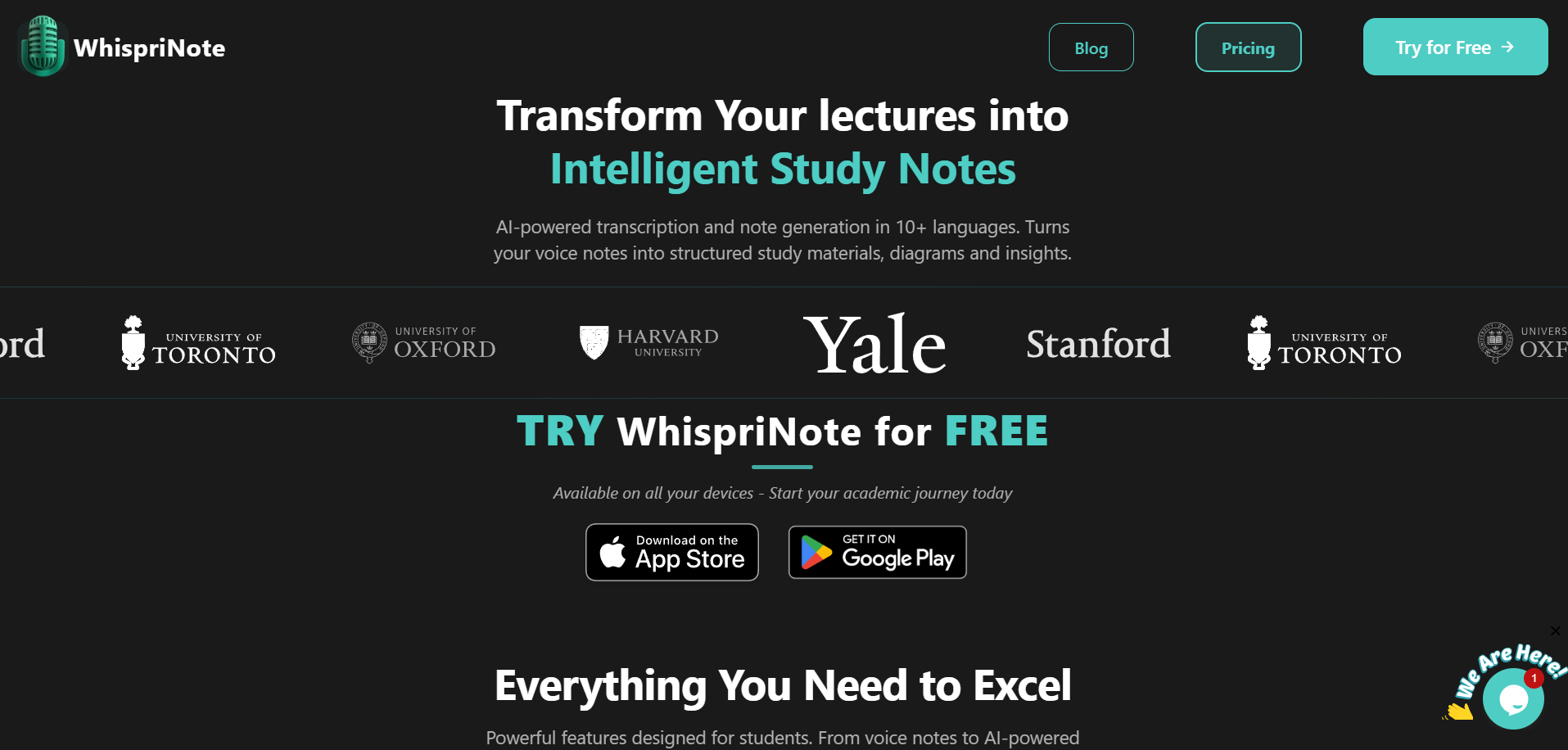
whisprinote landing page

The Science: Why Visuals Win

It is not just about pretty pictures. It is about how your brain works.

Psychologists call this the Picture Superiority Effect. Research shows that people remember images much better than words.

There is also a concept called Dual Coding Theory, proposed by Allan Paivio. It suggests that when you combine verbal information (words) with visual information (images), you create two separate paths for retrieval in your brain.

If you forget the word, you might remember the image. If you forget the image, you might remember the word. This doubles your chance of remembering the material later.

For students in complex fields like Medicine or Engineering, text alone is rarely enough. You need to see how systems connect.


The Problem with Manual Sketching

If visual notes are so good, why doesn't everyone use them?

Because it requires cognitive splitting. Your brain has to process the incoming audio, synthesize it, plan a layout, and then draw it. That is too much work for a live lecture.

While you are drawing a box for "Step 1," the professor is already talking about "Step 3." You fall behind. You get stressed. You miss details.

Using an AI note-taking app removes the mechanical work. The AI handles the drawing. You handle the understanding.


Step-by-Step: Creating Visual Notes with AI

You do not need to be an artist. You just need the right tool. Here is the simple process.

Step 1: Capture the Content

First, you need the audio source.

  • Live Class: Open Whisprinote. Hit the record button. The app handles background noise and captures the speaker clearly.
  • Online Lecture: If you are studying from a video, you can convert YouTube videos to notes. Just paste the link.
  • Study Group: You can even record a group discussion.

Step 2: Let AI Structure the Data

Once the audio is in, the AI goes to work. It does two things at once:

  1. Transcribes: It turns speech into text with high accuracy.
  2. Visualizes: This is the smart part. The AI analyzes the relationships between ideas.

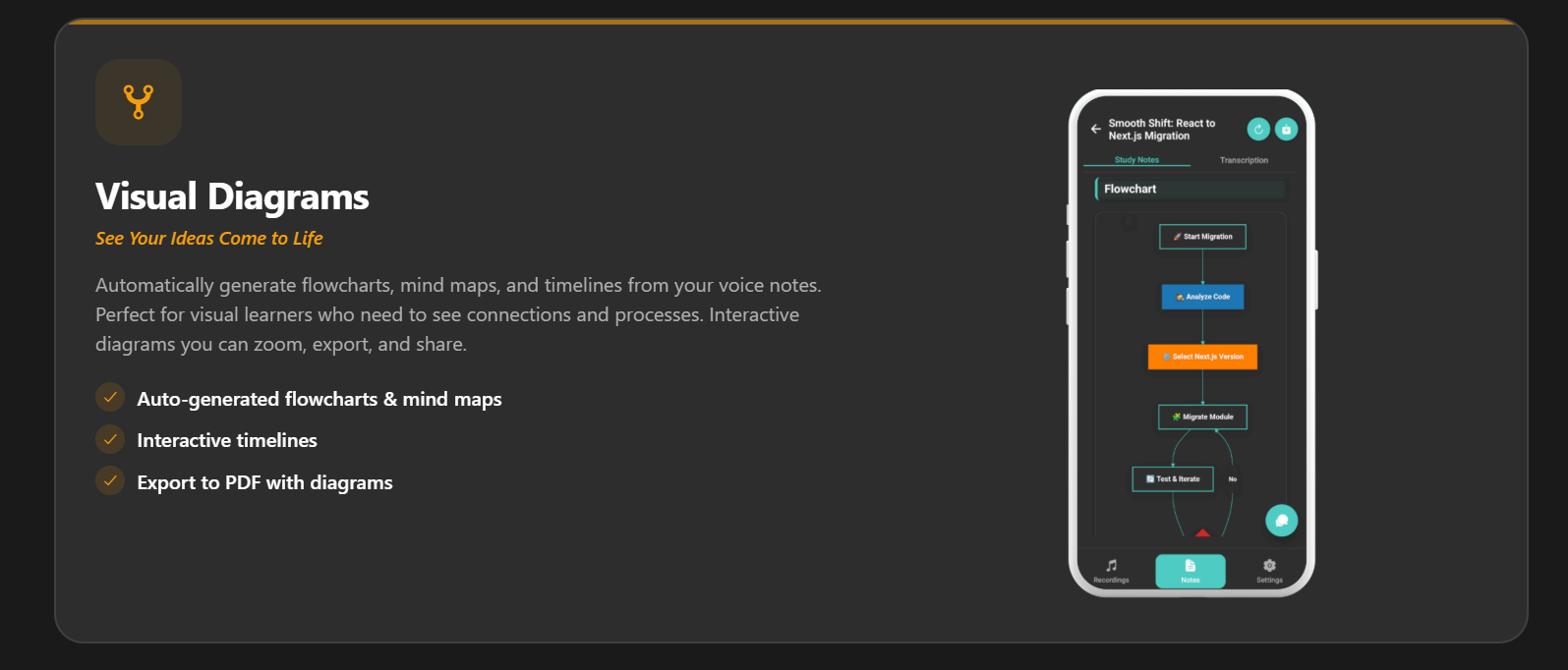
It identifies the main topic and the sub-topics. Then, it automatically generates a Mind Map or a Flowchart.

You will see the central concept in the middle, with branches leading to supporting arguments, dates, or formulas. This happens in minutes.

Step 3: Match the Visual to the Subject

Different subjects need different visuals. A good AI tool adapts to this.

  • Mind Maps: These are best for connecting ideas. Use this for Philosophy, Literature, or Humanities where concepts link together.
  • Timelines: Essential for History or Law. If you need an AI lecture note taker for law students, seeing the sequence of events in a case is vital.
  • Flowcharts: Perfect for processes. MBA students use these to map out supply chains or decision trees.
WhispriNote
Turn this workflow into notes in minutes
Get timestamps, summaries, and study-ready outputs without pausing the video.
visuals feature of whisprinote

Step 4: Review and Interact

Now you have a visual summary. But do not just look at it.

Use the Chat with Audio feature. Ask specific questions about parts of the diagram. If a branch on the mind map says "Supply Shock," you can ask the AI, "What specific examples did the professor give for supply shock?"

This connects the visual summary back to the specific details in the transcript.

For more on this review method, read our guide on how to use Whisprinote for effective studying.


Who Needs Visual Notes Most?

Visual AI notes are a huge help for specific types of learners:

  • Visual Learners: If you get lost in walls of text, this method is for you.
  • ESL Students: Sometimes hearing a word is hard. Seeing it mapped out visually helps bridge the language gap.
  • Neurodiverse Students: For students with dyslexia or ADHD, large blocks of text can be overwhelming. Visual structures break the information down into manageable chunks. Learn more about AI note-taking for special needs students.

Frequently Asked Questions

Here are answers to common questions about AI and visual note-taking.

How to make notes from lectures using AI?

You use an AI lecture note taker like Whisprinote. You record the lecture directly in the app or upload a recording. The AI processes the audio, writes a transcript, creates a summary, and builds visual diagrams automatically.

Can ChatGPT take notes during a lecture?

Not directly. ChatGPT cannot "listen" to a live lecture in real-time for a whole hour. You would need to record the lecture first, get a transcript using a different tool, and then paste that text into ChatGPT. Tools like Whisprinote handle the recording, transcribing, and note-creation all in one place.

Can I use AI for note-taking?

Yes. AI is now a standard tool for students. It helps you capture more information and organize it better. See why students should use AI for smarter note-taking.

Can ChatGPT turn PowerPoints into notes?

ChatGPT can analyze the text on slides if you copy and paste the content or upload the file. However, it cannot "see" the lecture. It misses the context the speaker adds verbally.

How to make notes from PPT using AI?

The best way is to record the lecture while the PPT is being presented. The slides only have half the info. The professor says the rest. By using an AI voice recorder, you capture the full explanation of the slides.

Can ChatGPT make PPT?

It can create the outline and text for slides. It can even write code to generate slides. But it usually does not create the visual slide deck design itself.


Start Thinking Visually

You do not need to struggle with messy sketches in your notebook anymore. You can capture the lecture perfectly and get a clean, organized mind map instantly.

This saves you time and helps you understand the "big picture" faster.

Ready to turn your next lecture into a visual study guide?

Try Whisprinote for free today.


Start free with WhispriNote

Get WhispriNote - Start free with up to 5 notes.

Turn lecture audio into structured notes and diagrams in minutes.

Or continue on the WhispriNote web app.

Tags:
visual note taking
AI lecture notes
mind maps
flowcharts
study visuals
← Back to All Posts

