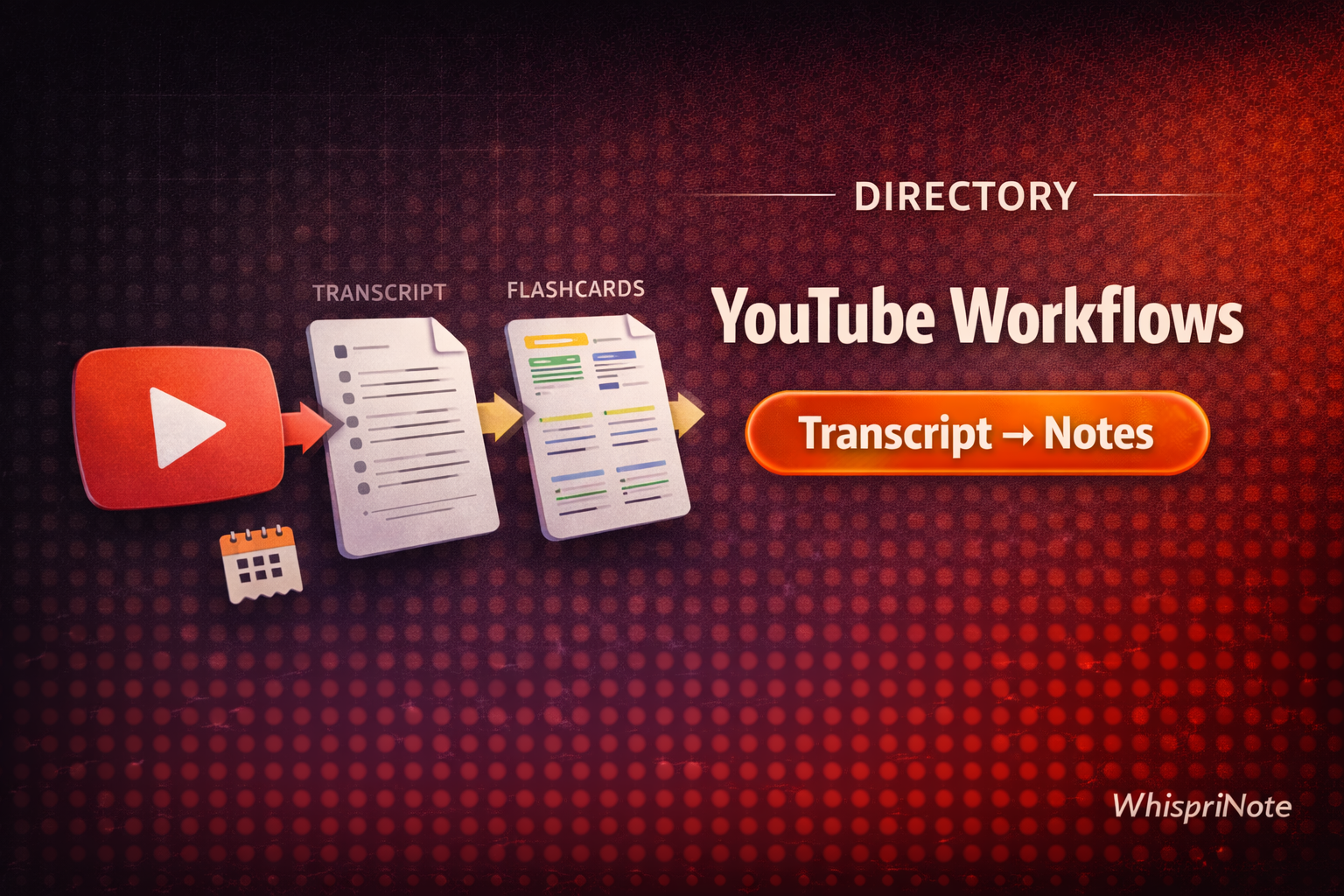
If you want the fastest path from a YouTube lecture to clean notes (plus diagrams), start with WhispriNote and paste a link into YouTube-to-notes.
This directory helps you pick the right workflow depending on what you need: transcript, revision notes, visuals, or flashcards.
Quick verdict (2026)
- If you want "done-for-you" study notes, use YouTube-to-notes.
- If you prefer manual control, start from the transcript and follow the templates.
- Add one visual for the hardest section (flowchart/mind map/timeline).
- For longer videos, visual notes, PDF exports and voice chat with your notes, check pricing.
At a glance: pick a workflow
| Your goal | Best starting point | Guide |
|---|---|---|
| Get the transcript | YouTube transcript panel | Download a YouTube transcript (2026) |
| Transcript → notes | Clean + structure text | Turn a YouTube transcript into notes |
| Transcript missing | Fix captions/region issues | YouTube transcript not showing fixes |
| Notes → flashcards | Anki/Quizlet import | YouTube lectures to flashcards |
| Find great lecture channels | Pick better sources | Best YouTube lecture channels |
Workflow 1: YouTube link → structured notes (fastest)
- Paste your link into YouTube-to-notes
- Generate headings + summaries
- Add one visual (flowchart/mind map/timeline)
- Export/share your study pack
To create visuals, generate them inside WhispriNote (requires a WhispriNote account).

Workflow 2: Transcript → revision notes (most control)
- Get the transcript: How to download a YouTube transcript
- Clean it and add headings
- Summarize each section into 3-6 bullets
- Add definitions, formulas, and exam phrases
- Add practice questions

