If you are searching "Google Meet transcript", you are usually trying to do one of three things:
- Get the transcript file (so you do not have to rewatch the meeting)
- Download or export it (Doc or PDF)
- Turn it into real notes (summary, key points, study guide)
This guide shows all three, updated for 2026.
Quick answer: If your account has Meet transcription enabled, Meet saves a Google Docs transcript after the meeting. If you do not see the transcription option, you can still generate a transcript from the recording and convert it into study notes with WhispriNote.
What "Google Meet transcript" actually means
Google Meet has a few features people mix up:
- Captions (live CC): helpful during the call, but not always saved as a transcript
- Meeting transcript (saved file): a transcript created during the meeting and saved afterward (usually as a Google Doc)
- Recording (video file): if you recorded the meeting, you can generate captions or transcripts from the video afterward
This article covers all the common paths.
Method 1 (Best): Create a transcript inside Google Meet
If your organization or school enables it, you can generate a transcript directly in Meet.
Step-by-step: how to start transcription in Google Meet
- Join your meeting on desktop (web is the most reliable for admin features).
- Open Activities (or the meeting tools panel).
- Look for Transcripts or Meeting transcript.
- Click Start transcription.
- Keep the meeting running normally.
- End the meeting and the transcript is saved after the call.
Important: transcription is typically not automatic. Someone has to start it.
Where to find your Google Meet transcript (Drive, Calendar, Email)
Once the transcript is processed, it usually shows up in a few places:
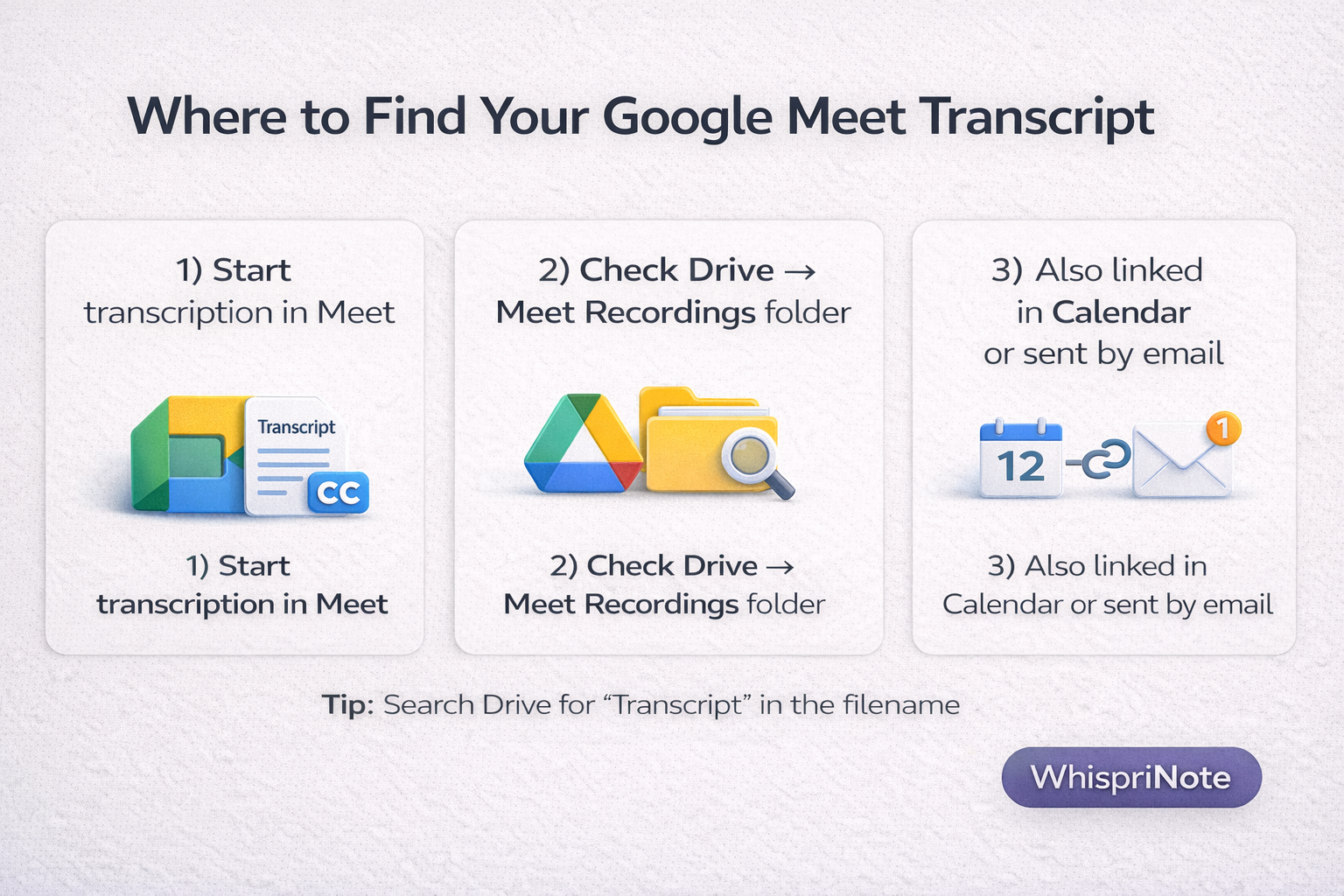
1) Google Drive (Meet Recordings folder)
Open Drive and look for a folder called Meet Recordings (transcripts are often saved there as a Google Docs file).
Pro tip: search Drive for "Transcript" because it is commonly included in the filename.
2) Google Calendar event (if the meeting was scheduled)
If the meeting was tied to a calendar invite and happened during the scheduled time, the transcript is often linked in the event.
3) Email link
The organizer, hosts, and the person who started transcription typically get an email that links to the transcript.
How to download or export a Google Meet transcript
If your transcript is a Google Docs file:
- Open the transcript in Google Docs.
- Click File then Download.
- Choose:
- PDF for sharing
- Word for editing
- Plain text for copy and paste into other tools
If you are sending it to classmates, PDF is usually easiest.
Method 2: "Start transcription" is missing - what to do
If you do not see the transcription option, it is usually because:
- your account or plan does not include transcription
- your admin disabled it
- you are a guest (not a host or organizer)
- you are on mobile or tablet
- the feature is not available in your region or org policy
You still have two strong options.
Option A: Use the meeting recording (then generate captions or transcript in Drive)
If you recorded the meeting and have the video in Google Drive, you can often generate captions and view a transcript inside the Drive video player.
High-level flow:
- In Drive, right-click the video and choose Manage caption tracks.
- Generate automatic captions (if available).
- Open the video, click the gear icon, and choose Transcript.
- Copy the transcript text you need.
This is one of the fastest ways to recover a transcript when Meet transcription is not enabled.
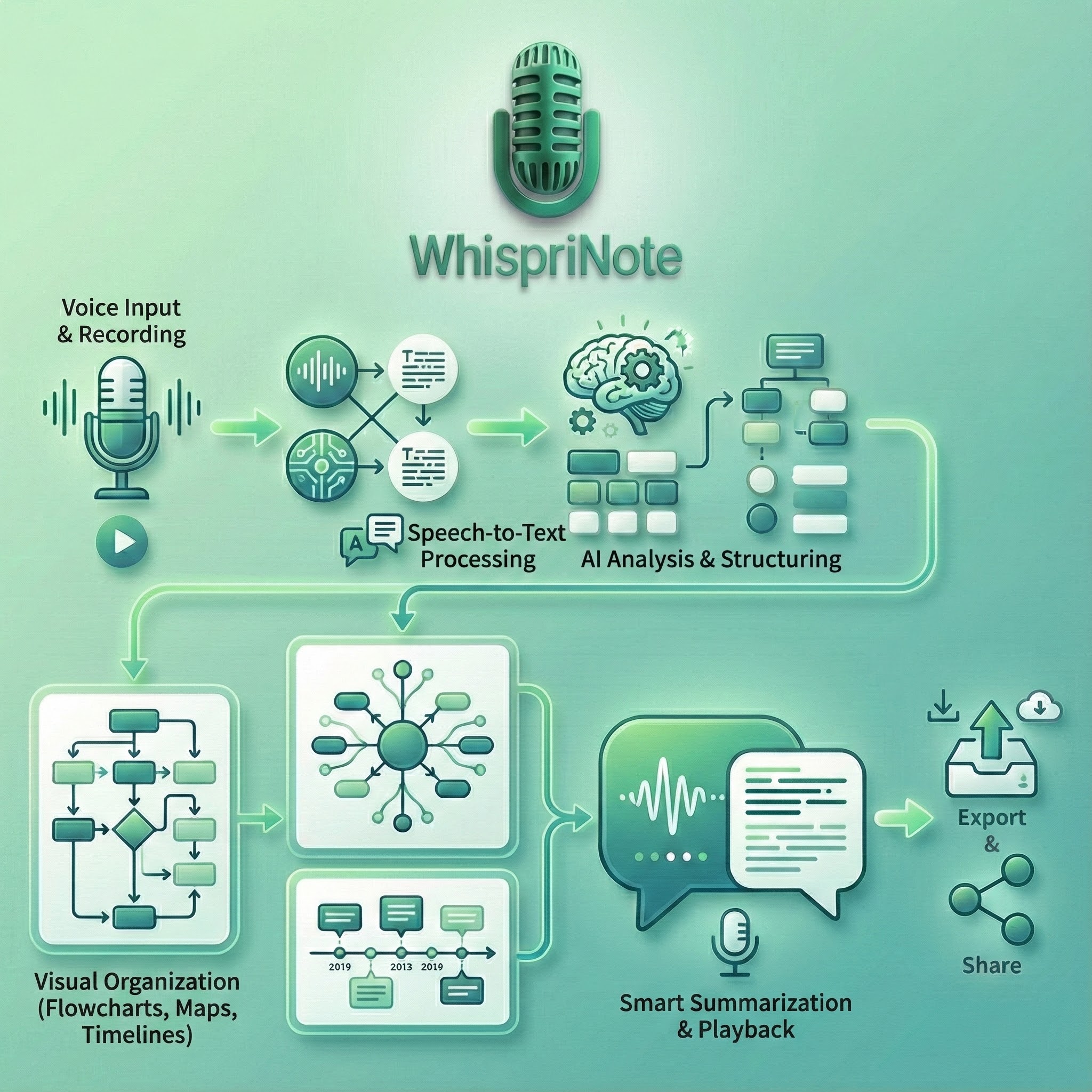
Option B (Best for studying): Convert the recording into real notes with WhispriNote
A raw transcript is hard to study. What most students actually want is:
- key points (clean bullets)
- definitions
- examples
- what to memorize
- a quick summary
- visuals (flowcharts and diagrams)