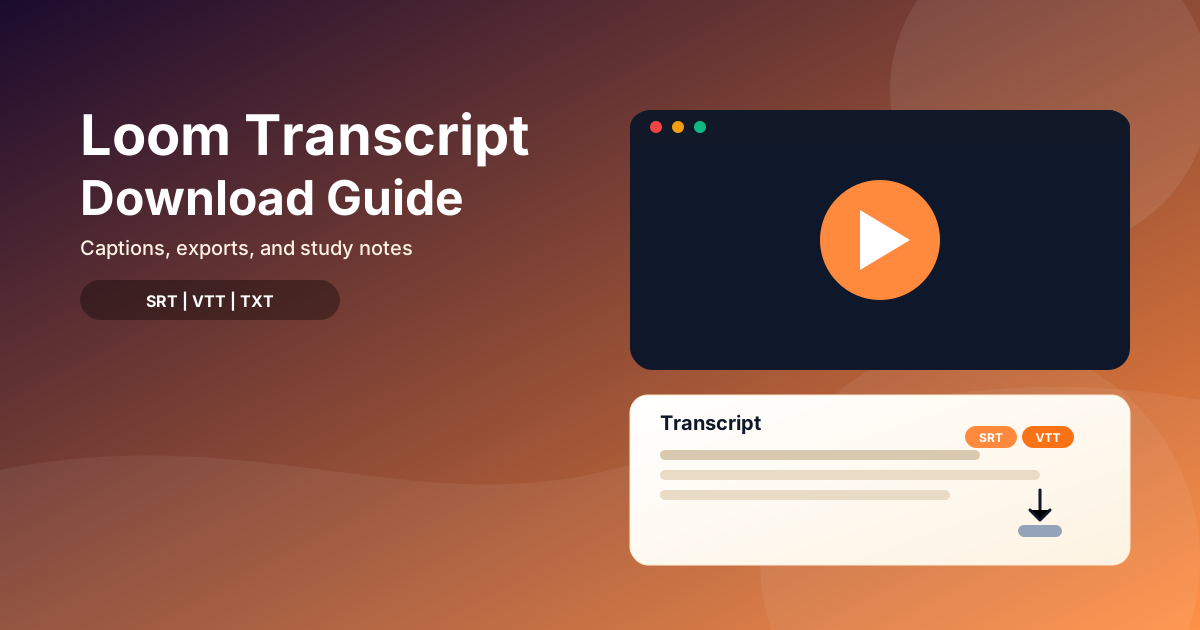
Short answer: Loom transcripts are tied to captions. If captions are available, open the transcript panel and copy the text. If captions are missing, you will need to generate them or transcribe the video another way.
Quick verdict (2026)
- If you own the Loom, check captions and transcript settings first.
- Viewers usually cannot export transcripts unless the owner shares them.
- No captions? Download the video and transcribe it.
- For longer videos, visual notes, PDF exports, and voice chat with your notes, check pricing.
At a glance
| Situation | Best path |
|---|---|
| You own the Loom | Use captions or transcript settings |
| You are a viewer | Ask the owner for the transcript |
| No captions available | Download and transcribe the video |
Step 1: Find the transcript in Loom (owner path)
- Open the Loom video.
- Open Captions or Transcript (location can vary by plan).
- Turn captions on if needed.
- Copy the transcript text from the panel.
If you do not see captions, your plan may not include them or they may be disabled.
Step 2: If you are a viewer, request the transcript
Most viewers cannot export transcripts directly. The fastest path is:
- Ask the owner to share the transcript text, or
- Ask for a download of the video so you can transcribe it.
Step 3: Generate a transcript if captions are missing
If there are no captions:
- Download the Loom video file.
- Transcribe it with a transcription tool.
- Save the transcript as TXT or SRT for reuse.
If you prefer YouTube auto-captions, upload the video as Unlisted and copy the transcript there.
Turn a Loom transcript into study notes
Once you have the text:
- Add section headings.
- Summarize each section into 3 to 6 bullets.
- Create visuals for complex topics in WhispriNote (mind maps, flowcharts, timelines).
To generate visuals, paste the transcript into WhispriNote and create them there (requires a WhispriNote account).

Timelines generated in WhispriNote help for step-by-step tutorials.
Best format for studying: TXT vs SRT vs VTT
- TXT: easiest to read and summarize.
- SRT/VTT: best if you need timestamps.
- Notes: best for exams and review.
If you want structured notes fast, convert the transcript in WhispriNote, then export or upgrade on pricing.

