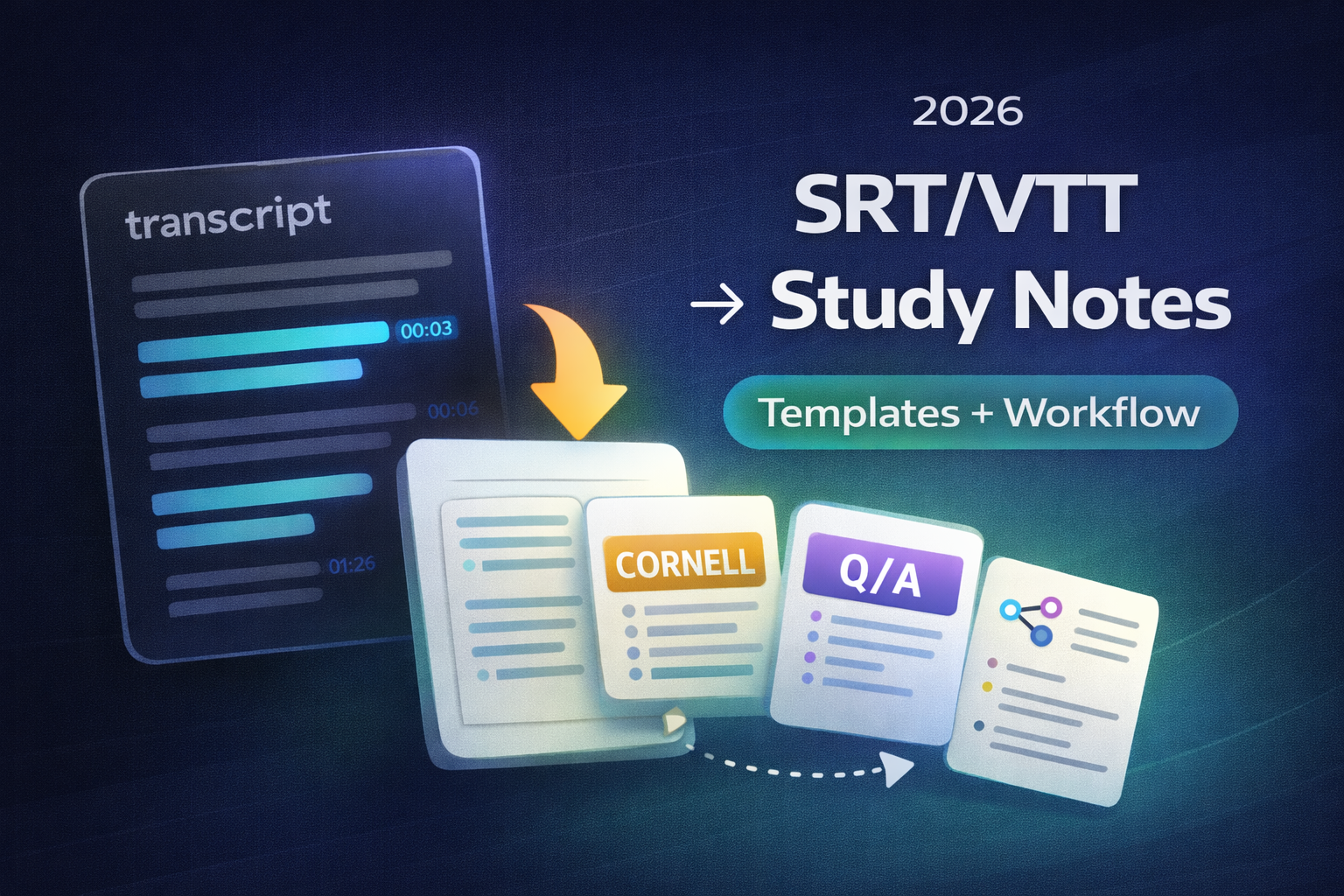
Short answer: delete timestamps, merge broken lines, then drop the cleaned text into a notes template. If you still have the video, you can skip cleanup by starting from the source in YouTube to Notes.
Quick verdict (2026)
- If you already have SRT/VTT, strip timestamps and cue numbers first.
- Use a template (Outline, Cornell, or Q/A) so you summarize instead of copying.
- Create visuals for hard topics in WhispriNote (mind maps, flowcharts, timelines).
- For longer videos, visual notes, PDF exports and voice chat with your notes, check pricing.
At a glance
| Goal | Best move |
|---|---|
| Clean raw captions | Remove timestamps and merge lines |
| Turn text into notes | Use a template and rewrite into bullets |
| Add visuals | Generate in WhispriNote and export |
Step 1: Clean the SRT/VTT file
Your goal is readable text, not perfect captions.
Remove:
- cue numbers (SRT)
- timestamp lines (both SRT and VTT)
- repeated fragments and filler (optional)
Keep:
- topic breaks
- speaker labels (if helpful)
- short paragraph spacing
Tip: do not delete everything. You want the ideas, just not the timing clutter.
Step 2: Chunk the transcript into sections
Use any of these markers:
- slide changes
- "next, we will cover..."
- timestamp jumps (if you kept a copy)
A good chunk is 5 to 10 minutes of lecture or a single concept.
Step 3: Pick a notes template (copy and paste)
Template A: Outline notes (fastest)
TITLE:
SOURCE:

SECTION 1:
- Key point
- Key point
- Example

SECTION 2:
- Key point
- Key point

SUMMARY (2 to 3 sentences):
-
Template B: Cornell notes (best for recall)
CUES (Questions) | NOTES (Clean bullets)
---------------------------------------
- What is ____?  | -
- Why ____?      | -
- Steps of ____? | -

SUMMARY:
-
Template C: Q/A notes (fast for quizzes)
Q:
A:

Q:
A:
If you want a full Cornell workflow, see: Cornell Notes from any transcript.
Step 4: Add visuals in WhispriNote
Visuals make abstract topics stick. Turn your cleaned notes into:
- mind maps for concepts
- flowcharts for processes
- timelines for sequences
To generate visuals, paste the transcript into WhispriNote and create them there (requires a WhispriNote account).

Mind maps generated in WhispriNote help you connect related ideas.

