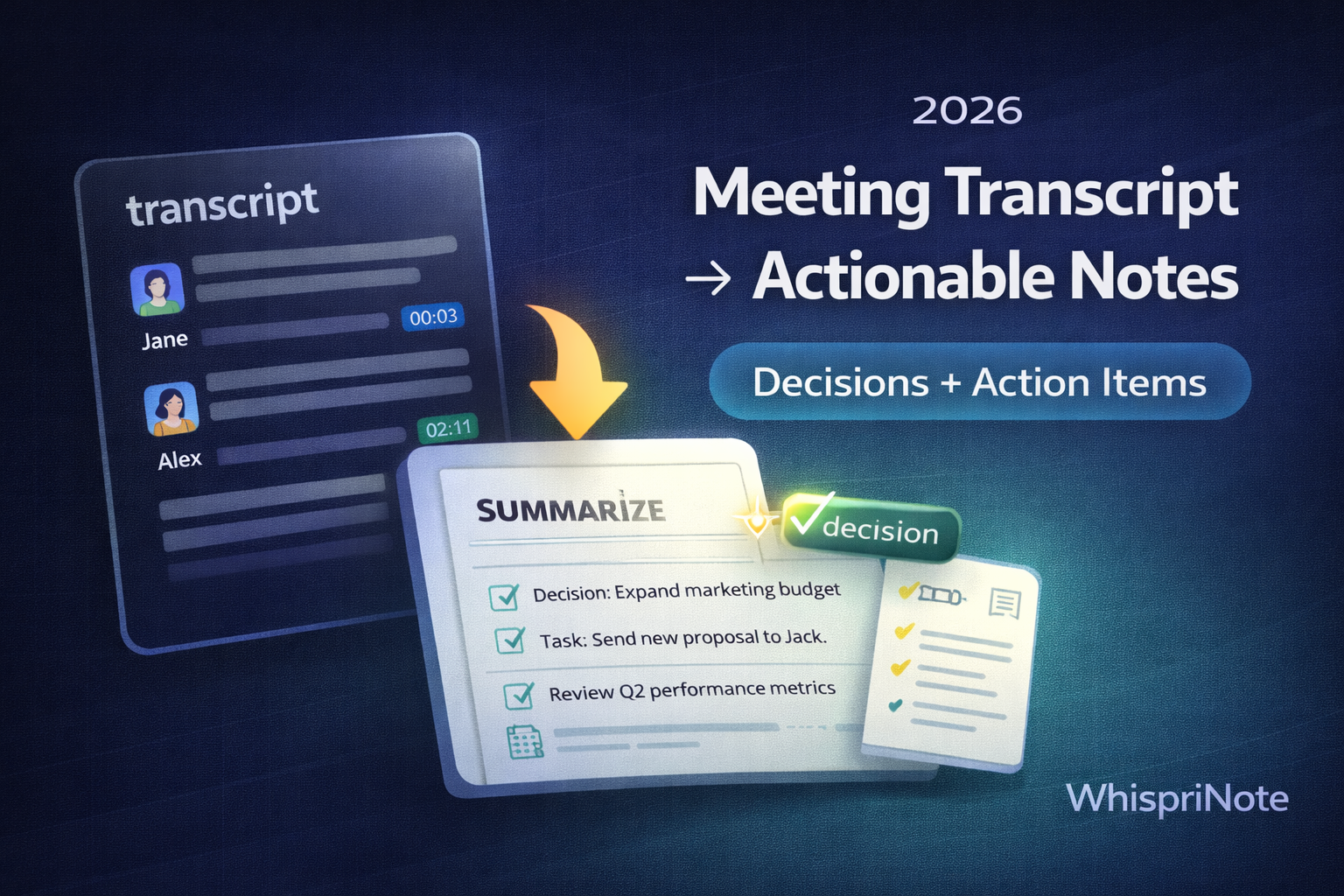
Short answer: clean the transcript, chunk it by topic, extract action items and decisions, then summarize into a reusable notes template. If you have the recording, you can also jump straight to structured notes with YouTube to Notes.
Quick verdict (2026)
- If you have a transcript, clean timestamps and filler first.
- Pull action items, owners, and deadlines into a separate list.
- Summarize decisions and open questions so nothing gets lost.
- For longer videos, visual notes, PDF exports and voice chat with your notes, check pricing.
At a glance
| Goal | Best move |
|---|---|
| Clean transcript | Remove timestamps and merge lines |
| Capture outcomes | Decisions + action items + owners |
| Study or share | Summarize into a reusable template |
Step 0: Get the transcript
Meeting transcripts usually come from your meeting platform:
- Zoom transcript download
- Microsoft Teams transcript download
- Google Meet transcript (2026)
- Webex transcript download
If the transcript button is missing, use:
Step 1: Clean the transcript (5 minutes)
Remove:
- timestamps
- cue numbers (SRT)
- filler words and repeated fragments (optional)
Keep:
- topic breaks
- speaker labels (if needed)
- short paragraph spacing
Clean text is faster to summarize and easier to search later.
Step 2: Chunk by topic (5 minutes)
Split the transcript into sections:
- agenda items
- decisions made
- blockers or risks
- next steps
If you are a student, treat each topic like a study section you can revise later.
Step 3: Extract action items (most important)
Create a list that looks like this:
- Action: what needs to happen
- Owner: who is responsible
- Deadline: when it is due
If there is no owner or date, the action usually gets ignored.
Step 4: Summarize decisions and open questions
Your notes should always include:
- decisions (what was agreed)
- open questions (what still needs answers)
- risks (what could block progress)
This is the part people read first.
Step 5: Use a reusable notes template
Copy and paste this per meeting:
MEETING TITLE:
date: "2026-01-16"
ATTENDEES:

DECISIONS:
-

ACTION ITEMS:
- Action:
  Owner:
  Deadline:

OPEN QUESTIONS:
-

RISKS / BLOCKERS:
-

SUMMARY (3 sentences max):
-
Add visuals in WhispriNote
Visuals make outcomes easier to review:


