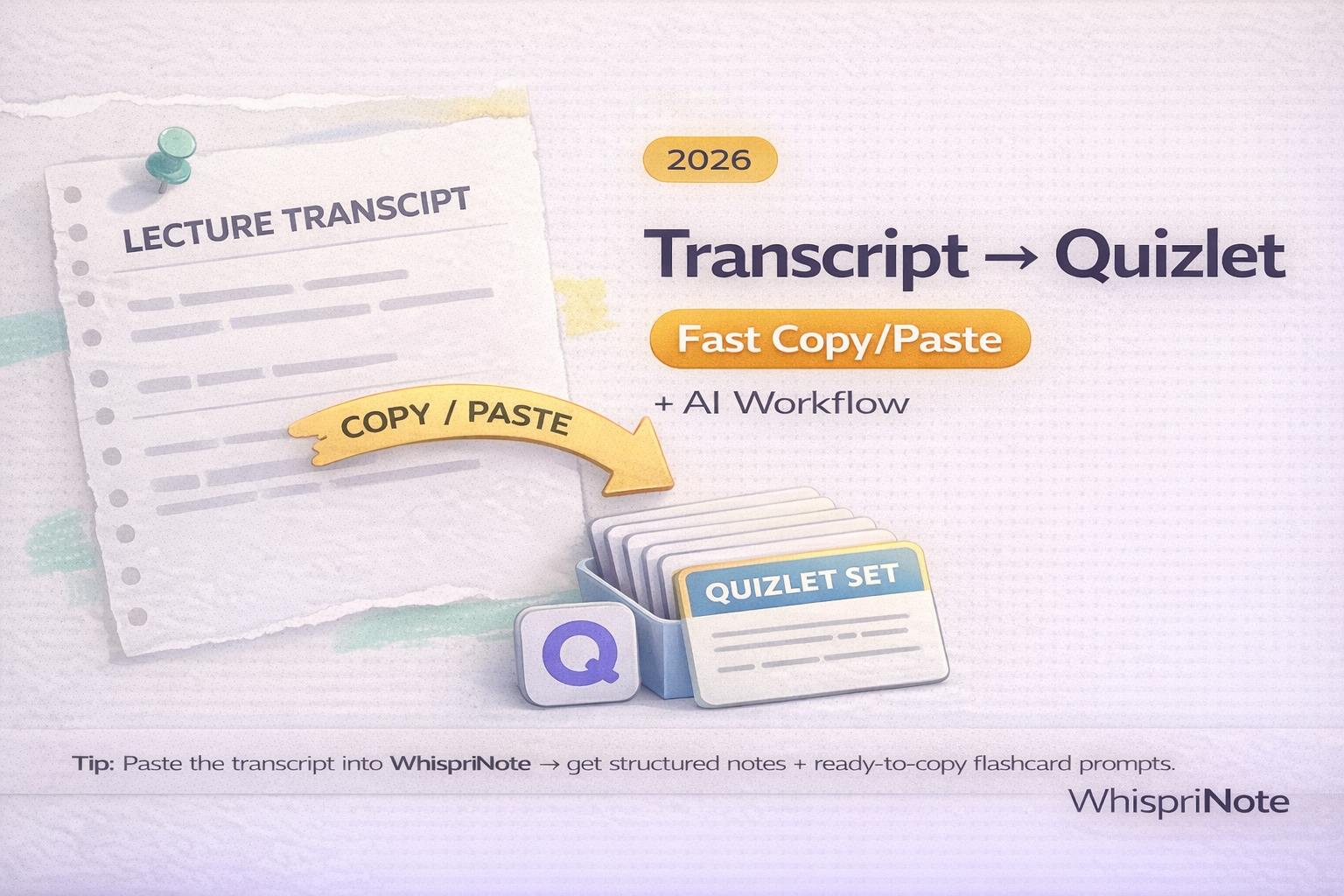
If you have a lecture transcript (TXT, VTT, SRT, or even copy pasted text), you can turn it into a Quizlet set in minutes as long as you format it the right way.
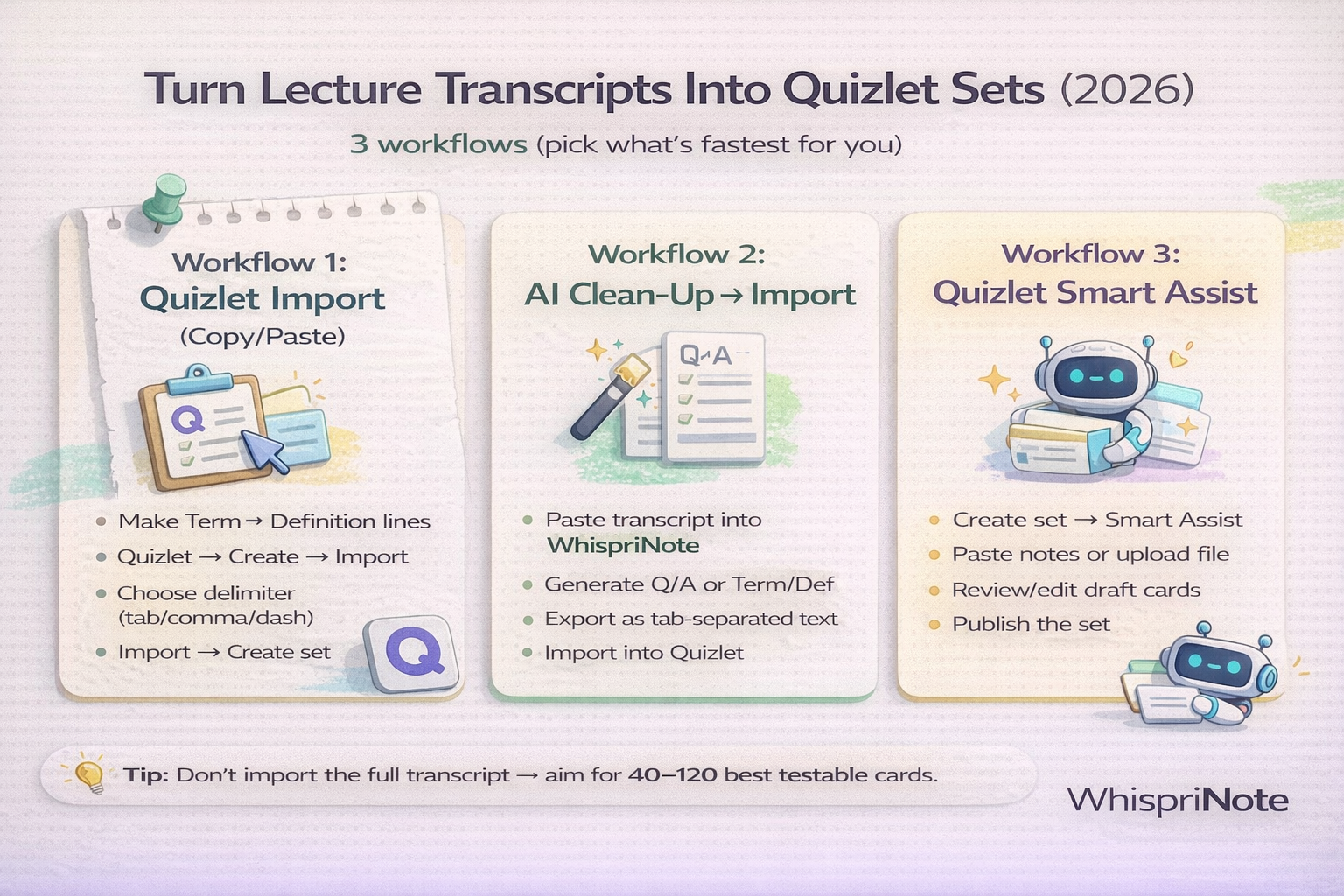
This guide shows three workflows students actually stick with:
- Copy or paste import (fastest and most reliable)
- AI cleanup -> import (best results with less effort)
- Quizlet Smart Assist (AI generated draft cards you can edit)
Step 0: Get the transcript (TXT, VTT, or SRT)
Any of these works:
- TXT (easiest for copy and paste)
- VTT or SRT (timestamps, great if you want to jump back to the exact moment)
If the transcript download button is missing, use:
Platform guides (if you know your tool):
- Panopto transcript download
- Kaltura transcript download
- Echo360 transcript download
- Canvas Studio transcript download
- Zoom transcript download
- Microsoft Teams transcript download
- Webex transcript download
Quick win: turn the transcript into study ready cards first
A transcript is usually messy (repetition, filler words, long paragraphs). The fastest way to turn it into clean term and definition cards is:
- Paste transcript text into WhispriNote
- Ask for Quizlet import format (term TAB definition per line)
- Copy and paste into Quizlet Import

Workflow 1: Quizlet import (fast copy and paste)
Quizlet lets you create sets by importing text, but the formatting matters.
The format that works (tab separated)
Make each line: TermDefinition
Example (tab between term and definition):
Operant conditioning	Behavior shaped by reinforcement or punishment
Mitochondria	The organelle that produces energy (ATP)
Homeostasis	The body's ability to maintain internal balance
Import steps (web)
- Quizlet -> Create -> Flashcard set
- Click Import
- Paste your formatted text
- Choose delimiter: Tab
- Import -> Create
Tip: Quizlet importing is typically done on the website. Desktop is easiest.
Workflow 2: AI cleanup -> import (best balance of speed and quality)
This workflow produces the best cards with the least manual work.
Step 1: Paste transcript into WhispriNote
Use a prompt like:
Turn this transcript into Quizlet import text.
Output 60 to 100 cards max.
Format: Term[TAB]Definition (one card per line).
Keep definitions under 20 words.
Focus only on testable facts, formulas, and key processes.
Step 2: Copy and paste into Quizlet Import
Same steps as Workflow 1.
Why this works
AI is great at:
- removing filler
- turning long explanations into clean definitions
- extracting the exam worthy facts from long transcripts
Workflow 3: Quizlet Smart Assist (AI generated draft cards)
If you want Quizlet to generate draft cards directly, you can use its AI tools (availability varies by plan and region).
General flow:
- Create a new flashcard set
- Use Smart Assist
- Paste your notes, upload a file, or enter a prompt
- Review and edit the draft cards before publishing

