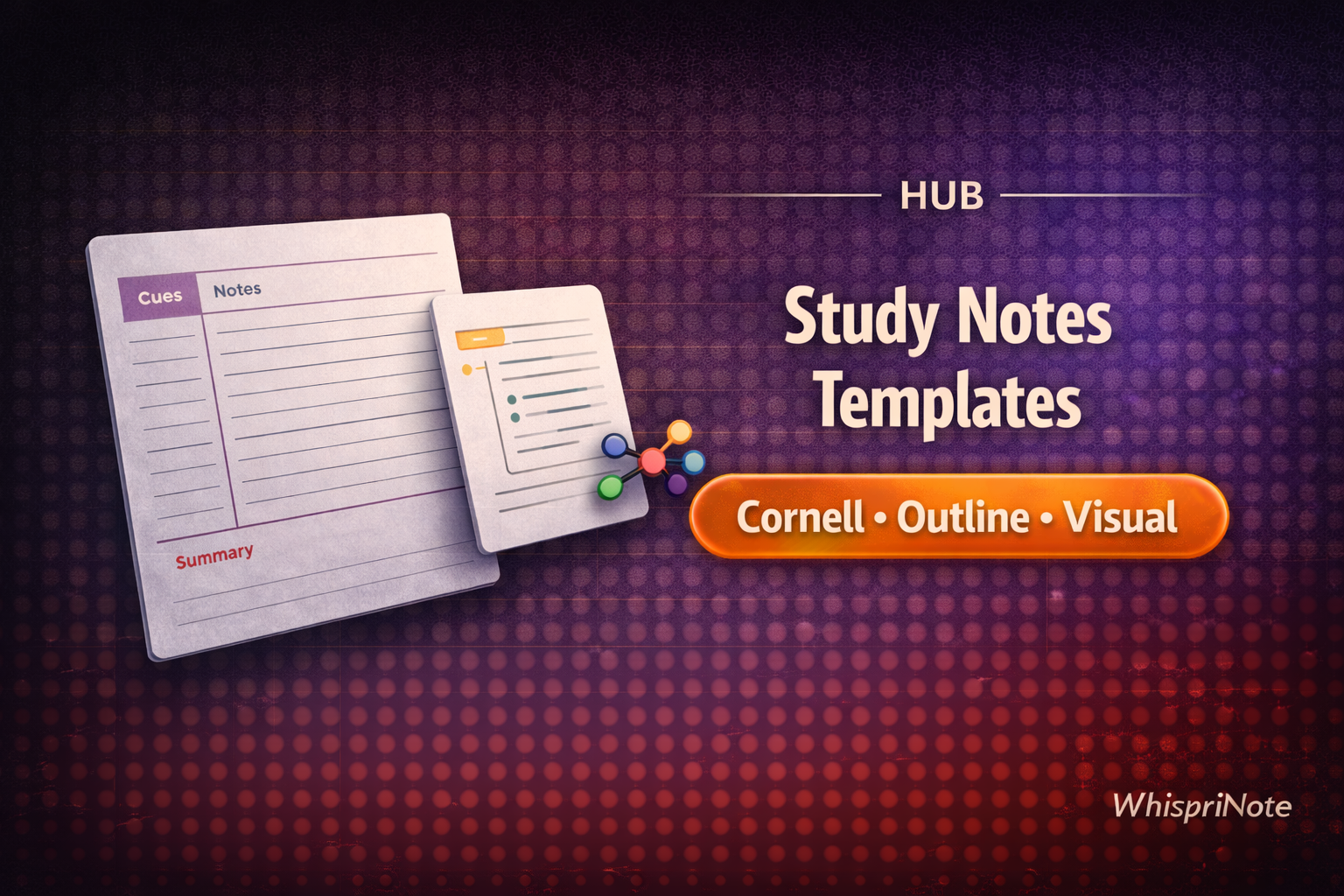
If you want to generate structured study notes (and visuals) from lectures in minutes, start with WhispriNote. This hub collects the best note templates and workflows across the blog.
Quick verdict (2026)
- Use a template to force structure (headings → bullets → review prompts).
- Add one visual for the hardest topic (flowchart/mind map/timeline).
- Export your final notes to a PDF for revision.
- For longer videos, visual notes, PDF exports and voice chat with your notes, check pricing.
At a glance: pick a template
| Template | Best for | Guide |
|---|---|---|
| Cornell notes | Active recall + quick review | Cornell notes from YouTube / Cornell notes from any transcript |
| Outline notes | Fast structure for any lecture | SRT/VTT → notes templates |
| Q/A notes | Turning sections into test questions | Transcript → notes workflow |
| Visual notes | Processes, hierarchies, timelines | AI visual note-taking |
Template: Cornell notes (best for recall)
Cornell notes work because they force:
- cue questions (active recall)
- compact notes (no copying)
- a summary (what matters)
Start here:
Template: Outline notes (best for fast structure)
Outline notes are the "default" for most lectures:
- headings
- 3-6 bullets per heading
- definitions/formulas
- practice questions


