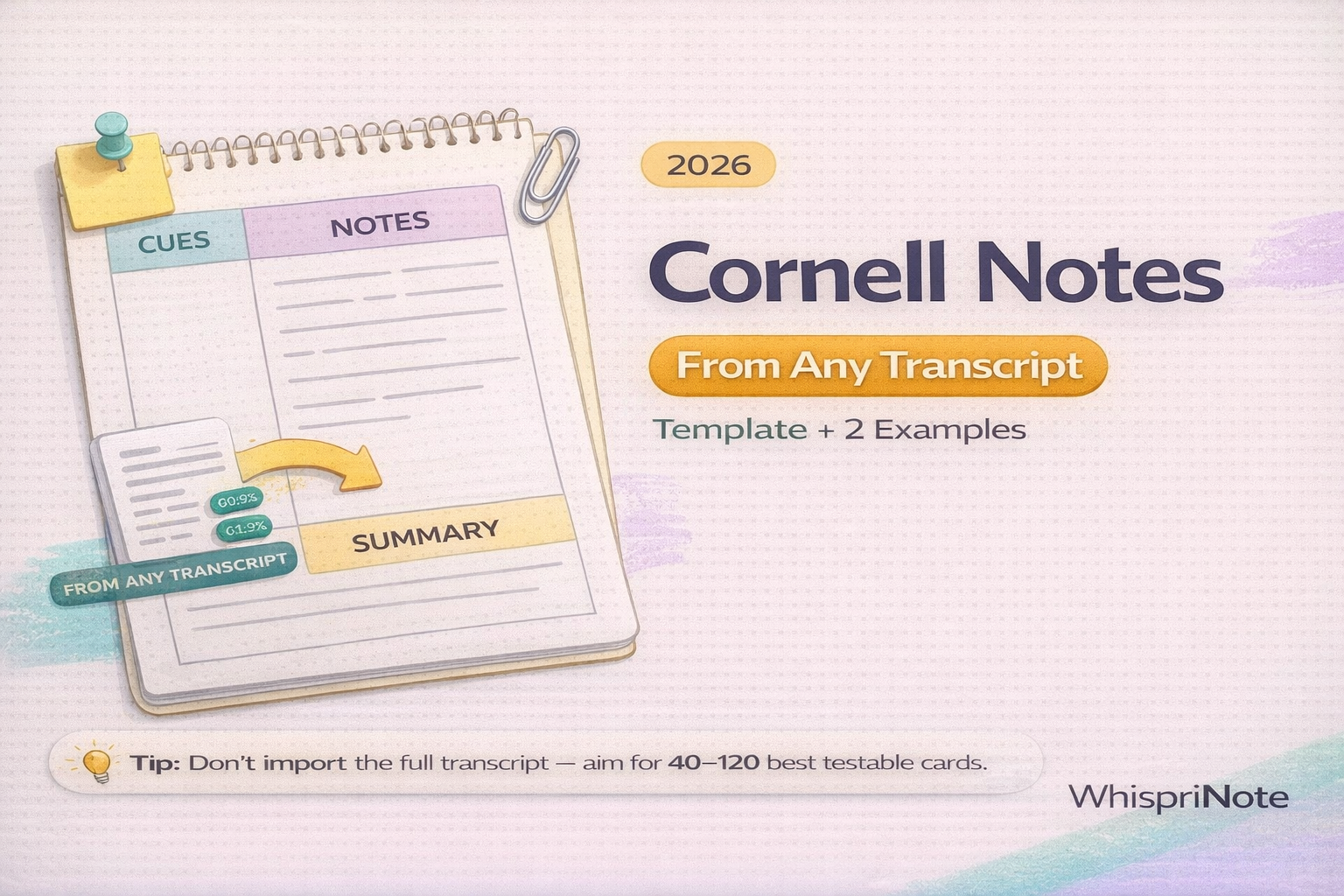
Got a lecture transcript and do not know what to do with it?
The Cornell Notes method turns messy transcript text into:
- clean, organized notes (right column)
- built-in quiz questions (left column)
- a quick summary you can review in minutes (bottom)
Cornell's Learning Strategies Center describes the core steps as: Record -> Questions -> Recite -> Reflect -> Review. This is what makes Cornell notes more than neat formatting.
Step 0: Get the transcript (TXT, VTT, or SRT)
Any transcript format works:
- TXT: easiest to read and rewrite
- VTT or SRT: includes timestamps (useful if you want to jump back to the lecture)
If the download button is missing, use:
Platform guides:
- Panopto transcript download
- Kaltura transcript download
- Echo360 transcript download
- Brightspace transcript download
- Zoom transcript download
Quick WhispriNote option: generate clean notes from the lecture itself
If the transcript is messy or incomplete, start from the lecture audio or video:
- Generate structured study notes (headings, key points, summaries)
- Create visual diagrams (flowcharts, mind maps, timelines)
That gives you clean material you can format into Cornell Notes.

What Cornell Notes are (fast definition)
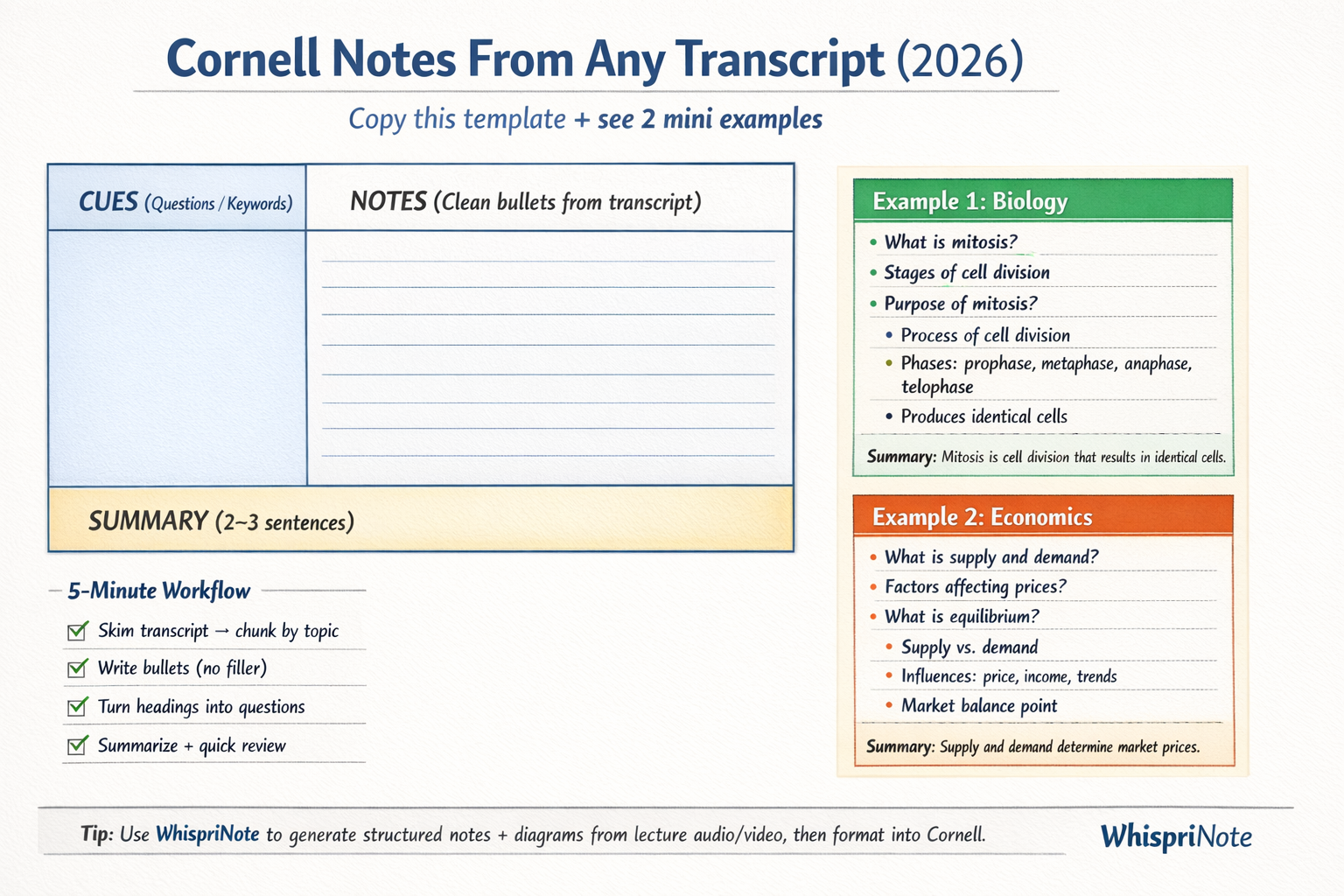
Cornell Notes split a page into three parts:
- Cue column (left): questions, keywords, prompts
- Notes column (right): clean bullet notes (not raw transcript)
- Summary (bottom): 2 to 3 sentences in your own words
A common layout guideline: cue column about 2.5 inches wide and a summary area about 2 inches at the bottom.
The 10-minute workflow: transcript -> Cornell notes
Cornell notes are not copy and paste. The goal is to compress.
Step 1) Chunk the transcript into topics (2 minutes)
Skim the transcript and mark topic breaks like:
- slide changes
- "Next, we will talk about..."
- section headings
- timestamp jumps (if VTT or SRT)
Step 2) Notes column: rewrite into clean bullets (4 minutes)
Rules:
- remove filler (um, repeats, long stories)
- keep testable facts (definitions, steps, contrasts, formulas)
- use short bullets (telegraphic sentences)
Step 3) Cue column: turn headings into questions (3 minutes)
Write cues as questions you can answer out loud:
- What is ____?
- Why does ____ happen?
- Steps of ____?
- Difference between ____ and ____?
Step 4) Summary: 2 to 3 sentences (1 minute)
If you cannot summarize, you probably do not understand it yet. That is the point.
Step 5) Review the right way
Cover the notes column and recite answers using only the cue questions.
Copy and paste Cornell Notes template
Duplicate this per lecture or topic:
TITLE:
Course:
Date:
Source: (Lecture / Video / Transcript file)

CUES (Questions / Keywords) | NOTES (Clean bullets from transcript)
-------------------------------------------------------------------
- What is ____?             | -
- Why does ____ matter?     | -
- Steps of ____?            | -
- Example of ____?          | -

SUMMARY (2 to 3 sentences):
-
Example 1 (Biology): Cellular respiration overview
This is a demo example to show format.
Cues:
- What is cellular respiration?
- What are the 3 main stages?
- What does ATP represent?
- Where do the stages happen?
Notes:
- Cells convert energy from food into ATP for usable work.
- Three stages: glycolysis -> Krebs cycle -> electron transport chain.
- ATP is the energy currency of the cell.
- Stages occur in different locations (cytoplasm vs mitochondria).

