If your professor posts lecture videos inside Blackboard Ultra using Video Studio, you can often open the transcript panel and download the transcript as a .vtt file.
This guide is for students (instructors can use it too).
Quick answer (download in under 30 seconds)
- Play the Video Studio recording
- Click Transcript (near the progress bar)
- Click Download (top of the transcript panel) to save a
.vttfile
Step-by-step: download a Video Studio transcript (VTT)
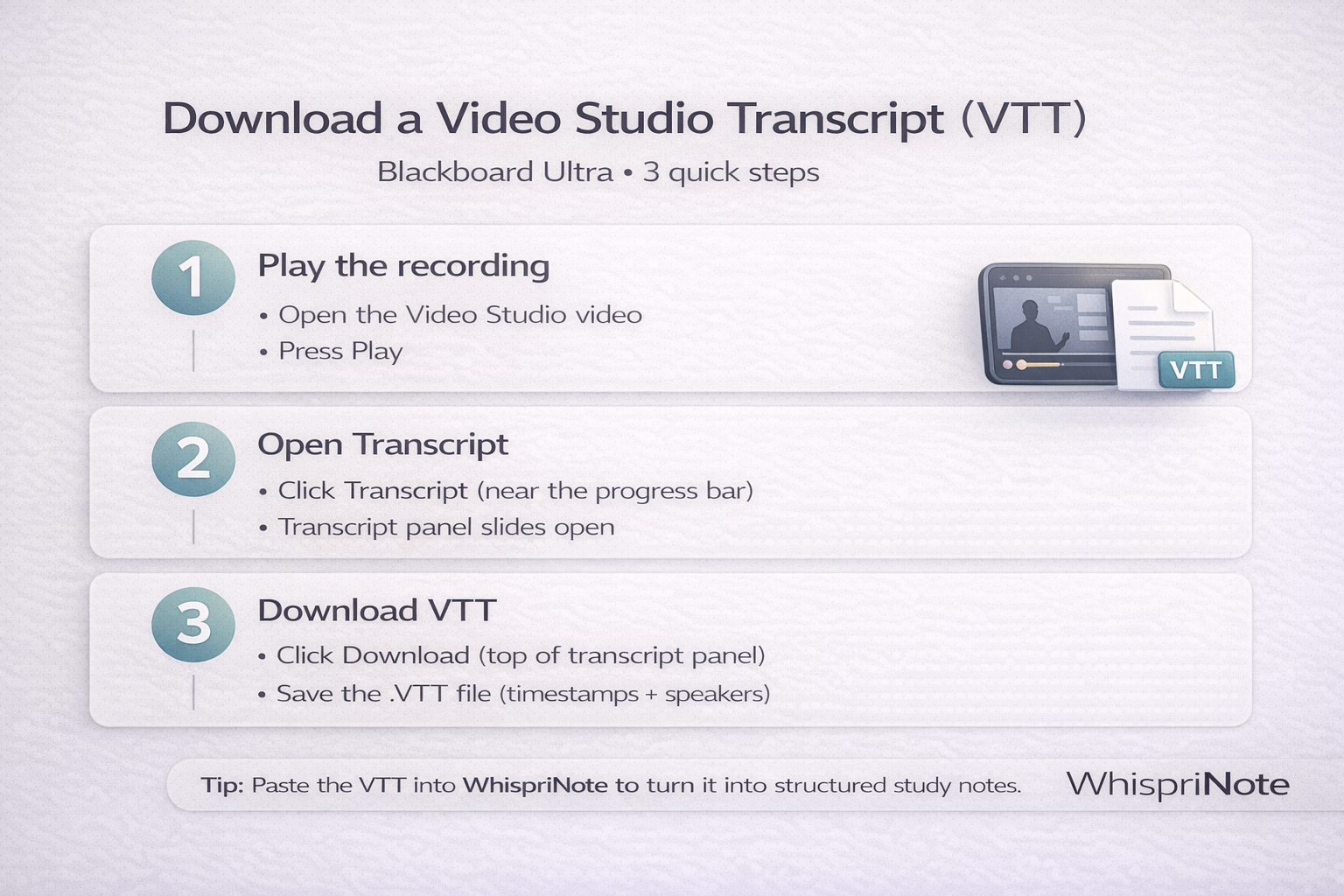
1) Start the recording
Open the Blackboard item that contains the Video Studio video, then press Play.
2) Open the transcript panel
Look near the video controls or progress bar and select Transcript.
You should see a side panel with transcript lines and timestamps.
3) Download the VTT file
At the top of the transcript panel, select Download.
You will get a .vtt file that typically includes:
- timestamps
- speaker labels (when available)
Do this right after: turn the transcript into study notes (fast)
A raw transcript is useful, but it is still a wall of text.
WhispriNote helps you convert it into:
- clean structured notes (key points + explanations)
- quick summaries
- diagrams like flowcharts and mind maps (when it fits)
- voice chat review to test recall
Workflow (2 minutes):
- Open the
.vttfile (any text editor works) - Copy the transcript text
- Paste into WhispriNote and ask for a summary, key points, and definitions

What is a VTT file?
A .vtt file (WebVTT) is a caption or transcript format that usually includes:
- timestamps
- caption blocks
- sometimes speaker labels
It is great for studying because you can jump to the exact moment in the lecture.
Optional: convert VTT -> clean TXT (for easier reading)
If you prefer plain text:
Fast manual cleanup
- Open the
.vttfile in any editor (Notes, Notepad, VS Code) - Delete lines that look like timestamps (example:
00:01.000 --> 00:04.000) - Delete blank caption counters (if present)
- Keep only the spoken text
Cleaner study flow
Instead of manual cleanup, paste the VTT into WhispriNote and ask: "Remove timestamps and rewrite this into clean study notes with headings and bullet points."
Troubleshooting: transcript button missing?
This is common. Here are the real causes:
1) It is not a Video Studio video
Blackboard courses often embed other tools (Kaltura, Panopto, YuJa, Zoom cloud recordings).
If the player UI looks different, use the matching guide instead:

