Raw YouTube transcripts are useful source material, but they are not finished notes. This guide shows two distinct paths: an automatic workflow for speed and a manual workflow for complete control.
Fastest path: Use the free YouTube-to-notes tool to pull the transcript, summary, and structured notes in minutes.
Quick verdict
- Best for: students who want clean notes from long lectures without manual cleanup.
- Fastest free workflow: YouTube-to-notes.
- Advanced workflow: structured notes, diagrams, voice Q&A, and PDF export. See pricing for current limits.
- Manual control: follow the transcript cleanup steps below.
At a glance
| Need | Best option |
|---|---|
| Instant notes | YouTube-to-notes tool |
| Full control | Manual transcript cleanup |
| Visual study aids | Premium diagrams and voice chat |
| Shareable output | PDF export |
You can also access WhispriNote on the web, iOS, or Android.
Why a transcript is not yet a study note
A raw transcript is only a starting point. YouTube's auto-generated text often includes clutter that makes it hard to read.
Here is why raw transcripts slow you down:
- Timestamps Break the Flow: Time markers interrupt sentences and make reading difficult.
- The Text is Choppy: The transcript breaks lines every few words, which hurts comprehension.
- Manual Cleanup is a Time Sink: Cleaning a one-hour transcript can take hours.
Your goal is to study, not to be a human text editor.
Step 1: Get the Transcript with Precision
First confirm that the video has captions. YouTube only displays a transcript for caption-enabled videos.
1. Find and Toggle the Transcript
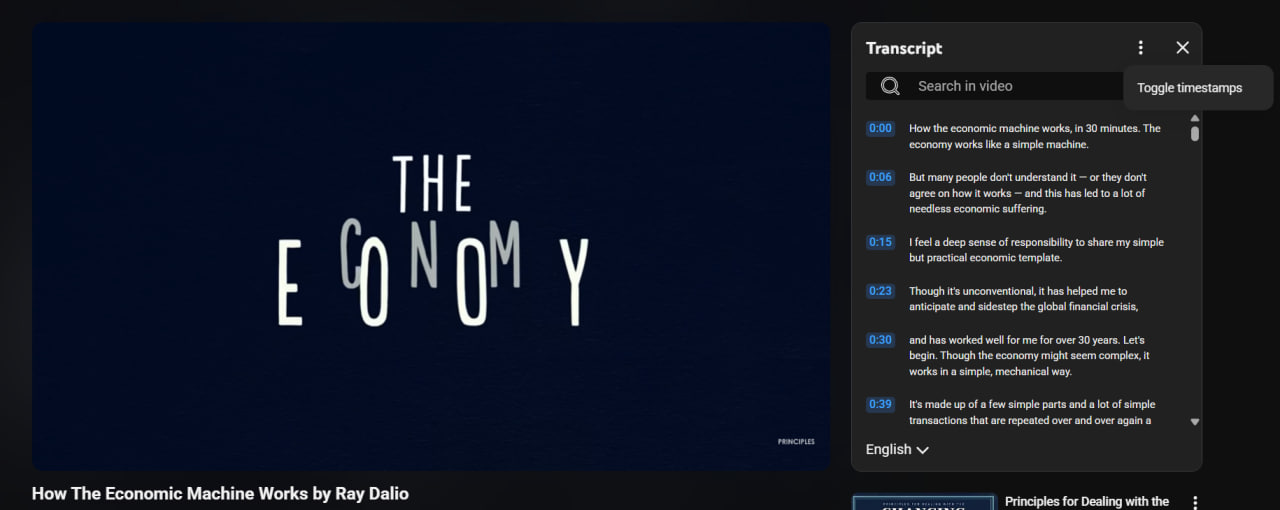
Open the YouTube video, expand the full description, then select Show transcript. This is the path in YouTube's official transcript documentation. The panel position can vary with screen size.
.png "YouTube transcript panel")
2. Remove Timestamps
If the transcript-panel menu includes Toggle timestamps, use it to simplify copying. You can keep timestamps when they help you return to definitions, worked examples, or quotations.
3. Copy the Clean Text
Highlight the full transcript and copy it to your clipboard.
If you want to skip these steps, use the YouTube to Notes page to pull the transcript automatically.
Step 2: Turn Text into Study Assets
Now you can turn the clean text into structured notes. You have two options.
Option A: The One-Click Workflow (Direct Link)
This is the fastest path. Use the YouTube to Notes page to handle extraction and structuring in one step.
Next steps:
- Copy the URL: Get the direct link of the YouTube video.
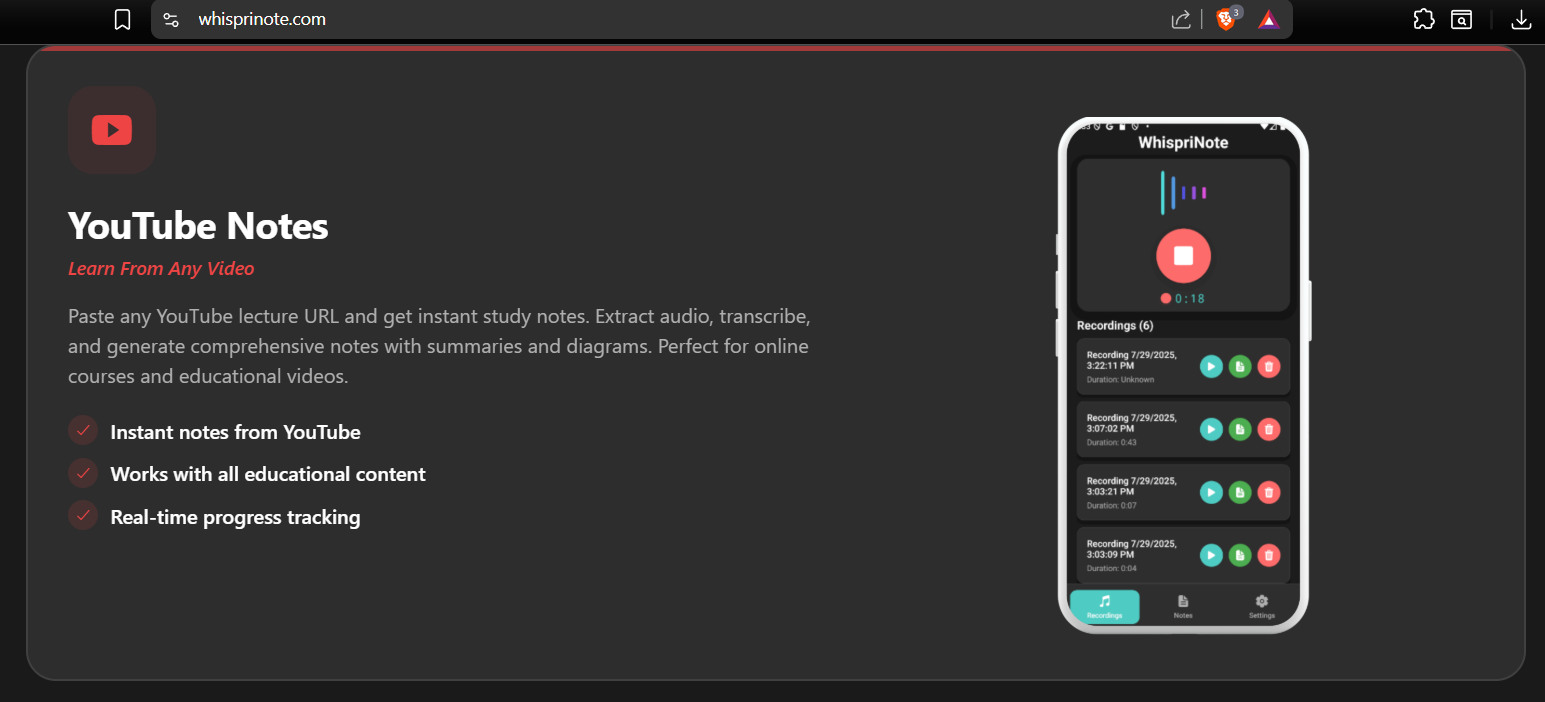
- Paste into the Tool: Paste the link into the YouTube to Notes page.
- Generate Notes: The tool pulls the transcript, cleans it, and builds structured notes.
The result provides a starting structure. Before studying from it, verify names, equations, dates, and quotations against the original video.
A source-check pass that takes two minutes
- Keep the original video URL with the note.
- Mark uncertain names, formulas, and numbers.
- Jump to the relevant timestamp and correct the note.
- Separate the speaker's claims from your own interpretation.
- Add the course, topic, and review date so the note is findable later.
Option B: The Custom Control Workflow (Using LLMs)
If you need a specific format like a quiz or a glossary, use the clean transcript with a general LLM.
Example prompt:
"Structure the following text into two main topics and four subtopics each. Use dense bullet points. Generate a 100-word executive summary. End with 10 flashcard questions and answers (Q:/A: format)."
The more specific you are, the better your notes will be.

